


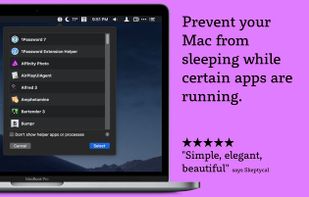
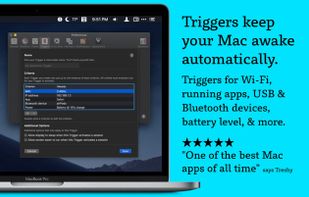
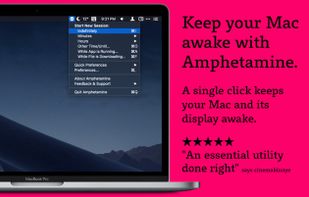
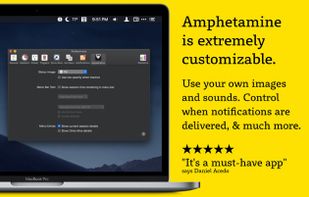
Amphetamine is a little app that lives in your menu bar which can effortlessly override your energy saver settings and keep your Mac awake.
 United States



+1

Best alternatives are 
92 alternatives

Amphetamine is a little app that lives in your menu bar which can effortlessly override your energy saver settings and keep your Mac awake.
United States
If you have problems with your PC locking or going to sleep, caffeine will keep it awake. It works by simulating a keypress once every 59 seconds, so your machine thinks you're still working at the keyboard, so won't lock the screen or activate the screensaver.
 United Kingdom



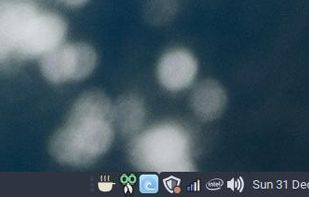
Inspired by the Mac OS X version, Caffeine for Linux is a status bar application able to temporarily prevent the activation of both the screensaver and the "sleep" powersaving mode.


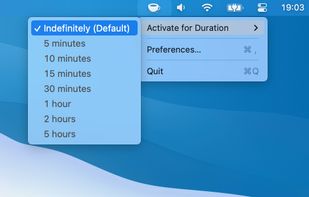
KeepingYouAwake is a small menu bar utility for macOS (Version 10.13 and newer) that can prevent your Mac from entering sleep mode for a predefined duration or as long as it is activated.
 Germany
 EU

 Norway
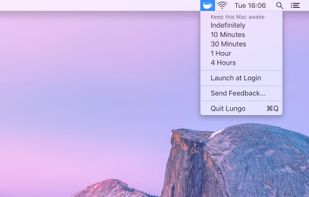

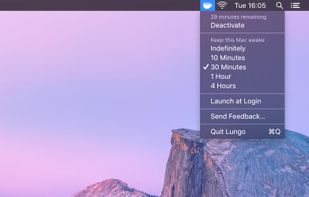

It always has been a missing feature: disabling the sleep mode on a Apple Laptop. Who does not want to use it as a big juke-box or go warwalking. The best looking server ever, especially at about one inch height.
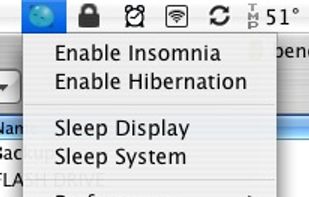

Coffee Buzz is the easiest and safest display-sleep preventer available, with simple operation and exclusive Safety Auto-Shutoff feature. Keeping your Mac awake (and letting it sleep again) is as simple as a click!.
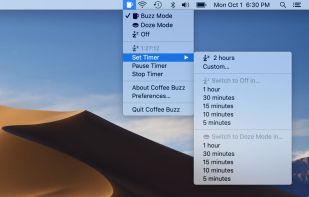
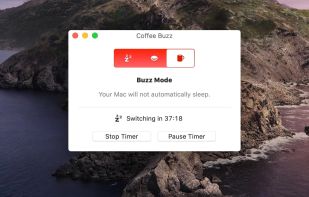

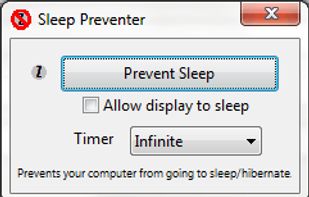
Prevents your computer from going to sleep, hibernate, dim the display or start the screensaver. Application runs in the system tray when closed. New in version v1.3: -Parameter support. v1.2: Option to let display fall asleep. v1.1: Sleep timer.


@home is a tiny convenience utility, that knows when you are at home (based on your wireless network name) and prevents your computer from locking the screen. When you are away from home, your normal locking idle times apply.


This is a kernel extension and clients that allow the MacBook to disable sleeping when the lid is closed. MOUNTAIN LION IS NOT SUPPORTED

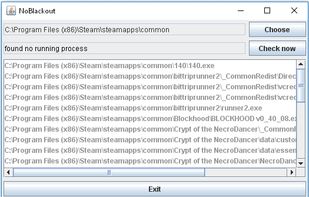
Simulates activity (=> disables screensaver and powersaving) while running programms (any .exe) from a choosen directory. Main purpose is to choose the steam directory to disable monitor powersaving while running steam games.

Prevent your Mac from falling asleep, dimming your screen or starting the screensaver. Theine keeps macOS awake just like caffeine does with you.
GermanyEU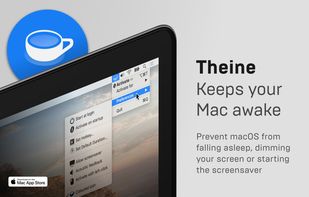
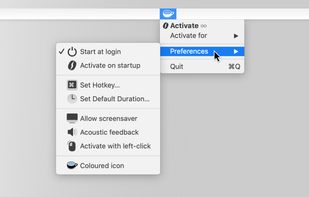
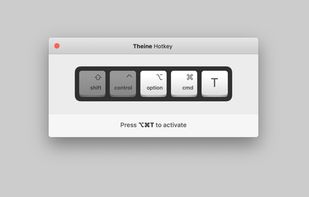
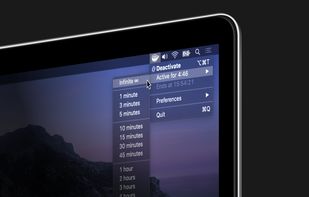

This application is used to prevent the computer from going to sleep without changing system settings

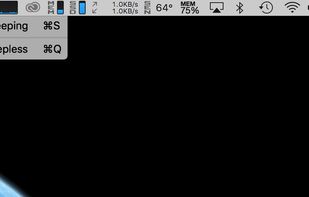

Espresso is a Caffeine alternative with support for retina displays and the black or white menu bar introduced in OS X Yosemite.
GermanyEU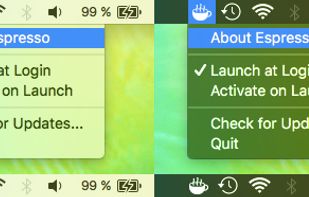

Anti-Sleep App for your Mac.
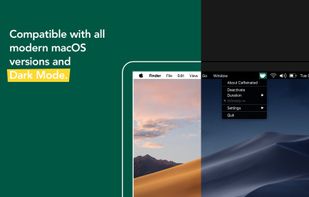
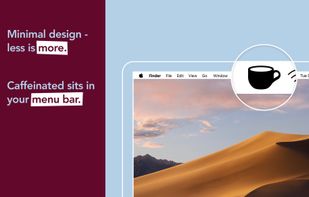
Caffeinated prevents your Mac from going to sleep, dimming your screen or starting the screensaver.
GermanyEU


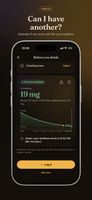
Track coffee, tea, soda, and energy drinks, estimate caffeine remaining at bedtime, and check whether another serving fits your chosen limit.
 Switzerland
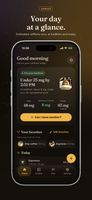
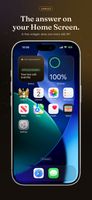


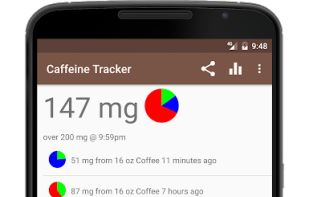
Tracks your current level of caffeine. Simply record each drink you consume. Accounts for the natural metabolism of the caffeine in each drink over time.


 Egypt
