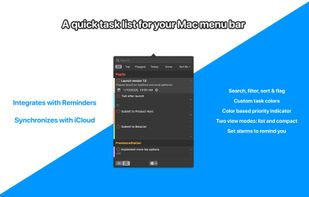
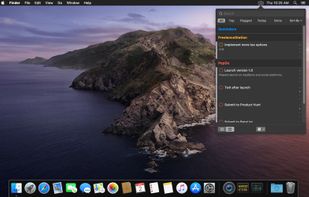
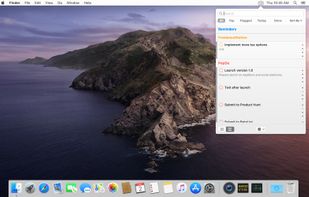
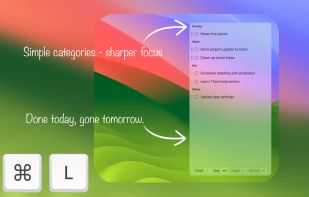
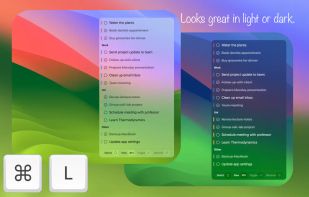
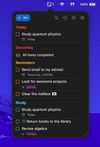
CmdList is a beautifully minimalistic to-do app designed exclusively for macOS users who value simplicity and productivity. Keep your tasks effortlessly organized in a floating panel that's always visible, yet never intrusive.
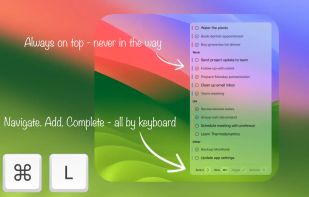




Apps similar to Zendo Task Manager include CmdList, which is free. Other options are Chunk, Commitments, Check Check Check and DeskMinder. You can choose from more than 10 Todo List Managers like Zendo Task Manager for Mac and Windows.
CmdList is a beautifully minimalistic to-do app designed exclusively for macOS users who value simplicity and productivity. Keep your tasks effortlessly organized in a floating panel that's always visible, yet never intrusive.
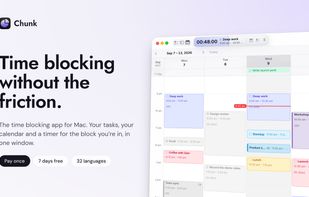
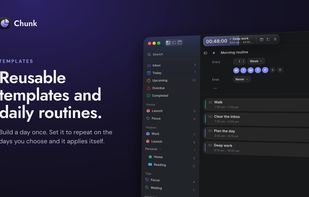
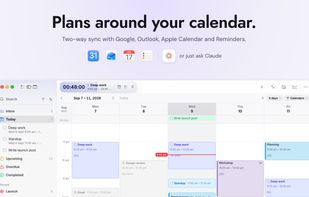
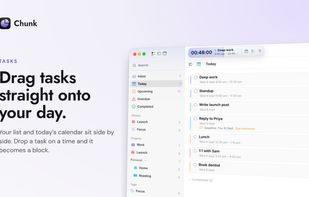
Time blocking app for Mac that syncs both ways with Apple Calendar, Google Calendar and Outlook. Plan your day in time blocks. Pay once, no subscription.
 France
 EU


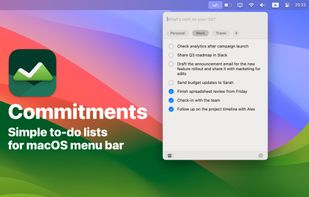
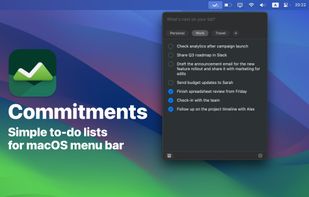
Commitments is a simple, lightweight to-do app that lives in your menu bar, works offline, and never collects your data—your tasks are yours alone.
 NetherlandsEU


Yes, another to do app. This time living in your menu bar. Add your tasks, add some tags and go to work. No projects, no GTD, no inbox, no excuses. Just Check Check Check!.
NetherlandsEU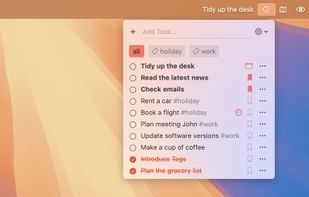


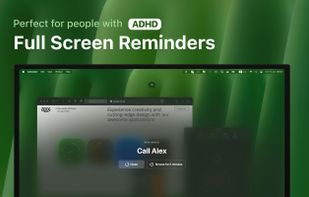
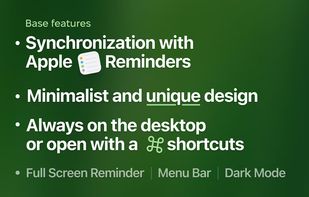
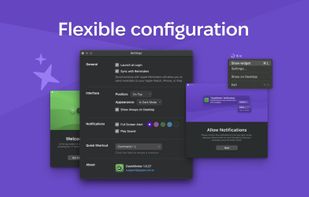
Create instant desktop pop-up reminders with one click, featuring full-screen alerts, Apple Reminders sync for iOS devices, widget flexibility, light or dark themes, and customizable placement—no complex calendars, ideal for urgent tasks and attention support.
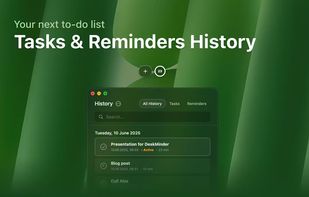


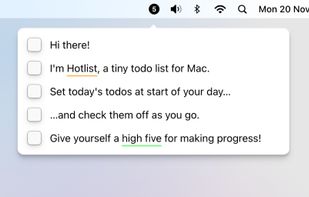


ToDoBar is a minimalistic yet powerful to-do list app for your Mac menu bar. It lets you create tasks effortlessly and reminds you to complete them before their deadline.
 IrelandEU
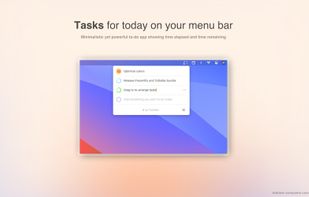


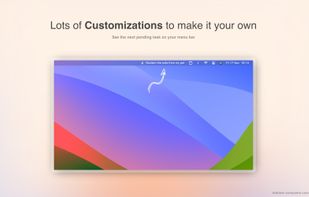


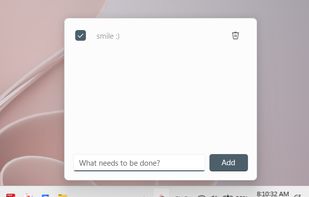
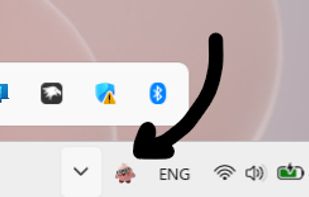
Kyrios is a lightweight Windows to-do list app that lives in your system tray. It lets you quickly add, manage, and track tasks without interrupting your workflow. Kyrios keeps your task list always within reach, just a click away from the taskbar.
 Jordan


Simple macOS menu bar application to view and interact with reminders. Open Source and using Apple Reminders as a source.
 Brazil
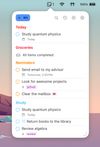


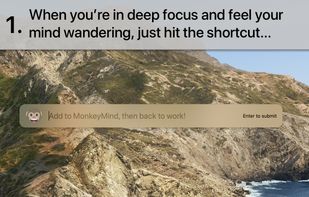
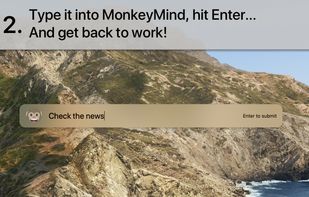
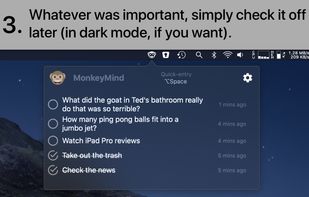
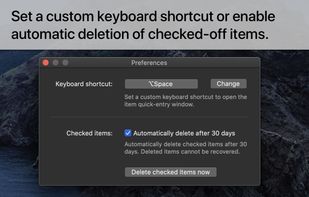
MonkeyMind is the shortcut-driven to-do list for your Mac's Menu Bar. Whenever you are in deep work mode, simply hit the shortcut and, just like in Spotlight, type away and press enter. The entry will get added to the menu bar list and you can deal with it later.


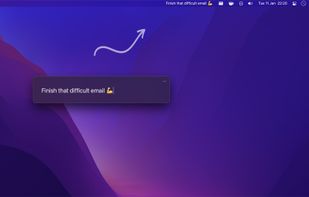
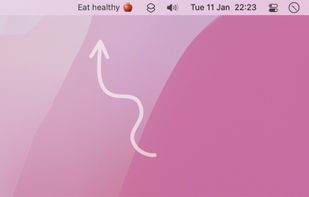
Put your most important task or goal in the menu bar. Its presence there will help remind you without being annoying.
 Norway


PopDo is a Mac app that sits in the menu bar for easy access to tasks. It integrates with Reminders and iCloud to store tasks and lists.
 SwedenEU