Zen Editor Alternatives

Zen Editor is described as 'Zen by Unit is a free, minimal, fast, private writing app. Just open and use' and is a Text Editor in the news & books category. There are more than 50 alternatives to Zen Editor, not only websites but also apps for a variety of platforms, including Mac, Windows, Linux and iPhone apps. The best Zen Editor alternative is Zettlr, which is both free and Open Source. Other great sites and apps similar to Zen Editor are Typora, ghostwriter, Clearly Markdown and MarkText.

Copy a direct link to this comment to your clipboard
Zen Editor alternatives page was last updated

Alternatives list

  1. Classeur icon
     6 likes

    Start writing notes, docs, and blogs quickly using Markdown.

    Cost / License

    • Freemium
    • Proprietary

    Alerts

    • Discontinued

    Platforms

    • Online
     
  2. Typewrite icon
     8 likes

    Typewrite is a real-time collaborative writing environment with Markdown support, versioning and Dropbox syncing.

    Cost / License

    • Freemium
    • Proprietary

    Platforms

    • Online
     
  3. Markable icon
     5 likes

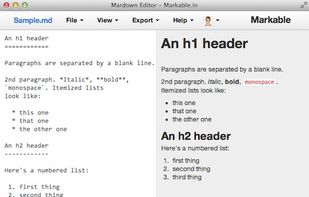
    A remarkable online markdown editor. - Auto Save and Resume, Live Preview, Upload Local File, HTML to Markdown, File Sharing, One Click Download, Evernote Intergration, Save to Dropbox, Post to Tumblr.
    Cost / License

    • Free
    • Proprietary

    Alerts

    • Discontinued

    Platforms

    • Online
     
  4. TextNut icon
     3 likes

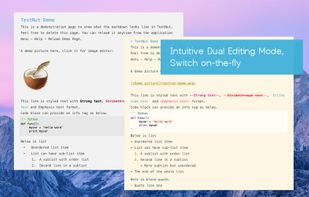
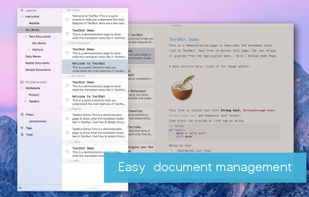
    TextNut will convert your edits into markdown on-the-fly. If you are familiar with Markdown, it is add-on, with a powerful markdown editing mode.
    Cost / License

    • Free
    • Proprietary

    Alerts

    • Discontinued

    Platforms

    • Mac
    • iPhone
    • iPad
     
  5. Desk icon
     4 likes

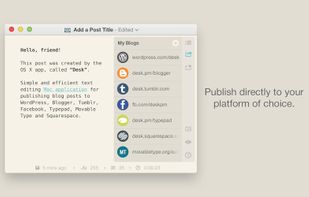
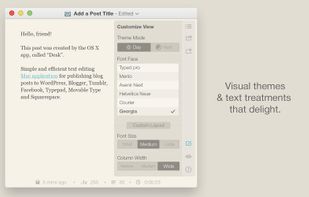
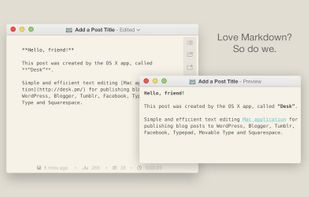
    An award-winning & beloved desktop publishing client, exclusively for OS X.

    You are a storyteller, passionate about crafting narratives that capture, express, and delight in what it means to be human.

    Cost / License

    • Paid
    • Proprietary

    Alerts

    • Discontinued

    Platforms

    • Mac
     
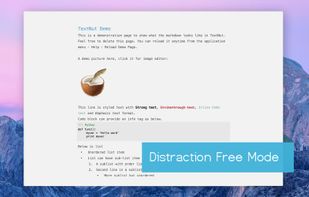
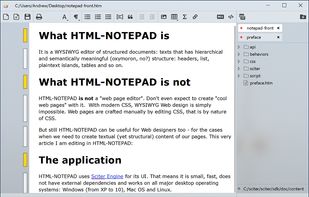
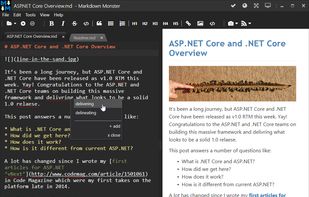
  6. Markdown Monster is a responsive Markdown editor that lets you edit Markdown with syntax highlighting and super fast text entry. A collapsable synced, live preview lets you preview your output as you type.

    Cost / License

    • Paid
    • Proprietary

    Platforms

    • Windows
     
  7. Theorylog icon
     3 likes

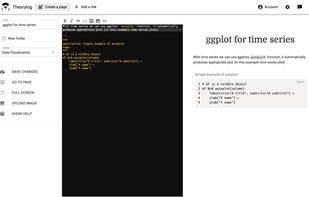
    Write markdown documents with quickly accessible code snippets, mathematical equations and images and store them in the cloud to be accessed anywhere.

    Cost / License

    • Free
    • Proprietary

    Platforms

    • Online
    • Software as a Service (SaaS)
     
  8. MarkMyWords icon
     4 likes

    A minimal markdown editor in the eOS design.

    Cost / License

    • Free
    • Open Source

    Application type

    Alerts

    • Discontinued

    Platforms

    • Linux
    • Vala
     
  9. Yu Writer Pro icon
     2 likes

    Efficient cross-platform Markdown text editor.

    Cost / License

    • Freemium
    • Proprietary

    Platforms

    • Mac
    • Windows
     
  10. Monod icon
     3 likes

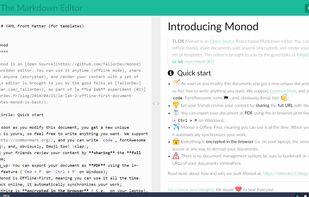
    Monod was a secure and offline-first, React-based Markdown editor. Development has STOPPED and the app has been taken down.

    Cost / License

    • Free
    • Open Source (MIT)

    Application type

    Alerts

    • Discontinued

    Platforms

    • Online
    • Self-Hosted
    • React
     
  11. PileMD icon
     4 likes

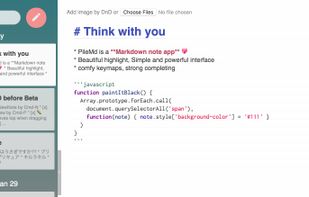
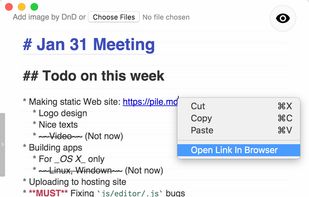
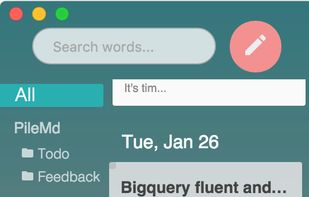
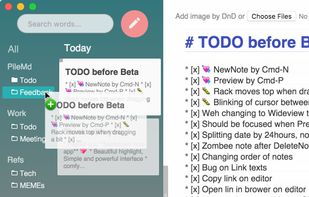
    PileMd has a really beautiful Markdown Editor, looks like Preview. It's like a RichText Editor but it's actually Markdown, and it works like a word processor, complete with Undo/Redo histories, list completion and clickable urls.

    Cost / License

    • Free
    • Proprietary

    Application type

    Alerts

    • Discontinued

    Platforms

    • Mac
    • Windows
    • Linux
     
  12. PeerPad icon
     1 like

    This service allows you to write, collaborate and export markdown documents directly in your browser!

    Get started by start typing in the blue-pane to the left of this text. This area will automatically start to reflect your new changes.

    Cost / License

    • Free
    • Open Source (MIT)

    Application type

    Platforms

    • Online
     
You are at page 5 of Zen Editor alternatives