


ZapPDF
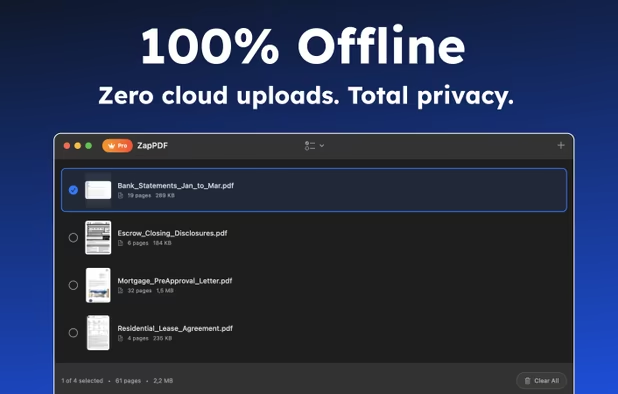
ZapPDF is the ultimate privacy-first PDF utility. Whether you are dealing with sensitive financial documents, legal forms, or heavy study materials, ZapPDF gives you the power to manage them instantly—without ever uploading your private files to a random cloud server.
Cost / License
- Freemium (Pay once or Subscription)
- Open Source (MIT)
Application type
Platforms
- Mac
- iPhone
- iPad

Features
Properties
- Privacy focused
- Lightweight
Features
- Works Offline
- Ad-free
- Split PDF files
- No Tracking
- Built-in viewer
- Combine PDF
- No registration required
- Swift
ZapPDF News & Activities
Recent activities
- BerkerGungor added ZapPDF
- POX updated ZapPDF
 BerkerGungor added ZapPDF as alternative to Okular, Foxit PDF Reader, Xournal++ and PDF Arranger


ZapPDF information
Developed by
 Yasar Berker Gungor
 Licensing
Open Source (MIT) and Freemium product.Pricing
One time purchase that costs up to $45, and / or subscription that costs up to $2 per month + free version with limited functionality.Written in
Alternatives
51 alternatives listedSupported Languages
- English
- Chinese
- French
- German
- Japanese
- Spanish
- Turkish

AlternativeTo Category
Office & ProductivityGitHub repository
- 4 Stars
- 1 Forks
- 0 Open Issues
- Updated


What is ZapPDF?
ZapPDF is the ultimate privacy-first PDF utility. Whether you are dealing with sensitive financial documents, legal forms, or heavy study materials, ZapPDF gives you the power to manage them instantly—without ever uploading your private files to a random cloud server.
100% OFFLINE & PRIVATE All processing happens locally on your device. Zero cloud uploads. Zero data harvesting. Total peace of mind.
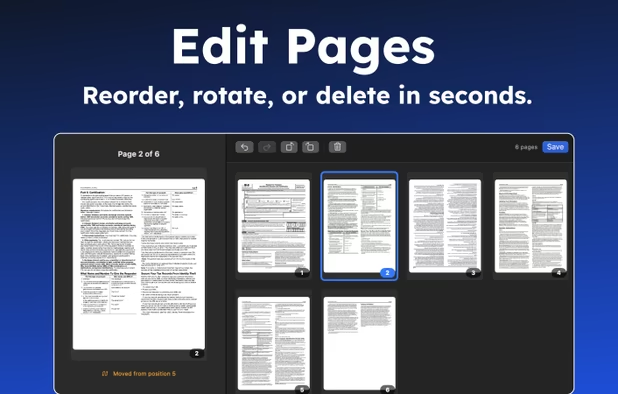
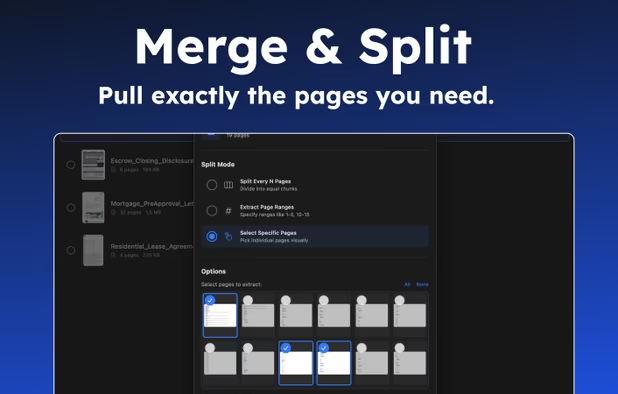
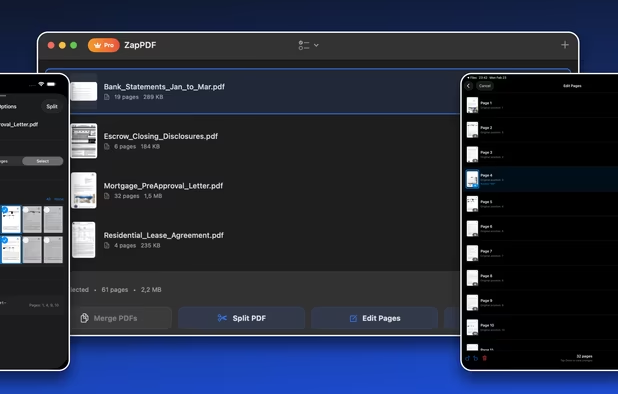
POWERFUL FEATURES • Merge: Combine multiple files into one seamless document. • Split: Extract specific page ranges or break a large file into individual pages. • Edit Pages: Drag to reorder, rotate, or delete pages in seconds. • Document Scanner: Scan paper documents or import photos directly into a crisp, secure PDF. • Flatten: Merge annotations and form fields directly into the page content to prevent further editing. • Seamless Sharing: Open files directly from the Files app, Mail, or other apps using the iOS Share Sheet.
