


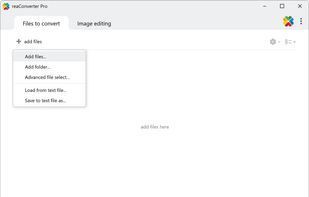
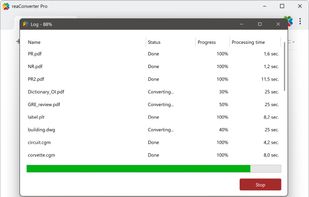
ReaConverter is time-saving batch image converter software that supports more than 700 source formats and over 60 output formats.
Cost / License
- Freemium
- Proprietary
Application type
Platforms
- Windows
 Cyprus
 EU
EU



Apps similar to XnConvert include ImageMagick, which is free and open source. Other options are GetCompress, TinyFast, Converseen and RIOT - Radical Image Optimization Tool. You're spoiled for choice with Image Converters like XnConvert: we list more than 100 alternatives for Windows, Mac, the web, Linux and self-hosting.
ReaConverter is time-saving batch image converter software that supports more than 700 source formats and over 60 output formats.
CyprusEU
NConvert is a powerful command line multi-platform batch image processor with more than 80 commands. Compatible with 500 image formats.
 FranceEU


A powerful photo manipulation program for Windows and Mac that makes it easy to add date/time stamps, resize, convert, watermark, touch-up, apply special effects, and rename hundreds of photos in a single operation!.
 RomaniaEU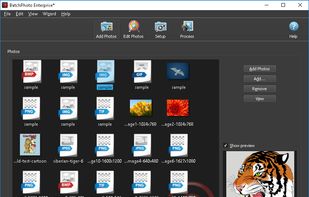


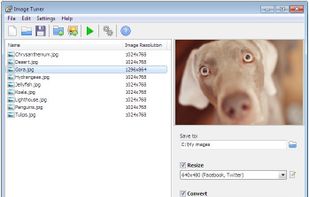
Image Tuner is a free batch image resizing, renaming, conversion and watermarking software with a super-intuitive and straightforward interface.
 Russia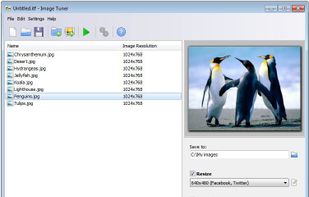



Resize, add watermarks and share your pictures with a single click.
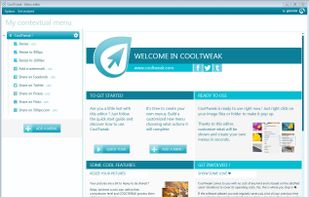
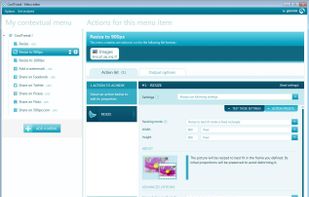
CoolTweak is a nice tool that expands the use of right-click menus on the OS level with actions you are able to tweak to fit your needs.
With Cooltweak, you are able to right click files and folders to finish a.
FranceEU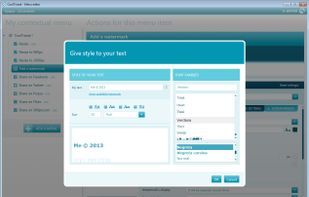
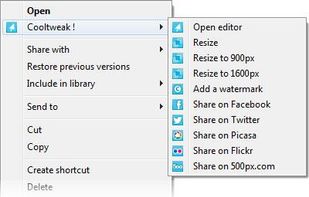


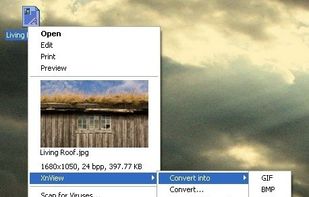
XnShell is a free File Explorer extension that installs a number of image-related tools in the right-click context menu, including a thumbnail preview, image conversion to a wide variety of formats, image resizing, editing image IPTC...
FranceEU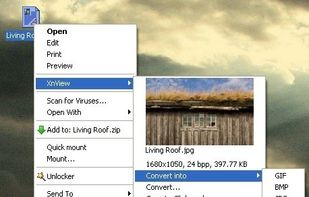


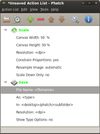
Phatch is an user friendly, cross-platform Photo Batch Processor and Exif Renamer with a nice graphical user interface. Phatch handles all popular image formats and can duplicate (sub)folder hierarchies.
 BelgiumEU


Convert hundreds of images for your convenience and easy sharing. Supports TIFF, JPEG, RAW, PNG, BMP, EPS, PDF, PSD, TGA, and many other image formats.
 China
China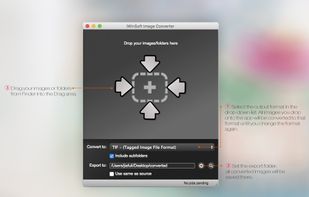


ImBatch is a batch image processor with a nice graphical user interface. It will allow you to edit multiple image files at the click of a button by using scripts. The script will be created by combining Tasks.
 Ukraine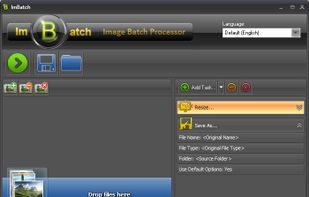
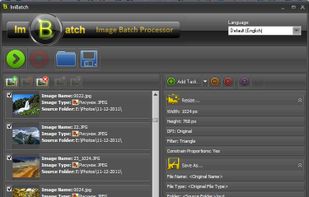
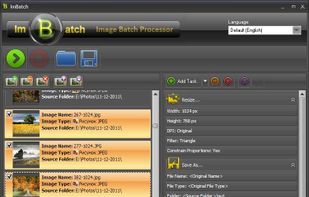


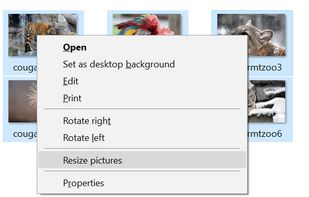
Image Resizer for Windows is a utility that lets you resize one or more selected image files directly from Windows Explorer by right-clicking.
 United States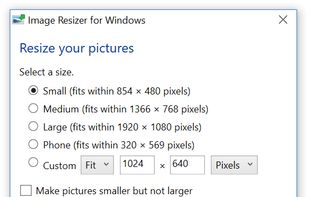


Total Image Converter converts images to other formats, crops, resizes and rotates them. Convert large TIFFs into small JPEGs, make photos suitable for the web or recover old photos in unsupported formats - Total Image Converter will do everything for you.
 United Kingdom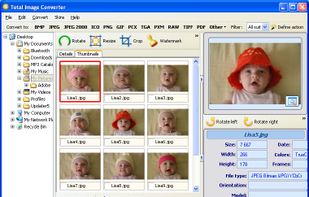


 Poland


