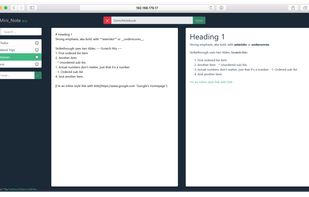
An elegant and easy to use editor with simplicity for the Markdown markup language. Markdown Life is able to use full power of your new Mac and brings you unprecedented performance.
Cost / License
- Paid
- Proprietary
Application type
Platforms
- Mac


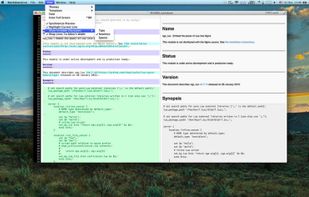


+1


Apps similar to Write for Mac include Typora. It's paid, but ghostwriter and Clearly Markdown are free. Other options are Rentry.co, Bear, Dendron and marka.md. There's no shortage of Text Editors like Write for Mac, with more than 50 alternatives for Mac, Windows, Linux, the web and iPhone.
An elegant and easy to use editor with simplicity for the Markdown markup language. Markdown Life is able to use full power of your new Mac and brings you unprecedented performance.

Markie is a wysiwyg editor for the markdown syntax written entirely in python with html preview of your own css.


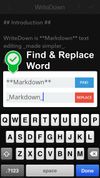
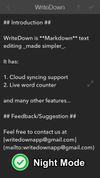
Try WriteDown, an app that made text editing simpler. You can write your note whether you are at home, at work, or on the go. Your notes are synchronized to the cloud, so you can easily read it wherever you want.


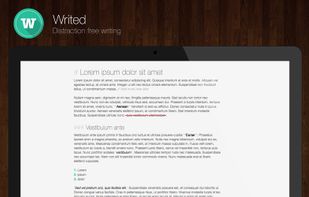
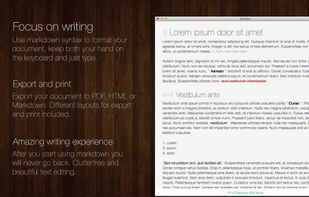
Writed is a distraction free text editor that will help you type more in less time. Writed uses markdown* syntax to format your document in real time, keep both your hand on the keyboard and just type.



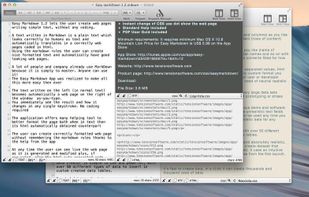
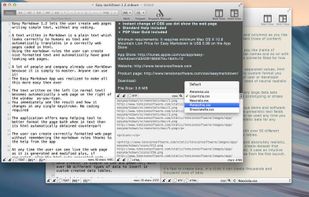
Easy Markdown lets the user create web pages writing simple text using the Markdown rules to create readable well formatted text. A text written in Markdown is a simply text which looks correctly to humans as text and automatically translates in a correct web page.
 Italy
Italy EU
EU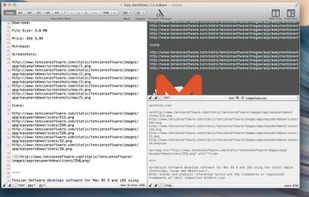


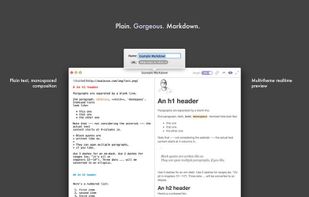
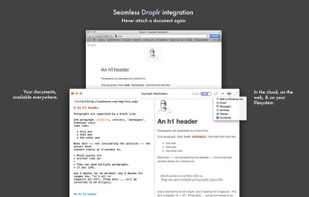
Markdown is a simple syntax built for writers who want to compose in an easy-to-write, easy-to-read format that can be converted to HTML. But the missing component up until now has been quickly uploading that HTML to a URL that can be easily shared with others.
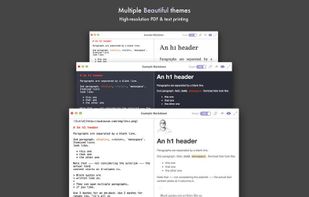


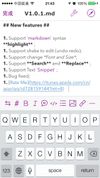
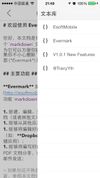
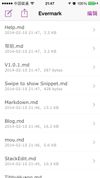
Evermark is a full-featured markdown editor for iOS.


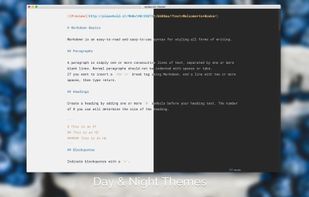
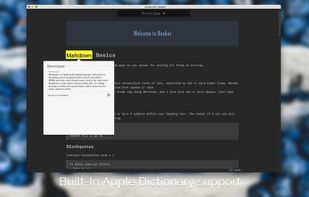
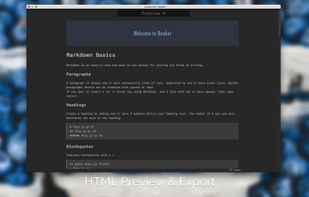
Meet Booker, an editor with the power of Markdown, made specially for writers and bloggers. You don’t have to blur your mind with any concerns instead of writing down your ideas. Just pull up a chair, enter fullscreen distraction-free mode, and start making a new book, post, or...



Notebag is a fully keyboard-compatible note taking app that links all your knowledge and gets out of your way.
 GermanyEU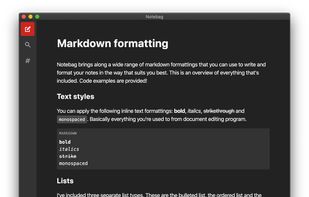


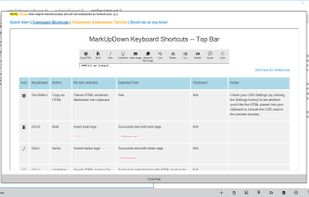
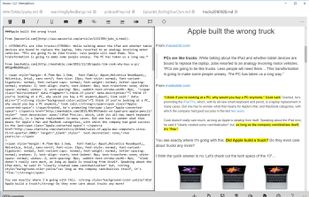
MarkUpDown is an editor specialized to make creating Markdown code easy for beginners and experts. With helpful toolbars for beginners, GitHub Flavored/Multimarkdown table support, and keystroke shortcuts & Easy Actions for the expert, MarkUpDown is ready to help anyone...



 United States

 GermanyEU