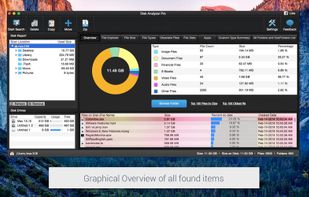
Disk analyzer pro is the best disk space management software and storage analyzer which helps in managing and handling hard disk space and running your PC with the highest speed.
Cost / License
- Paid
- Proprietary
Application type
Platforms
- Mac
- Windows


One of the most popular alternatives to WizTree is WinDirStat, which is free and open source. Other popular alternatives are Baobab Disk Usage Analyzer, Filelight, TreeSize and SD Maid SE. Disk Usage Analyzers like WizTree are a crowded field, with more than 100 alternatives for Windows, Mac, Linux, Android and the web.
Disk analyzer pro is the best disk space management software and storage analyzer which helps in managing and handling hard disk space and running your PC with the highest speed.

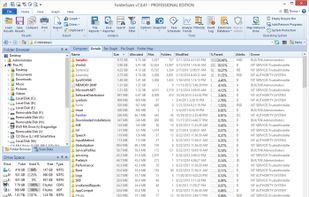
FolderSizes provides an engaging, interactive disk space analysis experience that you must try yourself to truly appreciate. More than just a series of diverse reports, FolderSizes allows you to visualize your disk space usage from multiple perspectives, like SequoiaView.
 United States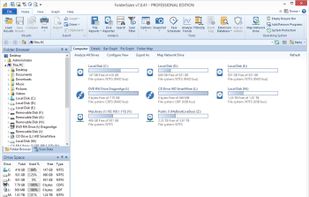



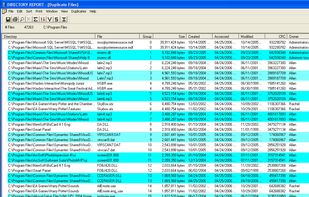
Directory Report is a file manager designed to scan large hard drives to find duplicate files, rename files, locate large files and folder, print folder content and more. It provides a simple interface that will appeal to technical users.
United States


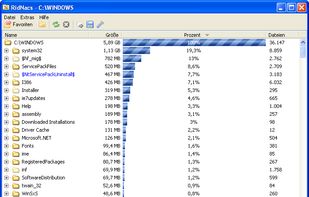
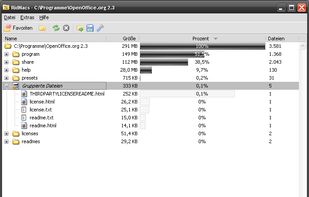
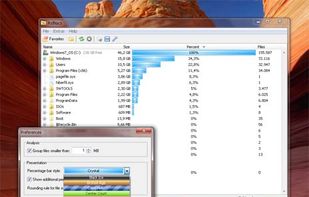
RidNacs is a very fast disk space usage analyzer for Microsoft Windows. It scans your local drives, network drives or single directories and produces a tree view with a percentage bar chart column. This gives the user a quick and easy way to identify the largest directories and...
 Germany
 EU
EU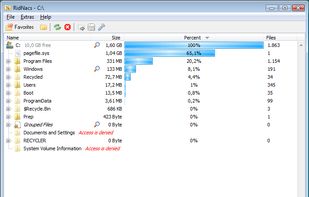


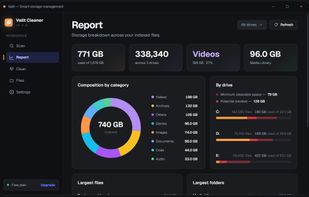
Disk cleanup for Windows that recovers more space than traditional cleaners, without ever putting a file at risk.
 Brazil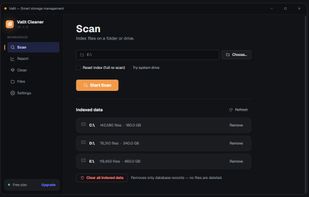
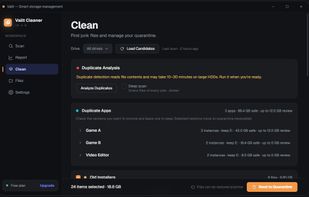
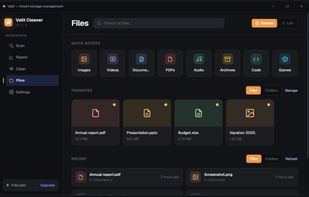


Inspect your disk and find the files that occupy the most space or that haven’t been modified in a long time.
GermanyEU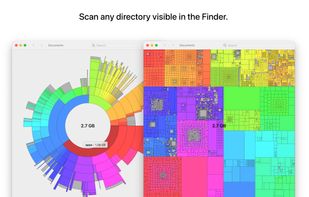
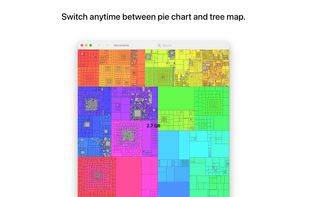
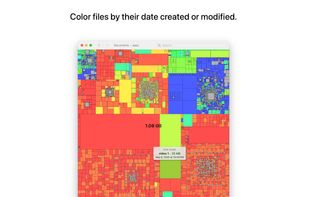
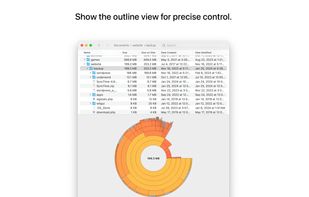


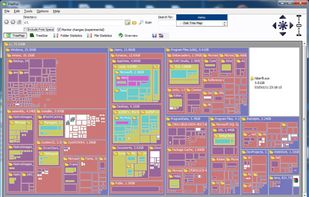
Create a visual representation of the amount of space each file is taking on your hard drive. It creates a "squarified treemap" that makes it easy to see where all your space is going.
 NetherlandsEU


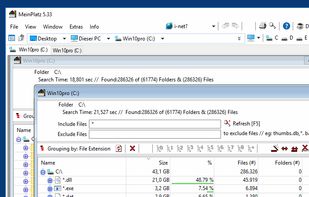
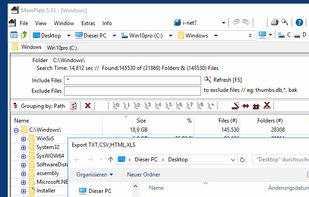
MeinPlatz "My-Place" offers an easy and fast way to scan the hard disk for lost disk space. With analysis on a percentage basis and grouping by folders, file types, size or date. It has also a nice print and export function.
GermanyEU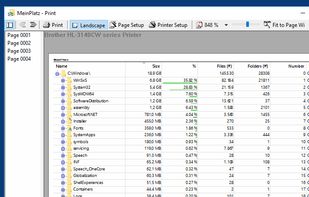
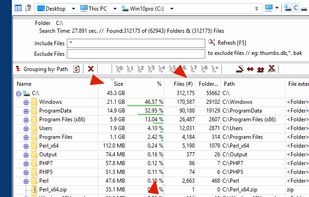


O&O DiskStat is a high-power tool for analyzing the used disk space on your storage volumes. With an easy-to-use interface based on the design of the Windows Explorer, you can take a closer look at the file and folder structure of your internal and external drives.
GermanyEU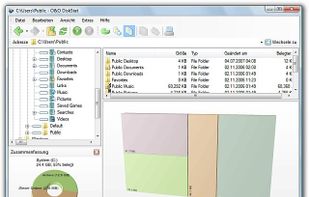

 NetherlandsEU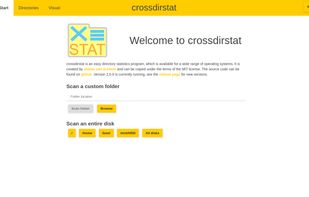



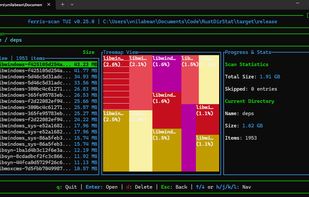
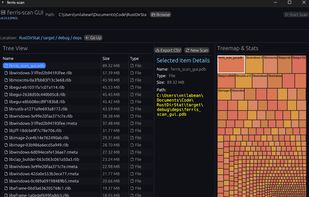
ferris-scan is a lightweight and fast both terminal user interface (TUI) and graphic user interface (GUI) alternative to WinDirStat. Built with Rust and ratatui, it scans your disk in parallel using a thread pool, allowing you to quickly navigate directories directly from the...


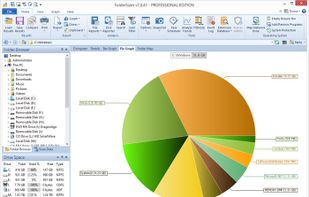
This free-for-personal-use software utility analyses storage disk usage, and then presents the gathered information in graphical format(s) viz. a directory tree, or a pie chart.