Cost / License
- Paid
- Proprietary
Application type
Platforms
- Mac
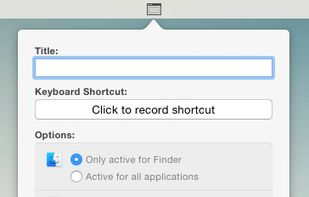

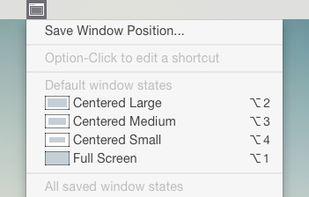

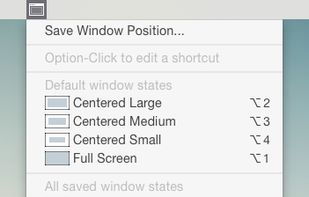


WindowTidy has been discontinued. Similar apps include Rectangle, which is open source with a free version. Other options are BetterTouchTool, SnapZones, AquaSnap and MacsyZones. Window Managers like WindowTidy are a crowded field, with more than 50 alternatives for Mac, Windows, Linux and Android.

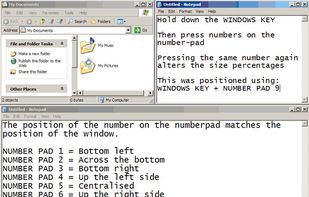
WinNumpad Positioner is a lightweight and snappy Windows management tool that repositions Windows using simple Windows Key + Numpad combinations.


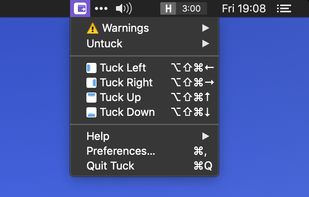
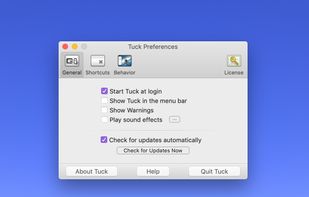
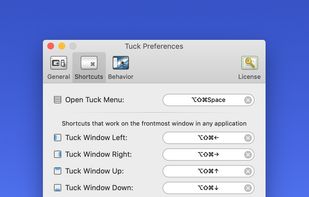
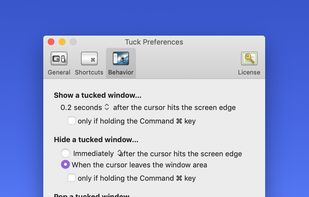
Tuck is a handy menu bar application that allows you to quickly and simply clear multi-window clutter by hiding windows under your screen edges.


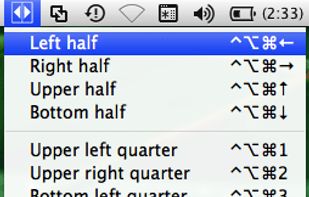
Arrange, resize, snap, and move windows in OS X with the help of keyboard shortcuts, certain window dragging gestures, or using OS X's window buttons.

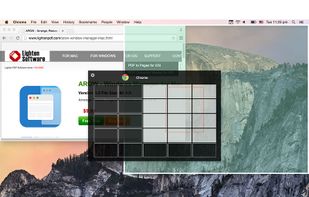
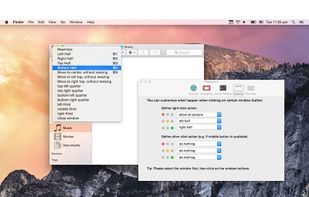
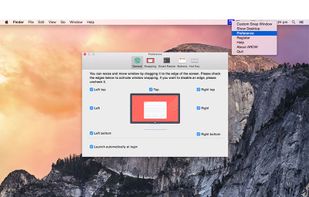


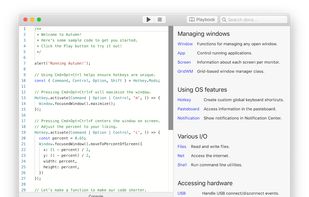
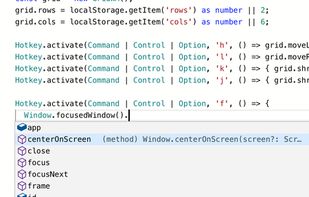
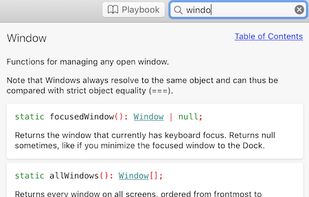
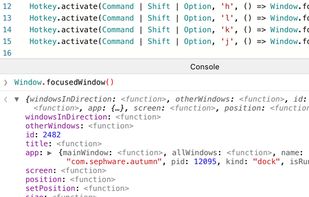
Autumn is a full customizable window manager for Mac with a built-in IDE for coders to configure everything with JavaScript or TypeScript.


FlowShelf a free Mac app that turns your notch into a Dynamic Island and gives everything you copy, drop, or screenshot a temporary home.
 Australia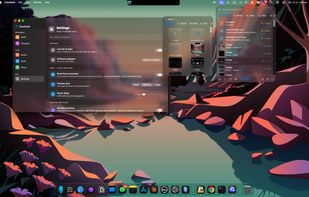
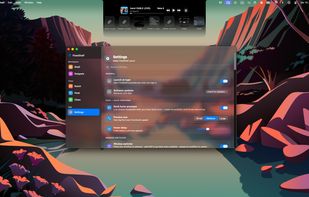
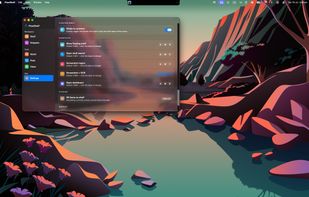


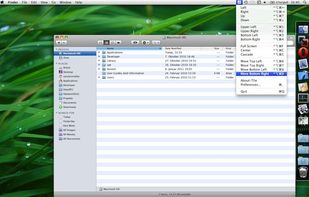
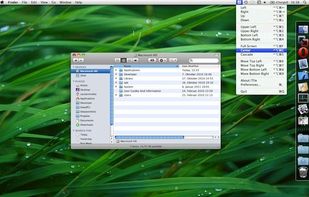
TileWindows helps you to easily organize your desktop: Move and resize your application windows, so you can view them side by side, by using keyboard shortcuts.
 Germany
 EU
EU


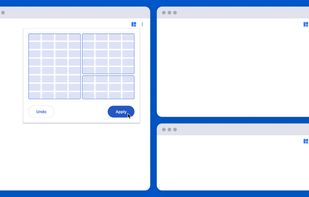
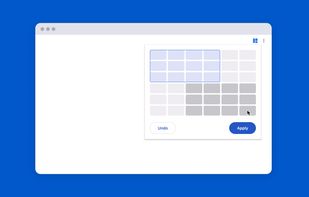
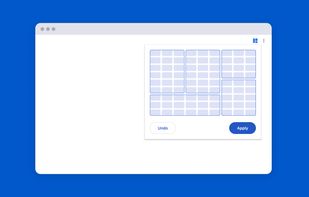
Tiled is a Chrome extension that lets you arrange your windows using a grid-based interface.
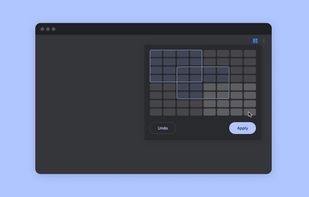


Managing the windows on your computer has become a snap! With the iSnap app, you can organize various windows to fit perfectly on your screen and access them simultaneously!

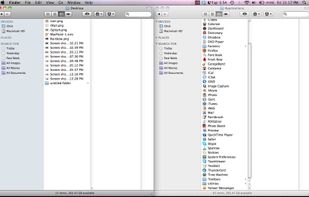
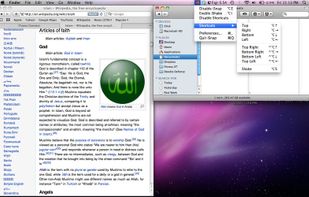

A small utility which allows you to easily organize your open windows by tiling, resizing and positioning them to make the best use of your desktop real estate. It's easy to configure and supports multiple monitors.
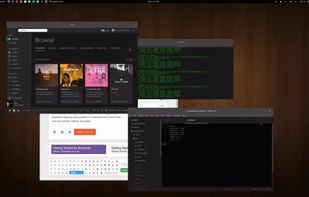

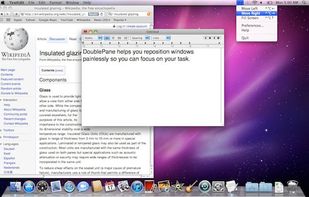
Have you ever wasted time repositioning application windows so you can see two windows simultaneously? DoublePane effortlessly repositions application windows to maximize your screen space for easy side-by-side viewing.
 United States


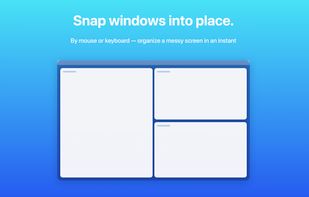
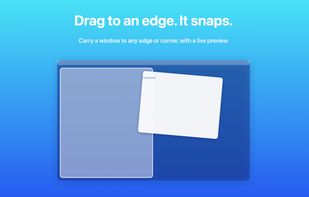
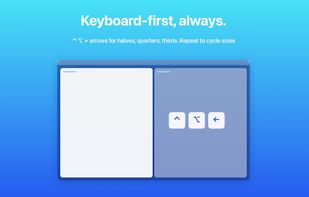
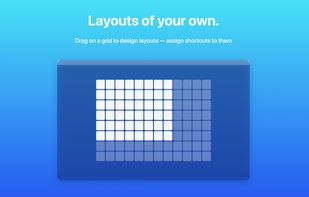
Arrange macOS windows into halves, thirds, quarters, or custom grid layouts using live previews, drag actions, or fully remappable shortcuts. Restore positions with one key, move windows across displays, manage layouts via the menu bar, and customize every action.
 Japan
Japan