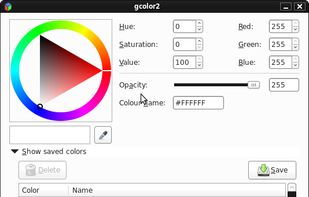
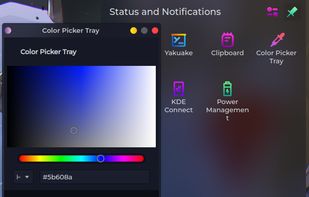
gcolor2 is a basic colourpicker utility that allows you to select any colour on your screen, and, well, grab it's colour. It also allows you to save the colour you create to a file, which shows up as a list in the application.
Platforms
- Linux
- Xfce


Apps similar to Color Picker Pro by BinaryMark include gpick, which is free and open source. Other options are Just Color Picker, Eyedropper, Instant Eyedropper and System Color Picker. You're spoiled for choice with Color Picker Tools like Color Picker Pro by BinaryMark: we list more than 25 alternatives for Windows, Mac, Linux, the web and iPhone.
gcolor2 is a basic colourpicker utility that allows you to select any colour on your screen, and, well, grab it's colour. It also allows you to save the colour you create to a file, which shows up as a list in the application.

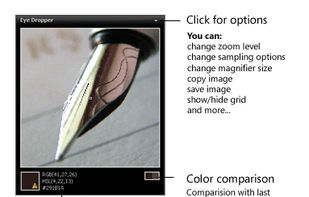
Ever tried using a color picker on a high resolution monitor? Its impossible. Thats why this color picker has a magnifier attached. Grab palettes of up to 16 colors at once and use four advanced color mixers to select a spectrum of possibilities.


Color Cop is a multi-purpose color picker for web designers and programmers. It features an eyedropper, magnifier, variable magnification levels, 3 by 3 and 5 by 5 average sampling, snap to websafe, color history, and a 42 color complementary palette.
 United States




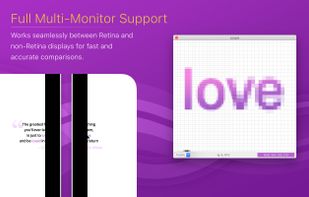
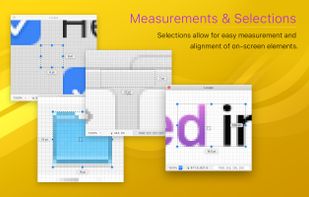
Offers real-time on-screen magnification under the cursor with a lightweight footprint, featuring a custom color picker, unlimited palette storage, color mixer, customizable harmonies, and workflow tools for inspecting artwork and aligning interface elements.

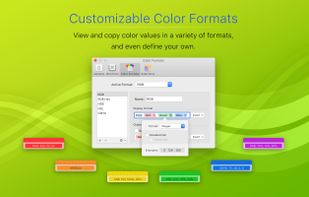


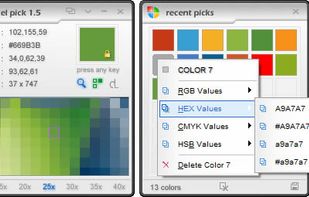
Pixel Pick is a free color picker tool that pick the pixels color under your mouse cursor on the desktop and translates it into a number of different color formats such as RGB, CMYK, HSB, HEX or Web Color format. A free color picker for grabbing color under your mouse .


With the pipette you are able to edit, convert and pick up colors from your screen. Pipette also supports a lot of standards or color models (RGB, CMY, CMYK, HSV, TColor and XYZ0). Color models are nothing but theoretical descriptions of colors using certain numeric values.
 Germany
 EU
EU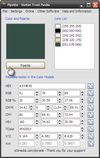
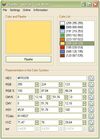


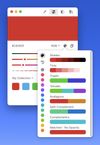
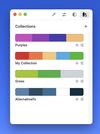
ColorSlurp is the ultimate color tool for developers and designers. Pick any color on your screen using the high-precision magnifier. Create and edit colors using advanced selection and editing tools. Organize colors into collections.
United States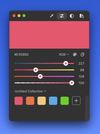


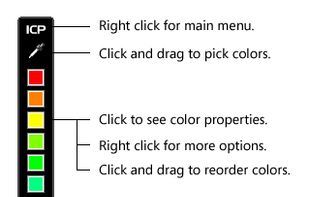
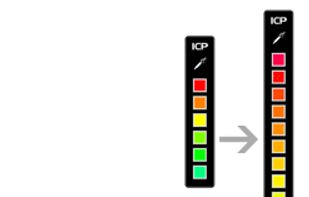
With Instant Color Picker (ICP), you can quickly pick colors from screen and store them.
United States


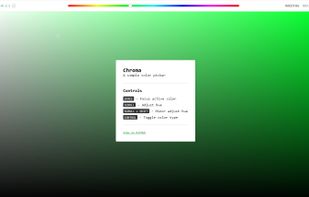
Chroma is a browser-based color picker that focuses on color selection. It was built using React Color.






Program to get colors from your screen with the build in magnifier. Zoom 1 to 10. Modify colors with the RGB or HSV slide bars. Copy the color to the clipboard as Hex, Decimal, RGB or HSV value. Direct changing the RGB and HSV values.
 NetherlandsEU