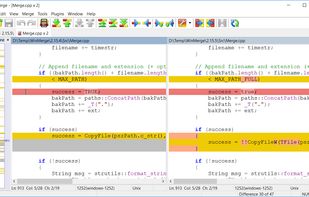
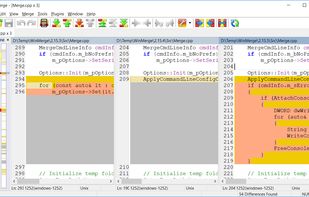
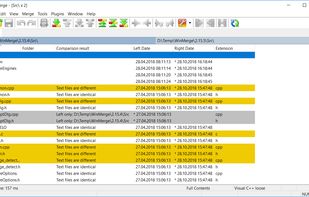
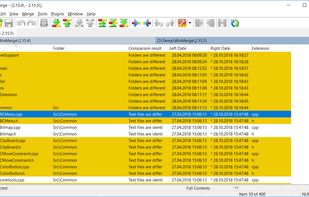
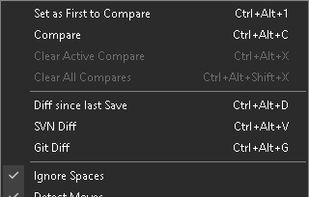
WinMerge is an open source differencing and merging tool for Windows. WinMerge can compare both folders and files, presenting differences in a visual text format that is easy to understand and handle.
 United States



+4


There are many alternatives to WinDiff for Windows if you are looking for a replacement. The best Windows alternative is WinMerge, which is both free and Open Source. If that doesn't suit you, our users have ranked more than 25 alternatives to WinDiff and 15 are available for Windows so hopefully you can find a suitable replacement. Other interesting Windows alternatives to WinDiff are Beyond Compare, Diffchecker, Compare and SemanticDiff.
WinMerge is an open source differencing and merging tool for Windows. WinMerge can compare both folders and files, presenting differences in a visual text format that is easy to understand and handle.
United States
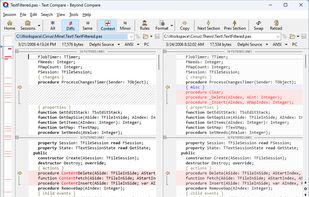
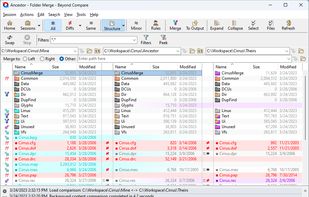
File and folder comparison tool offering source control integration, 3-way merge support, and selective synchronization. Supports FTP, cloud, runs offline, uses simple commands for files, customization, and scripting for reporting. Lightweight, portable with CLI and built-in viewer.
United States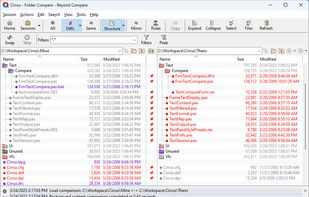


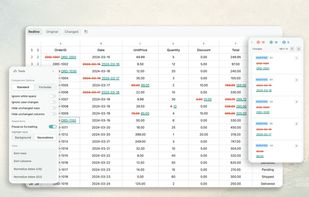
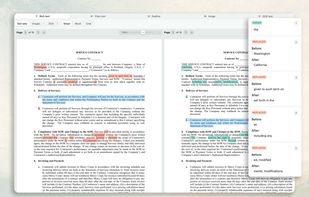
Diffchecker Pro enables you to compare various types of content, on your desktop or directly in the browser.
 Canada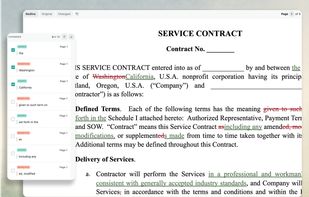


 France
 EU
EU


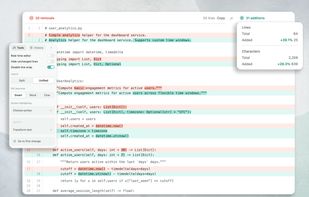
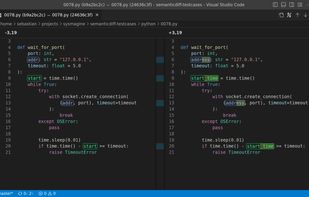
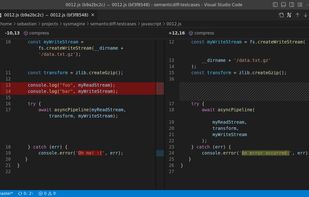
SemanticDiff is a programming language aware diff for Visual Studio Code and GitHub. It helps software developers understand code changes faster by hiding irrelevant changes, detecting moved code, and highlighting refactorings.
 GermanyEU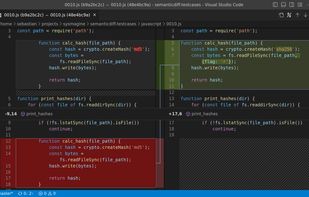


WinMerge 2011 series is a fork of the original WinMerge application that compiles without ATL/MFC dependencies to enable zero-budget developers to build WinMerge from sources using Visual C++ Express editions.
GermanyEU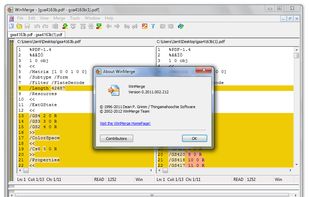
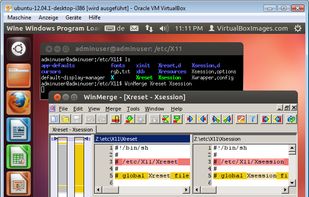


WinMerge JP is a fork of the original WinMerge, but after 2018 the two are nearly identical. WinMerge JP's features including 3-way compare has been merged into the original.
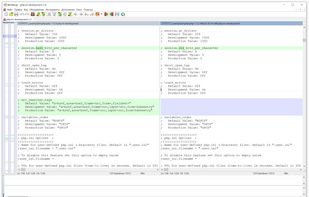
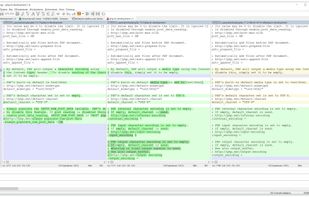


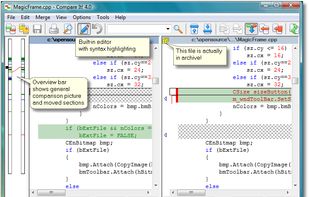
Easily compare and merge text files; compare doc, xls and pdf files; prepare comparison reports and printouts.
 Russia