


FlyScreen is a powerful screenshot manager for iOS. Search your screenshots, copy text and links, organize by tags, and more.
Cost / License
- Free
- Proprietary
Application type
Platforms
- iPhone
- iPad







Apps similar to WebSnapperPro include ShareX, which is free and open source. Other options are Greenshot, Spectacle, FireShot and Firefox Screenshots. Screenshot Capture Tools like WebSnapperPro are a crowded field, with more than 25 alternatives for Mac, Windows, the web, Linux and Chrome OS.
FlyScreen is a powerful screenshot manager for iOS. Search your screenshots, copy text and links, organize by tags, and more.

This extension is able to capture 100% of both the vertical and horizontal content appearing on any webpage on the Internet.




Gemoo's Website Screenshot Screenshot Tool lets you capture high-quality PNG, JPEG or PDF screenshots of entire webpages. You can also use our Bulk Website Screenshot feature to capture multiple screenshots at once, displayed as a slide view and easily shareable via copy...
 United States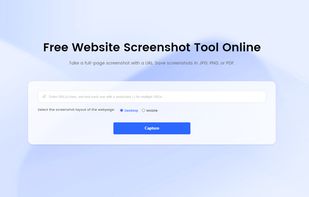


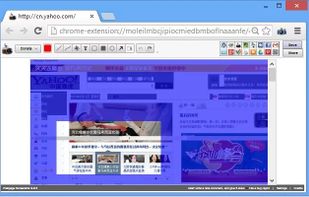
Capture the web page, either part of it or full page. Edit your screenshots in a very user-friendly interface.


CutyCapt is a small cross-platform command-line utility to capture WebKit's rendering of a web page into a variety of vector and bitmap formats, including SVG, PDF, PS, PNG, JPEG, TIFF, GIF, and BMP.
 Germany
 EU
EU


Movavi ScreenShot is a screenshot extension for Chrome and Firefox that lets you grab full and partial screen captures as well as save screenshots in multiple formats.
 CyprusEU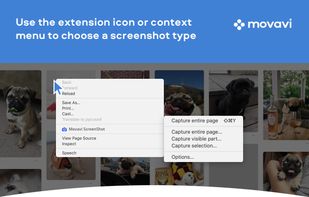




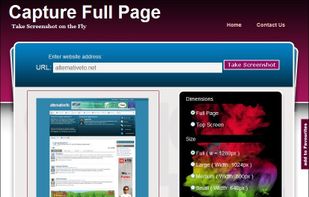
Capture Full Page Screenshot of any website Online.
Features: Take screenshots of public webpages easily. Captures the full webpage. Preview the screenshot. Set the image’s dimensions, size, and format. Download your screenshot in a zip file. View recent screenshots created in.


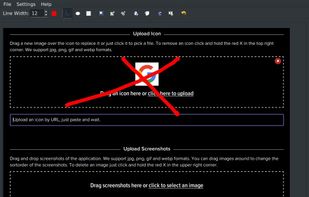
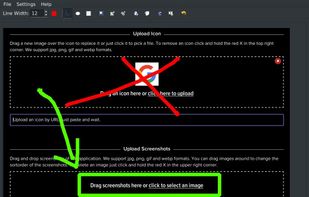


A macOS app for capturing, annotating and sharing screenshots. Quickly add comments, highlight what matters or blur any sensitive content. Upload screenshots to Google Drive or Dropbox. Copy screenshots to the clipboard and paste them directly into Slack, Skype, Jira, Trello and...


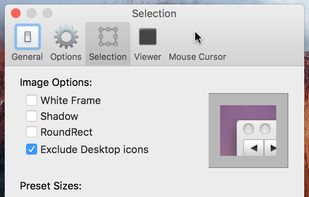
Small and free screenshot app for Mac that offers custom area and resolution presets, and much more.
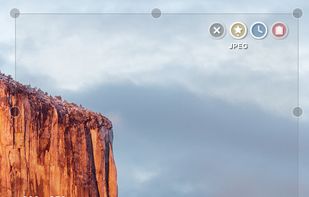
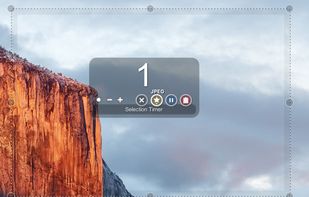


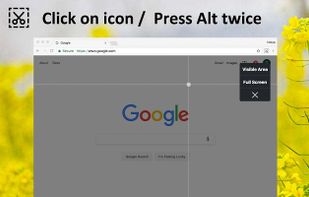
Right click on any web page, frame or iframe, click "Save Page As Image..." and then resize the selection around the piece you want to save.



khtml2png is a command line program to create screenshots of webpages. It uses libkhtml (the library that is used in the KDE webbrowser Konqueror).


 Russia


