Cost / License
- Free
- Open Source (AGPL-3.0)
Application type
Platforms
- Mac
 China
China
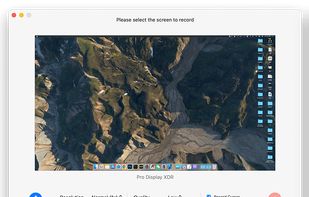

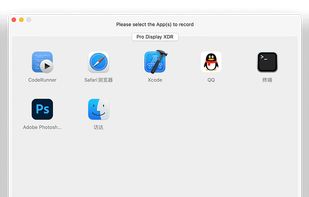

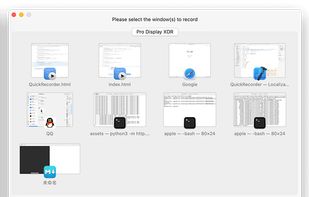

+3
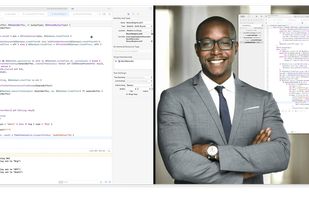


Apps similar to Wayfarer include OBS Studio, which is free and open source. Other options are ShareX, SimpleScreenRecorder, Bandicam and Camtasia. Screen Recorders like Wayfarer are a crowded field, with more than 50 alternatives for Windows, Mac, Linux, the web and Android.
China
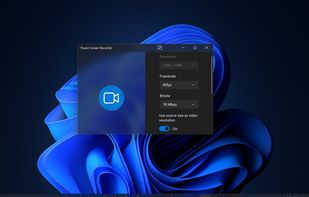
Get to know Game Bar on Windows Open Game Bar to take control of all your favorite gaming activities while playing on your Windows 10/11 device.


Capture the contents of your entire desktop at the same time as your video camera, microphone and computer's audio. Sophisticated editing tools allow you to create incredible screencasts in no time.
 United States


Wink is a Tutorial and Presentation creation software, primarily aimed at creating tutorials on how to use software (like a tutor for MS-Word/Excel etc). Using Wink you can capture screenshots, add explanations boxes, buttons, titles etc and generate a highly effective tutorial...
 India
India




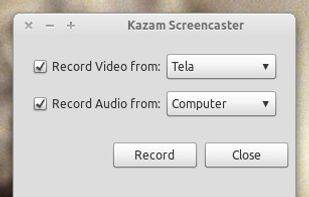
Kazam is a simple screen recording program that will capture the content of your screen and record a video file that can be played by any video player that supports VP8/WebM video format.

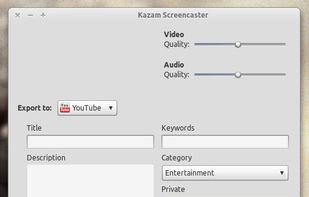


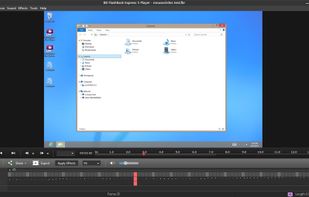
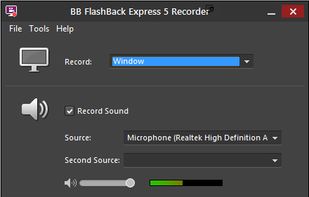
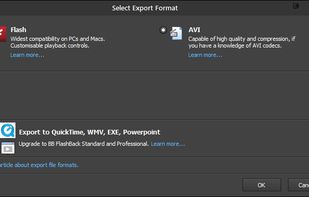
Free software records screen, webcam, and audio; supports picture-in-picture overlays, lossless format storage for frame referencing, export to Flash or AVI, and fast sharing options including direct YouTube upload. Suitable for tutorials, demos, or sharing online.
 United Kingdom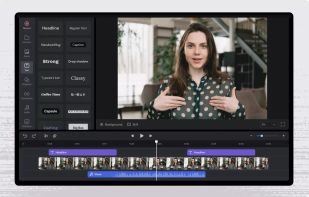


Debut is a screen capture and video recording software that records videos from your screen, webcam or other video devices.
 Australia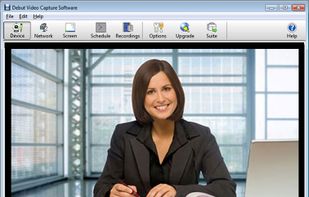
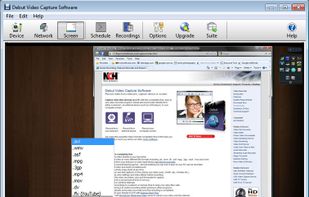
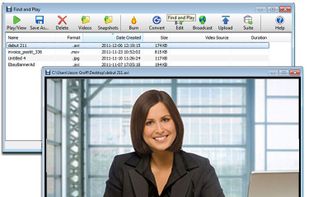
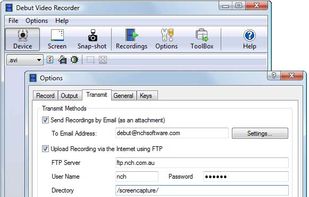


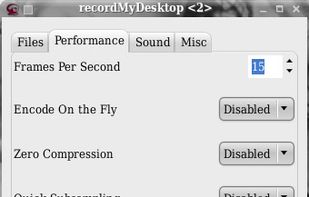
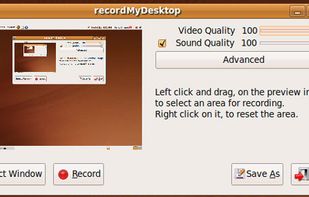
recordMyDesktop is a desktop session recorder for GNU / Linux that attemps to be easy to use, yet also effective at it's primary task. As such, the program is separated in two parts; a simple command line tool that performs the basic tasks of capturing and encoding and an...
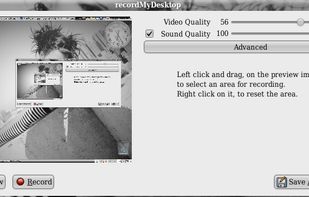


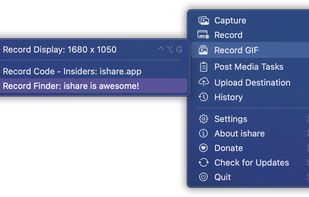
The definitive screen capture utility for macOS, designed with simplicity and efficiency in mind.


PolyCapture allows you to record cameras, microphones, screens, and apps — individually or multiple at once.
 Germany
 EU
EU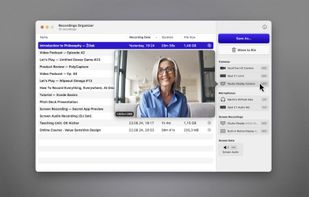
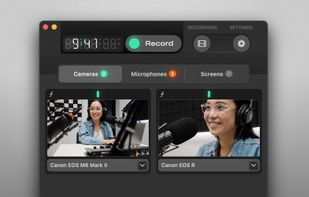
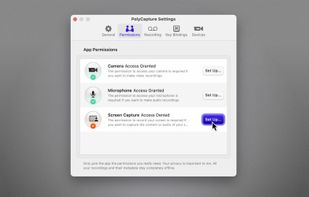
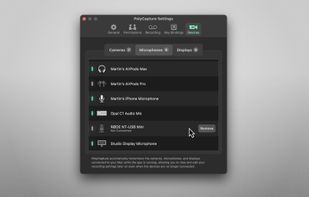


A screen recorder comes with automated editing. Automatically track cursor movement, apply dynamic zoom and click effects, add a pleasant background, and generate a professional-looking video/gif that is ready to use.
China