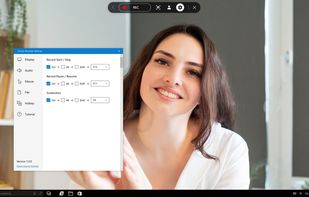
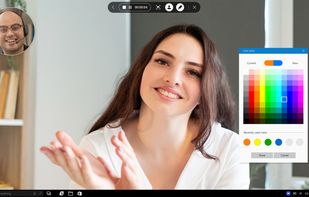
Record and share screen, webcam and mobile videos in Gmail, Outlook, Apple Mail, Linkedin, Instagram, Twitter, SMS and more.
Cost / License
- Freemium (Subscription)
- Proprietary
Application typeApplication types
Since
- Since 2018




+6



The best Screenshot Capture alternative to VokoscreenNG is OBS Studio, which is both free and Open Source. If that doesn't suit you, our users have ranked more than 100 alternatives to VokoscreenNG and loads of them are Screenshot Capture Tools so hopefully you can find a suitable replacement. Other interesting Screenshot Capture Tool alternatives to VokoscreenNG are ShareX, SimpleScreenRecorder, Bandicam and Camtasia.
Record and share screen, webcam and mobile videos in Gmail, Outlook, Apple Mail, Linkedin, Instagram, Twitter, SMS and more.





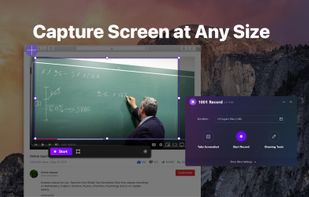
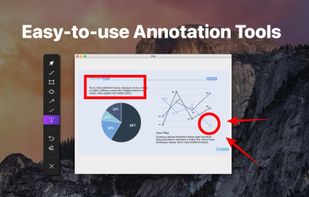
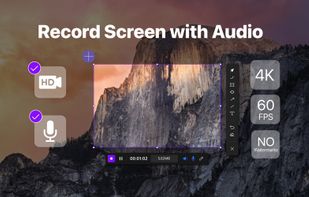
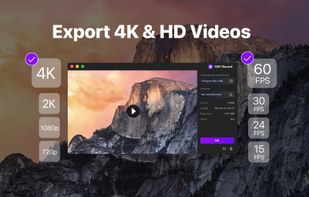
1001 Record, the simple and reliable Mac screen recorder that allows you to easily capture and save screen videos.
 Germany
 EU


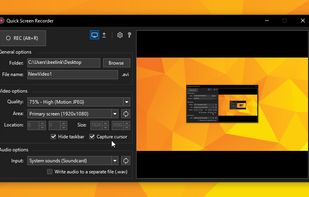
Quick Screen Recorder is a lightweight desktop screen recorder for Windows, built on top of WinForms (C#).
 Canada


SolveigMM HyperCam is a new version of the famous HyperCam , being jointly developed with Hyperionics LLC.
 Russia


D3DGear is very fast video game recording software, game video recorder and video game live stream broadcasting software for PC. D3DGear video game recording and broadcasting performance and quality are superior among other game video recorder programs.
 United States


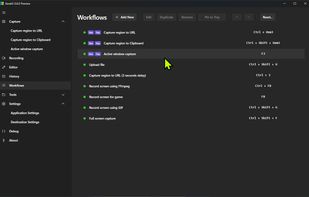
The most advanced screen capture tool for Windows, macOS, and Linux. ShareX reimagined with modern UI technologies, built from the ground up for cross-platform performance.
United States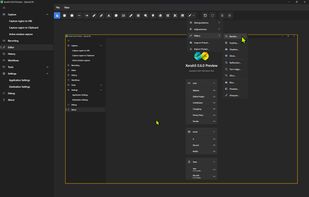

 GermanyEU

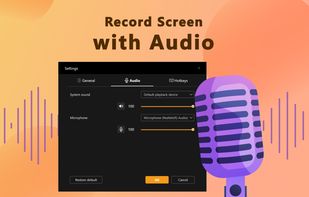
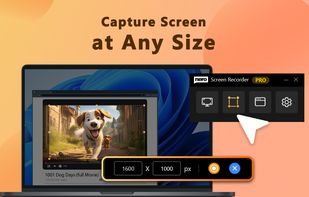


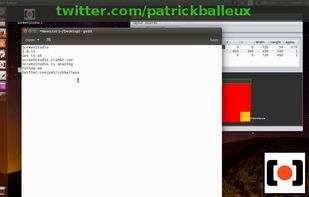
ScreenStudio is an easy screen recording that will let you create screencast or live streaming of your desktop. It does support multiple desktops, multiple webcams and text labels.
Canada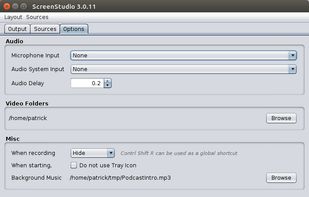


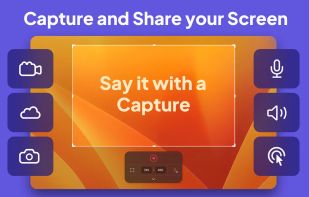
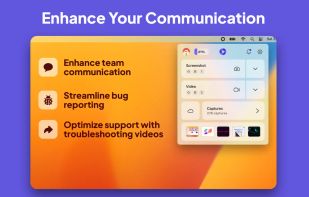
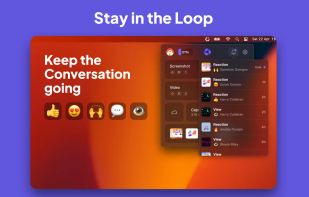
Capster helps you enhance your asynchronous communication with captures of your screen. Record your screen as you demonstrate a feature, idea, or bug, or take a screenshot and annotate it to better convey your point - and instantly share it through the cloud.



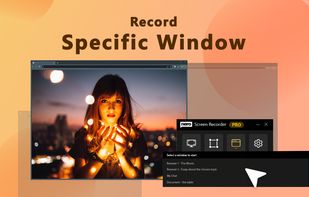
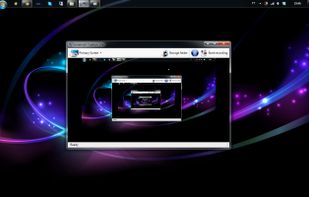
Screencast Capture Lite is a tool to continuously capture the desktop screen, storing this information in video files. The application supports recording from the primary screen, from a chosen window or from a fixed region.
 Brazil


 South Korea