VivPDF Editor Alternatives

VivPDF Editor is described as 'It's virtually the fastest solution for users to edit PDF documents in any circumstances, all you need to do is several clicks!' and is a PDF Editor in the office & productivity category. There are more than 100 alternatives to VivPDF Editor for a variety of platforms, including Windows, Mac, Web-based, Linux and Android apps. The best VivPDF Editor alternative is PDF Arranger, which is both free and Open Source. Other great apps like VivPDF Editor are PDF-XChange Editor, PDFsam, Adobe Acrobat DC and Master PDF Editor.

Copy a direct link to this comment to your clipboard
VivPDF Editor alternatives page was last updated

Alternatives list

  1. Merge PDF Documents easily using an online free service (no registration).

    Information about the merge process and notable limitations: Maximum number of input files is 10 Individual file size limit is 5 MB All uploaded files are removed after the merge pdf process has finished.

    Cost / License

    • Free
    • Proprietary

    Platforms

    • Online
     
  2.  Like

    FaxTool is a portable freeware utility for splitting and joining (merging) TIFF and PDF files. Simply drag your files onto the interface to split or join.

    Cost / License

    • Free
    • Proprietary

    Platforms

    • Windows
     
  3. SmallPDFfree offers a free online suite for all your big and small PDF needs. Access a suite of powerful, user-friendly tools that can merge, split, compress, convert, and edit your PDF files.

    52 SmallPDFfree alternatives

    Cost / License

    • Free
    • Proprietary

    Platforms

    • Online
     
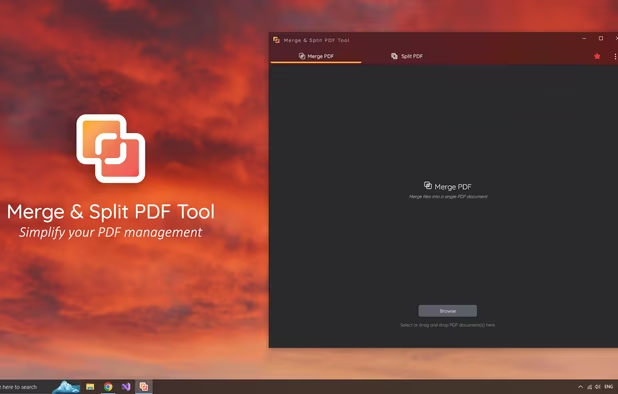
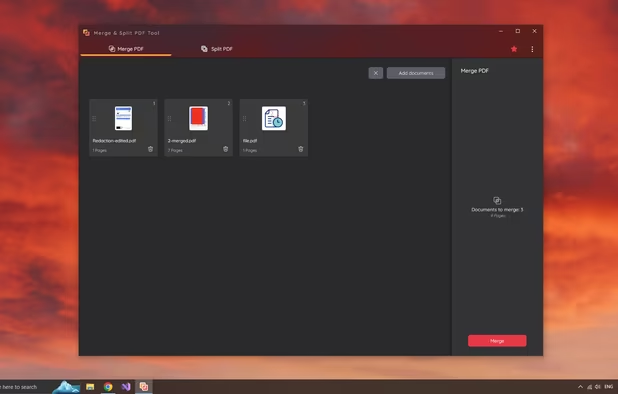
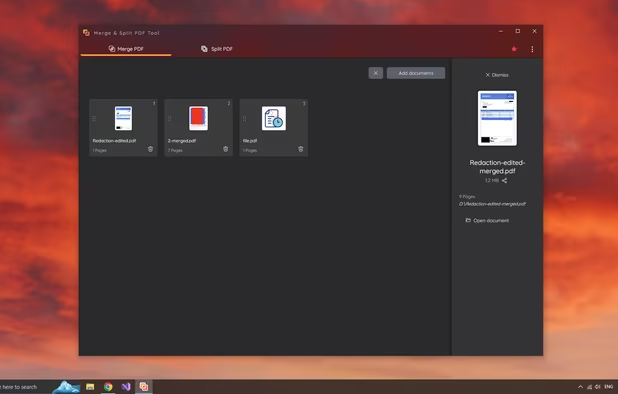
  4. Are you looking for an easy way to manage your PDFs? Our tool makes it effortless to merge files and extract pages with just a few clicks.

    Cost / License

    • Freemium
    • Proprietary

    Platforms

    • Windows
     
  5. MorphPDF icon
     Like

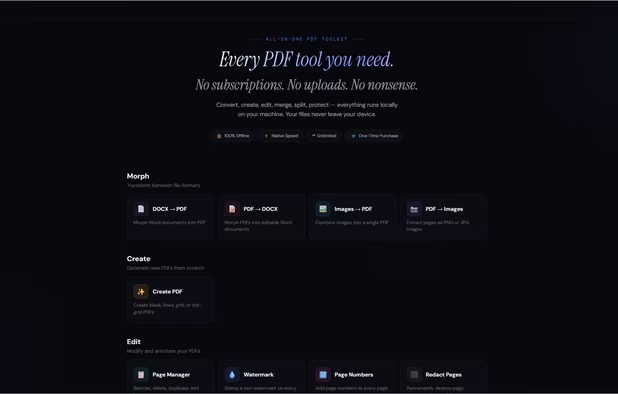
    Stop overpaying for PDF tools.

    Every PDF tool you need. One price. Forever.

    15 tools. Runs on your machine. Never touches a server. No subscriptions. No uploads. No nonsense.

    ? 100% offline · ? Windows, Mac & Linux · ? One-time purchase · ? Free updates fore.

    Cost / License

    • Paid
    • Proprietary

    Application types

    Platforms

    • Windows
    • Linux
    • Mac
     
  6. PDF WIZ icon
     Like

    PDF WIZ is an offline PDF converter that converts PDF to Word/PPT/Excel, images, merge, split or compress PDF or remove PDF password, and more.

    Cost / License

    • Paid
    • Proprietary

    Platforms

    • Windows
     
  7. Proview icon
     1 like

    PDF Editor for Mac OS X: Split, Merge, Encrypt, Scale, Stamp, Bookmark, Add Text etc.

    Cost / License

    • Paid
    • Proprietary

    Application type

    Platforms

    • Mac
     
  8. Applet to merge or concat several sites from pdf files. No upload limits.

    Cost / License

    • Free
    • Proprietary

    Platforms

    • Online
     
  9. Insert or Mail Merge Images, Pictures into MS Word; optionally Bar Codes & PDFs.

    Cost / License

    • Freemium
    • Proprietary

    Platforms

    • Windows
    • Microsoft Office Word
     
  10. Your perfect tool for customized PDF documents.

    • Merge PDFs effortlessly
    • Delete individual pages and reorganize documents
    • Sign and customize PDFs.

    Cost / License

    • Freemium
    • Proprietary

    Application type

    Platforms

    • Windows
     
  11. This desktop app reads and writes PDF documents. It was created for a small copy shop in Germany. Features of this application are:

    Cost / License

    Application types

    Platforms

    • Linux
    • Flathub
    • Flatpak
     
  12. Hexonic PDF Split and Merge allows you to easily merge an unlimited number of PDF documents into a single one. With the splitting feature, a new document is created for each single page of the source documents. Hexonic PDF Split and Merge is free for private, non-commercial use.

    Cost / License

    • Free Personal
    • Proprietary

    Platforms

    • Windows
     
You are at page 11 of VivPDF Editor alternatives