Cost / License
- Free
- Proprietary
Platforms
- Mac
 United States



+1


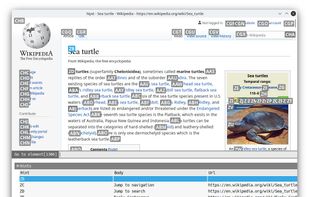
Vimperator has been discontinued. Similar apps include qutebrowser, which is free and open source. Other options are Mousio, Vimium, Shortcat and Tridactyl. You're spoiled for choice with Keyboard Navigation Utilities like Vimperator: we list more than 25 alternatives for Mac, Windows, Linux, Chrome OS and the web.
United States
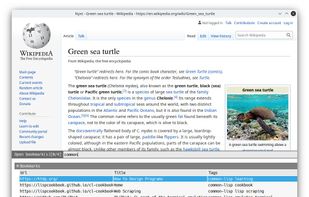
Nyxt is a new type of web browser for power users. It's built from the ground-up to be completely customizable. Out of the box Nyxt ships with tens of features that allow you to quickly analayze, navigate, and extract information from the Internet.
United States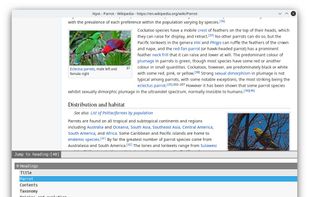



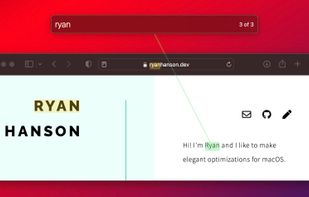
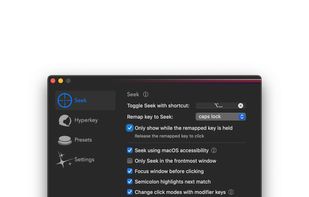
Experience mouse control through keyboard-driven input, enabling rapid clicks in less than two seconds with an on-screen overlay for effortless navigation. It's ideal for enhancing productivity, reducing strain from prolonged trackpad use, and providing accessibility for those who cannot use traditional mice.
United States

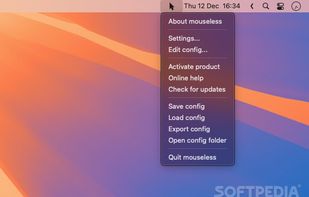
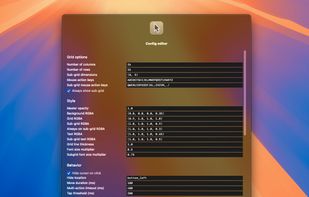


Neo Mousekeys enables you to control your mouse cursor with a keyboard. This project started as a complete rewrite of mouseable and tries to replicate its feel, while fixing old bugs and adding new features.


Spotlight for the macOS user interface. Navigate macOS with just the keyboard.


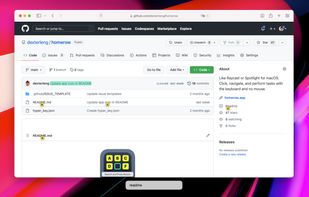


VimFx is a Mozilla Firefox extension which introduces Vim-style keyboard shortcuts for browsing and navigation, significantly reducing the use of mouse, and allowing your hands to rest on the home row.

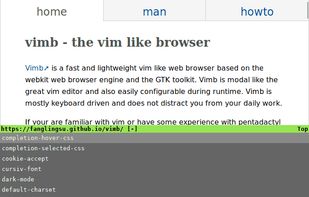
Vim-inspired lightweight browser with webkit engine, designed for efficient keyboard navigation. Offers vim-like keybindings, hinting, SSL validation, shortcut customization, and a read-it-later feature. Ideal for users seeking low memory usage and fast browsing.
 Germany
 EU
EU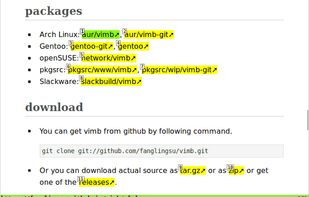

NeatMouse is a small tool for Windows that allows controlling your mouse cursor via keyboard.
 Ukraine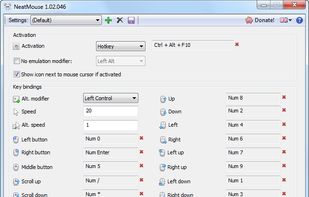


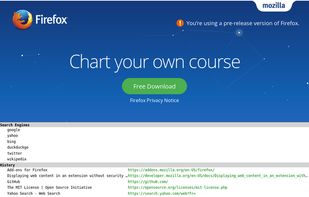
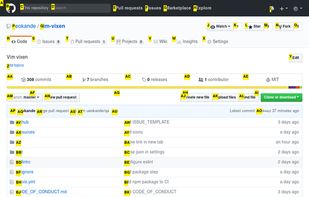
Vim Vixen is a Firefox add-on which allows you to navigate with the keyboard on the browser. Firefox started to support WebExtensions API and will stop supporting add-ons using legacy APIs from version 57. For this reason, many legacy add-ons do not work on Firefox 57.

Ask yourself, do you use your mouse frequently (or at all) during programming? Is it really necessary? I think not. Since, you could very well perform most of the tasks in your workflow using various keyboard shortcuts and hotkeys, and achieve even better productivity and...