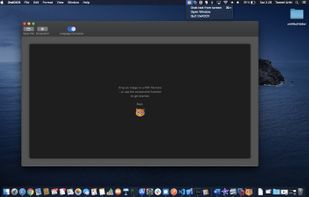
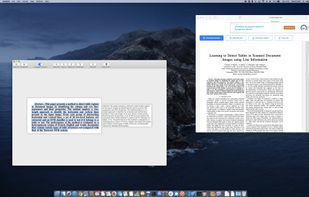
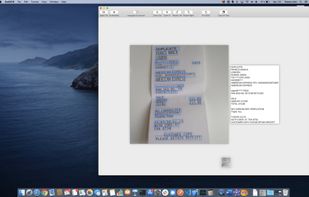
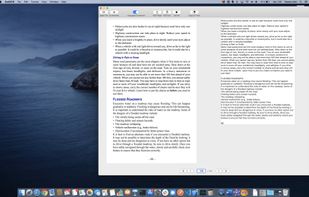
The app is 100% FREE, with NO ads and NO data collection. Donations are possible to support the project.
Cost / License
- Free
- Proprietary
Application type
Platforms
- iPhone
- iPad
 Italy
Italy EU
EU




Apps similar to VietOCR include OSS Document Scanner, which is free and open source. Other options are MakeACopy, Tesseract, Adobe Acrobat DC and ABBYY FineReader PDF. There's no shortage of Document Scanners like VietOCR, with more than 50 alternatives for Windows, iPhone, the web, Android and Mac.
The app is 100% FREE, with NO ads and NO data collection. Donations are possible to support the project.
ItalyEU
 GermanyEU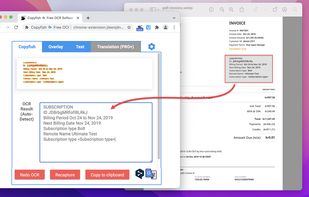

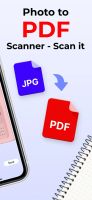
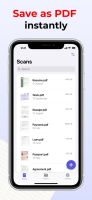
Meet Scanit, a simple yet powerful scanner app that lets you quickly scan any kind of documents and convert them into PDF’s.
 Israel


Nanonets is an LLM based OCR solution that that automates document processing and data extraction workflows. With models that do not rely on pre-defined document templates, Nanonets helps companies automate document-heavy business processes like accounts payable, order...
 United States
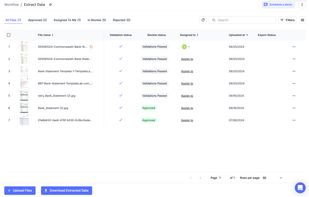
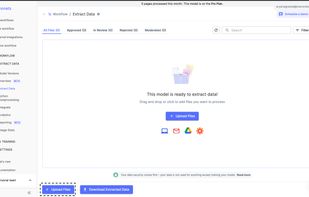


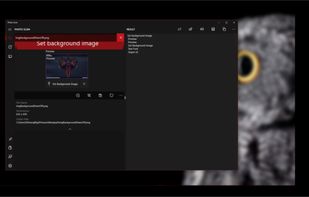
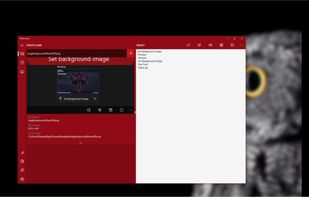
Photo Scan lets you extract text from Images or Photos very easily and efficiently!
 India
India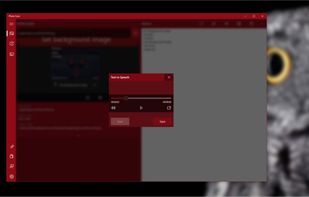



OCR software and web service to extract text from image files and PDF. The application is available as online OCR web app, OCR API, or simple to install Windows store application.
GermanyEU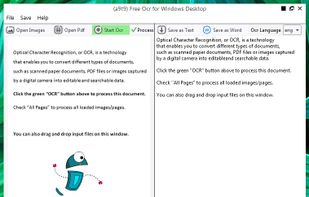
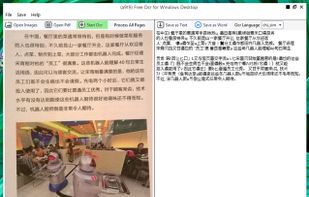
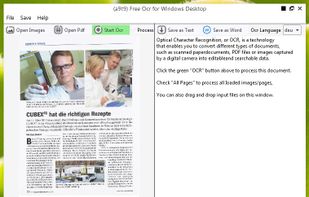


Main point of this app is to scan or select existing PDF documents simply using intent or chooser. Other apps require payment to access their api/sdk or simply don't have a possible way to do it. So they rely on switching between an app ,file chooser and a scanner.


FreeOCR is a scan & OCR program including the Tesseract free ocr engine, also known as a Tesseract GUI. It includes a Windows installer, and it is very simple to use.
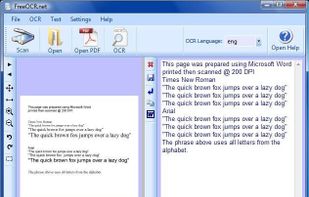


Get rid of paper clutter with Stack. Stack is a PDF scanner, document organizer, and detail finder. All in one.
United States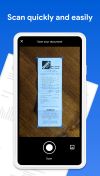


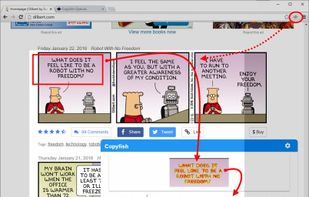
Free Online OCR is a software that allows you to convert scanned PDF and images into editable Word, Text, Excel output formats.


OwlOCR 7 is a macOS OCR app for text you can see but cannot select. Capture a screen region, open an image or PDF, paste supported content, or import a photo or scan from an iPhone or iPad. Apple Vision performs fast on-device recognition.