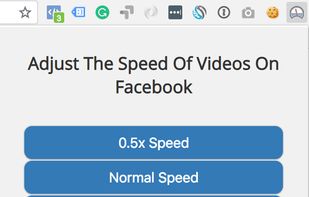
HTML5 video provides native APIs to accelerate playback of any video, but most implemented players either hide or limit this functionality. This extension fixes that, plus more...
Cost / License
- Free
- Open Source
Platforms
- Mac
- Windows
- Linux
- Firefox
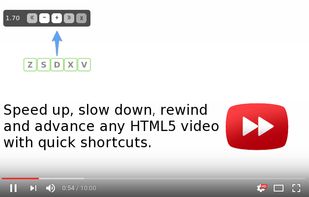

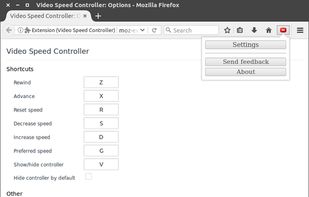


Apps similar to Video Speed Controller Extension include Video Speed Controller, which is free and open source. Other options are Video Speed App, Faster Video, HTML5 Video Speed Control and Youtube Playback Speed Control. In total there are six apps like Video Speed Controller Extension for Windows, Mac, the web, Chrome OS and Linux.
HTML5 video provides native APIs to accelerate playback of any video, but most implemented players either hide or limit this functionality. This extension fixes that, plus more...

Video Speed App is a browser extension for Chrome that allows users to fully control the playback speed of videos. It offers features such as adjusting playback speed, video scrubbing, customizable hotkeys, rewind interval adjustment, custom placement settings, and site...



Faster Video for Firefox for Desktop that allows one to manipulate the playback rate of HTML5 videos. While right-clicking on a video allows one to change the playback rate to either 1.5X or 2.0X, this addon gives more control.





Control speed of the YouTube playback using keyboard. Press '+' to increase and '-' to decrease the playback speed.


Video speed controller chrome extensions have overly complicated functionalities and settings. All people want to do is speed up their videos! So this version only has 5 hotkeys -- Shift + up/down/left/right and enter for different speeds. Enjoy!.