


Cost / License
- Free
- Open Source (AGPL-3.0)
Application type
Platforms
- Microsoft Edge
- Google Chrome
- Mozilla Firefox
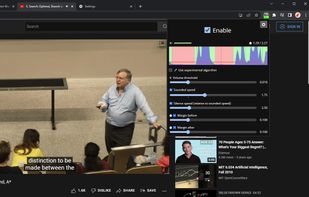

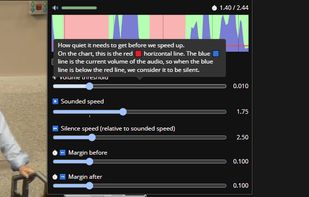


Apps similar to Video Speed Controller include Jump Cutter, which is free and open source. Other options are Saima, Video Speed App, Faster Video and Video Speed Controller with Hotkeys. You can choose from more than 10 Online Education Services like Video Speed Controller for Windows, the web, Chrome OS, Mac and Linux.

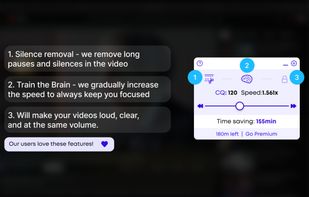
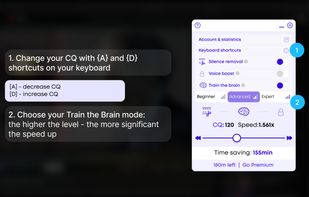
Saima is an AI-based browser extension that increases video comprehension, memorization and focus by introducing personalized adaptive speed. It optimizes the watch speed, removes long pauses, and silences, and trains the brain to keep focus and consume more in even less time.
 United States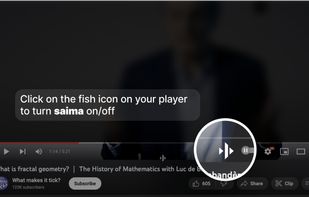
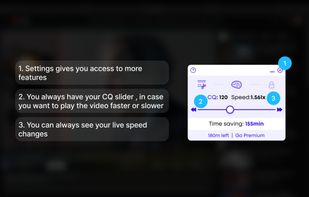


Video Speed App is a browser extension for Chrome that allows users to fully control the playback speed of videos. It offers features such as adjusting playback speed, video scrubbing, customizable hotkeys, rewind interval adjustment, custom placement settings, and site...



Faster Video for Firefox for Desktop that allows one to manipulate the playback rate of HTML5 videos. While right-clicking on a video allows one to change the playback rate to either 1.5X or 2.0X, this addon gives more control.


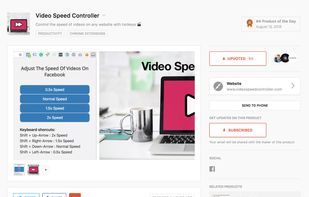
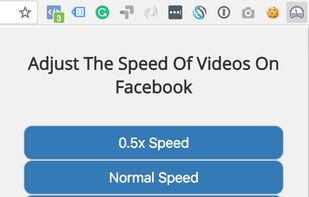
Video speed controller chrome extensions have overly complicated functionalities and settings. All people want to do is speed up their videos! So this version only has 5 hotkeys -- Shift + up/down/left/right and enter for different speeds. Enjoy!.
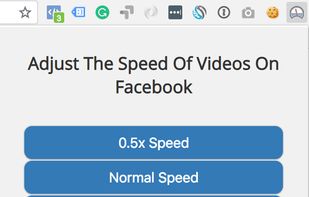




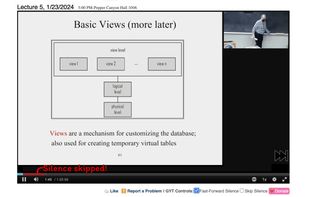
"Skip Silence" is a browser extension that allows you to autmatically skip parts of a video that are silent.


Browser extension that fast-forwards or skips UCSD podcasts when it detects scilence, reducing the amount of time you are waiting for the professor to talk.


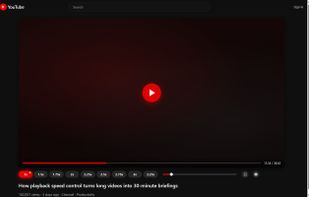
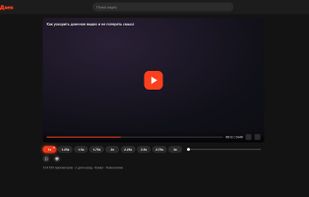
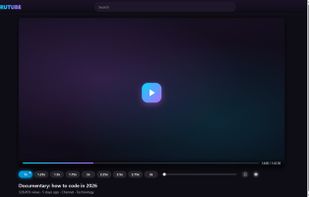
Watch lectures, tutorials and reviews in less time. This extension puts a row of speed buttons right under the player on YouTube, RuTube, Dzen and VK Video: one click and a slow talk moves at twice the pace, one more click brings it back to normal.
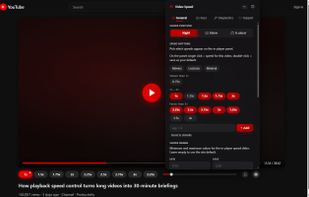


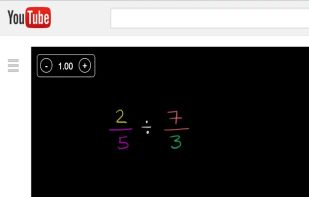
Control speed of the YouTube playback using keyboard. Press '+' to increase and '-' to decrease the playback speed.


