


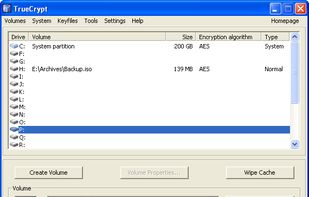
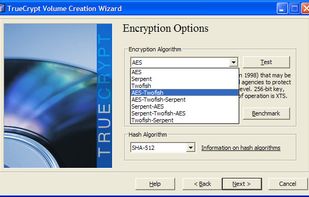
[TrueCrypt is not exactly "Open Source", but the source is available. See the reviews to get more information.]
Platforms
- Mac
- Windows
- Linux
 United States



+1


Apps similar to USBCrypt include TrueCrypt, which is free. Other options are Windows BitLocker, EDS (Encrypted Data Store), FreeOTFE and LibreCrypt. You can choose from more than 10 Disk Encryption Tools like USBCrypt for Windows, Mac, Linux, Android and iPhone.
[TrueCrypt is not exactly "Open Source", but the source is available. See the reviews to get more information.]
United States
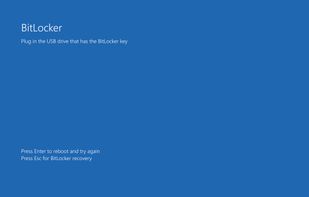
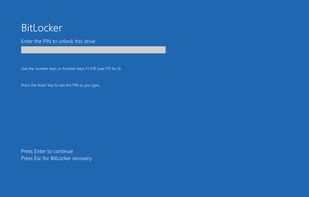
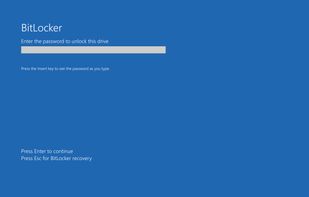
BitLocker Drive Encryption is a data protection feature that integrates with the operating system and addresses the threats of data theft or exposure from lost, stolen, or inappropriately decommissioned computers.
United States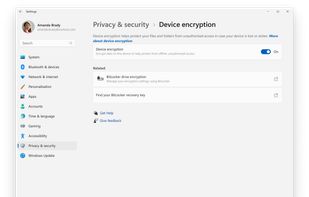


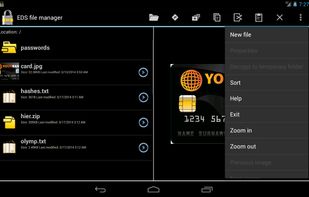
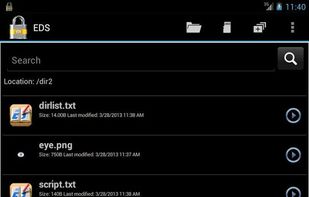
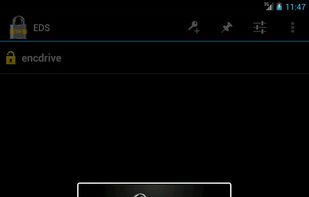
With EDS (Encrypted Data Store) you can store your files in the encrypted container to prevent unauthorized access to sensitive information.
 Russia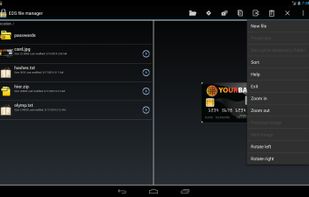


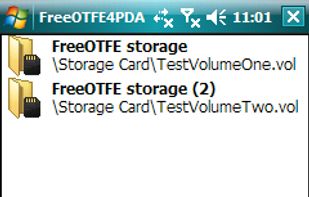
FreeOTFE is a free, open source, "on-the-fly" (OTFE) disk encryption program for PCs running MS Windows and Windows Mobile PDAs (FreeOTFE4PDA).
 United Kingdom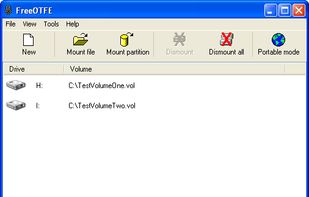
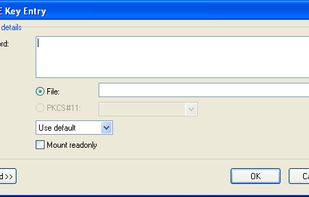


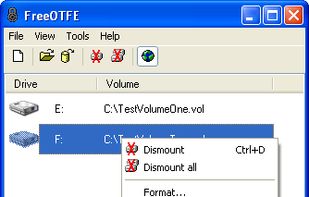
LibreCrypt (formerly DoxBox) is an open-source disk encryption for Windows and the successor of FreeOTFE

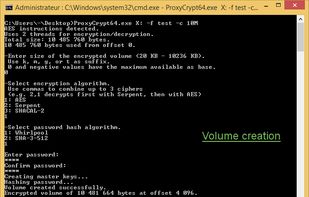
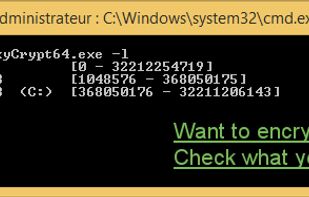
ProxyCrypt is a command line tool that creates encrypted volumes within a file or a hard drive.
 Czechia
 EU
EU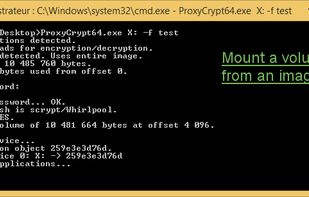

 GermanyEU
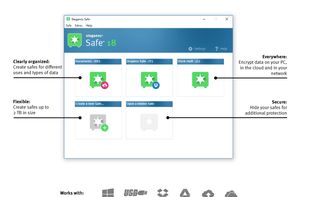
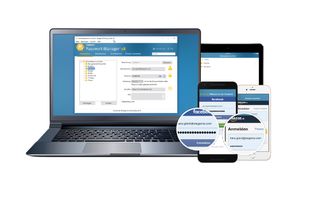


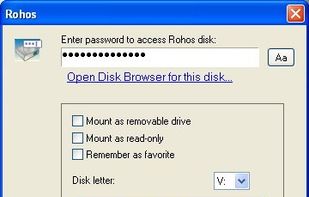
Rohos Mini Drive creates hidden and encrypted partition on the USB flash drive memory. You work with the files on the hidden partition without opening a special program. Those who have megabytes of sensitive files on the USB drive and seriously concerned with a data security...
 Ukraine
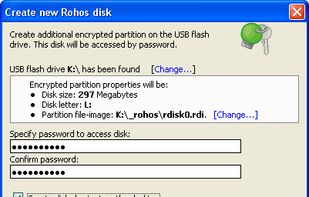


The Gostcrypt project has been launched at the end of 2013 as fork of the (late) Truecrypt project.


Its a software to encrypt and protect data with a password on your removable pen drives using the AES 256 bits encryption.


Safeguard Your Personal Files SanDisk SecureAccess software creates a password-protected private folder on your SanDisk USB flash drive where you can store your most sensitive personal files. Your data will be protected with strong 128-bit AES encryption.
Protects Personal Data.


