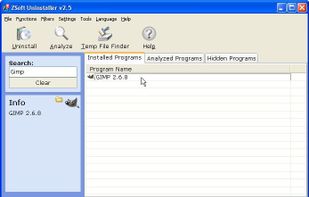
ZSoft Uninstaller is the better and easier way to uninstall programs on your computer.
Platforms
- Windows
- PortableApps.com
 United States



+5


Apps similar to UninstallView include Bulk Crap Uninstaller, which is free and open source. Other options are Revo Uninstaller, Geek Uninstaller, HiBit Uninstaller and Uninstalr. There's no shortage of Software Uninstallers like UninstallView, with more than 25 alternatives for Windows, Mac and Android.
ZSoft Uninstaller is the better and easier way to uninstall programs on your computer.
United States
Windows Uninstaller is Windows Explorer menu extension for fast and simple removal of Windows software.
 Germany
 EU
EU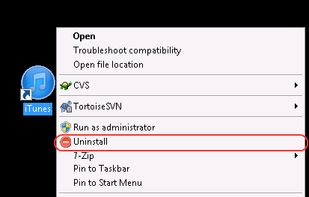


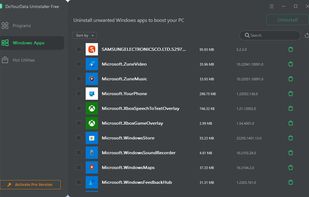
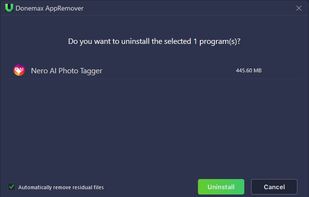
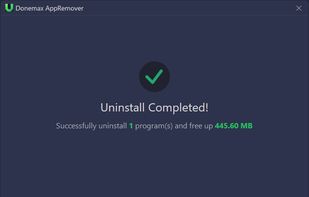
Powerful & smart free uninstaller - easily uninstall programs, Windows Apps, plug-ins one by one or in batches and remove related files, clean up all leftovers.
 China
China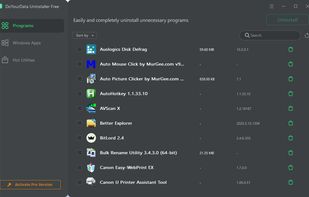


CleanMyPC Uninstaller offers smooth and safe uninstall of unnecessary apps. The Uninstaller can remove any app you want and cleans leftovers after each uninstall. No junk remains. Apps are erased completely and accurately.
 Ukraine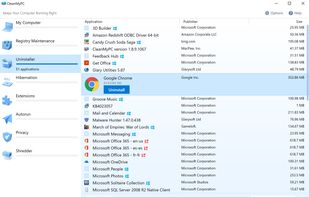


It can help you easily uninstall programs one by one or in batches and remove all leftovers.
China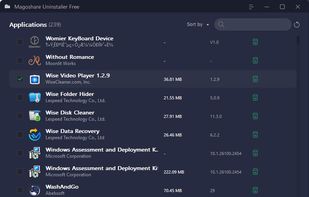


 Ukraine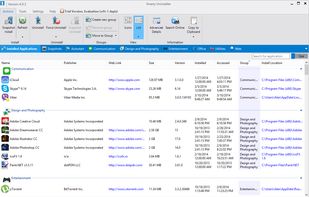
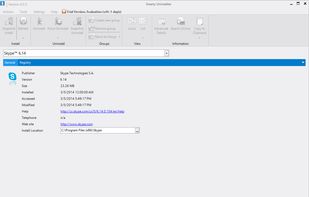


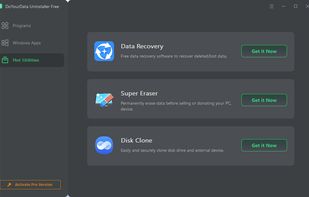
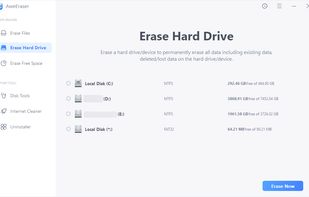
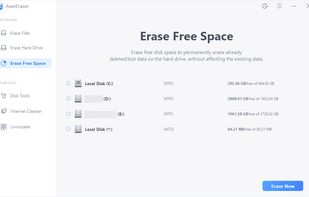
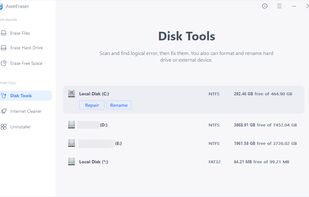
The reliable data eraser to help you permanently shred files, erase hard drive, wipe unused disk space with certified data erasure standards.
China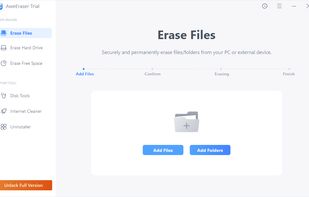


The best free Windows app uninstaller to completely remove unwanted programs and delete their associated files
China


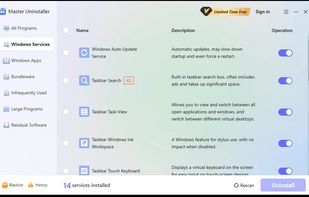
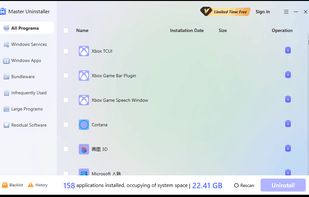
Master Uninstaller is an advanced, user-friendly software removal tool designed to simplify the process of uninstalling unwanted programs with just 1 click.



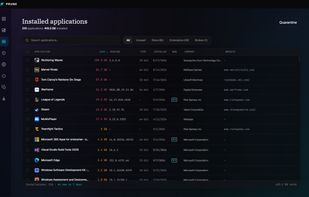
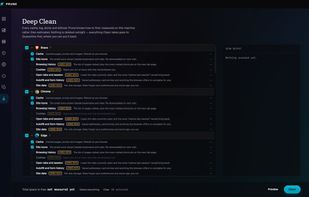
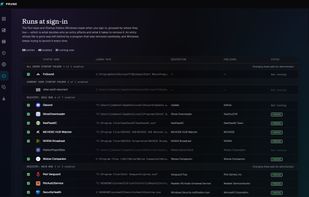
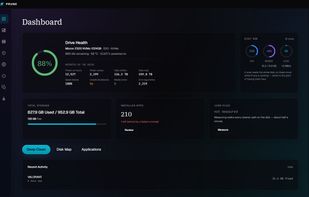
Open-source Windows uninstaller that runs a program's own uninstaller, then finds its leftovers and quarantines them instead of deleting them.


The Program and Features applet within the Windows Control Panel allows the user to manipulate software installed on the system in a number of ways;


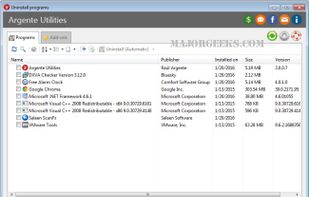
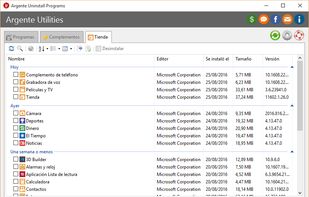
Argente Uninstall Programs quickly lists all installed windows applications and allows you to easily uninstall the ones you choose.
 Argentina