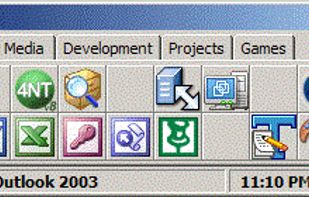
This application that is useful for those users who are on the desktop requires more than one tray to place shortcuts for launching frequently used programs, files, etc.
Platforms
- Windows


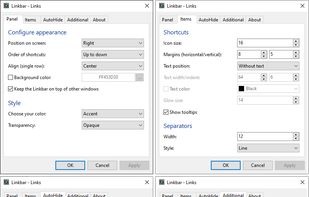


Apps similar to True Launch Bar include Docking, which is free and open source. Other options are ObjectDock, Cairo-Dock, Winstep Nexus and Docky. There's no shortage of Application Launchers like True Launch Bar, with more than 25 alternatives for Windows, Linux and Mac.
This application that is useful for those users who are on the desktop requires more than one tray to place shortcuts for launching frequently used programs, files, etc.

DragThing is the original dock designed to tidy up your Macintosh desktop.
It puts all your documents, folders, and applications just a single click away. Highly flexible, it allows multiple docks, each customised to suit your exact needs.
It stores frequently-used clippings su.
 United Kingdom


XWindows Dock - or XWD for short - is the newest free Windows Vista and XP program of the class Application Launcher and Desktop Organizer. But its not just another one: its the result of years of use and observation of the many dock programs on the market, plus all functions...
 Russia
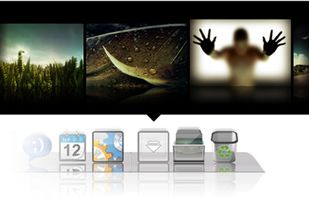


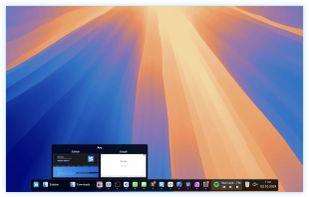
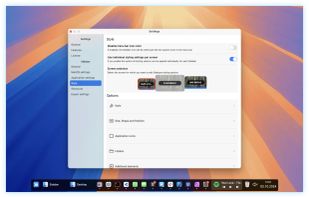
Sidebar transforms the macOS Dock experience, offering multi-screen support, customizable preferences, live previews on Ventura, and window management with WindowSnap. It reserves screen space to optimize display usage and supports storing multiple window configurations for flexible setups.
 United States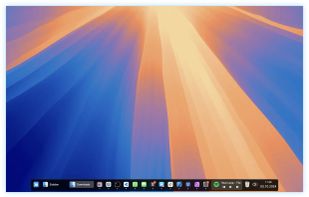
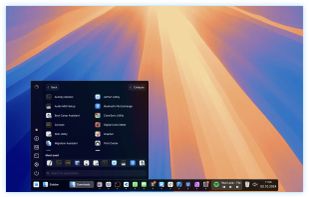


XLaunchpad gives you instant access to all your shortcuts. Arrange apps in XLaunchpad any way you like by dragging icons to different locations or by grouping apps in folders. Simply drag one icon over another to create a folder.
 China
China
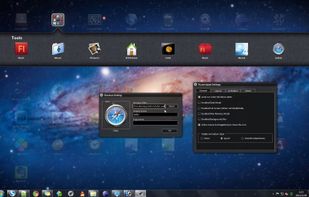


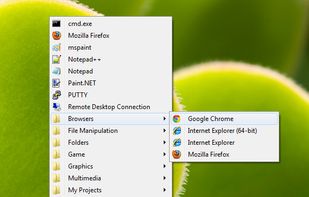
A simple program menu-type launcher, calling with a hotkey. It is easy to set up. Launches a list of program shortcuts with your favorite hotkey.


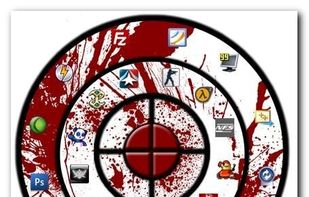
The idea behind Circle Dock is that the dock should appear where your mouse is instead of you having to move your mouse to the dock like with other programs. This is accomplished by making the dock a circular or spiral shape so that it can be placed anywhere, even near the edge...



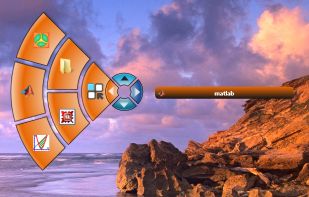
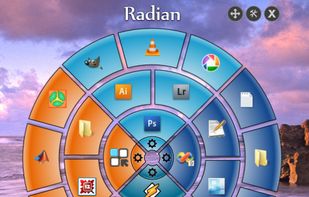
Radian is a simple radial application launcher. The interface is triggered by a continuous right-click and is divided into four slices. Each slice can be configured differently.



 Mexico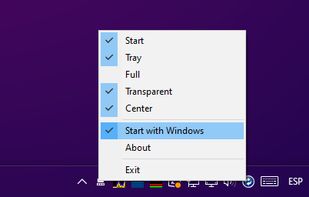




SSuite Mac Dock is a very simple Windows utility designed to create a Mac OS X-like dock on your desktop, allowing you to launch certain programs with just a single click, just like you do with the ones in the Quick Launch.
 South Africa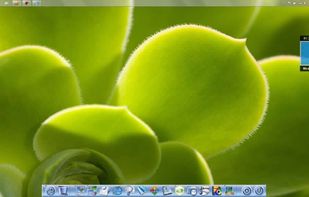


 Poland
 EU
EU
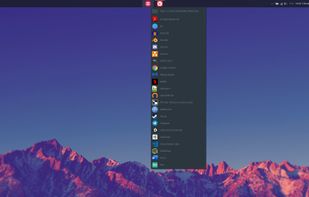


TurboLaunch is a fully configurable tool-bar style application that can be set up to run many programs and perform certain pre-programmed actions. Like a toolbar, pictures are used to distinguish what a button is configured to do.
United States