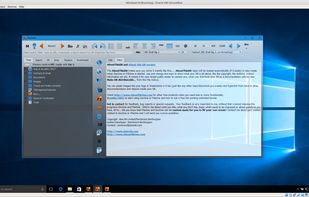
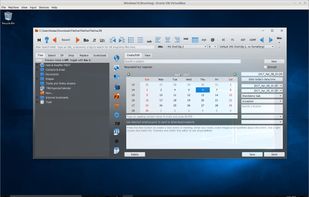
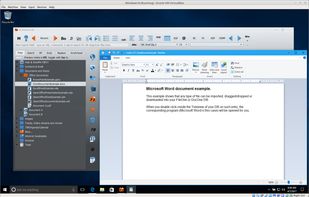
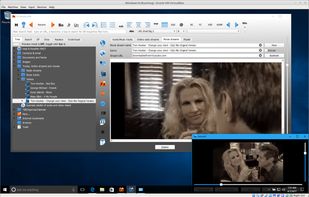
FileOne is an organizer that combines and integrates your notes, documents, contacts, email, photo's/images, calendar and agenda with multimedia.
Cost / License
- Paid
- Proprietary
Application type
Platforms
- Mac
- Windows
- Linux



+6


Apps similar to TreeNoote include Zim, which is free and open source. Other options are CherryTree, Trilium Notes, Cryptee and Markor. You're spoiled for choice with Note-taking Tools like TreeNoote: we list more than 100 alternatives for Windows, Mac, Android, iPhone and the web.
FileOne is an organizer that combines and integrates your notes, documents, contacts, email, photo's/images, calendar and agenda with multimedia.

An android app for writing and storing AES-128 encrypted notes. Supports notes, checklists and even spreadsheets. It is the only app in play store offering multiple security options like password protection, pattern lock and pin lock.
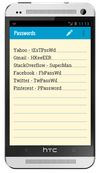
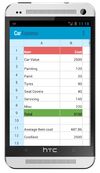
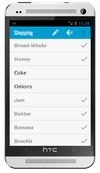


list.it is a simple, free, open-source (MIT-license) note-keeping tool to help you manage the tons of little information bits you need to keep track of each day. Installs as i Firefox add-on.


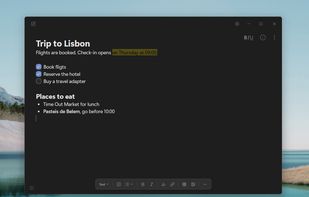
A simple notes app for Windows. Your notes stay in one file on your own computer. No account, no cloud, free and open source.
 Netherlands
 EU
EU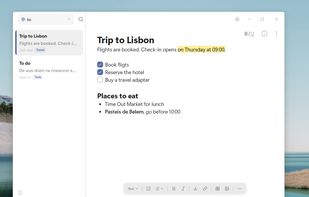



Taskline, task management software for Microsoft Outlook, automatically schedules tasks to puts you in control of your task list.
 United Kingdom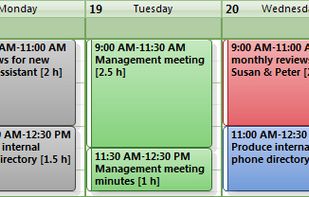


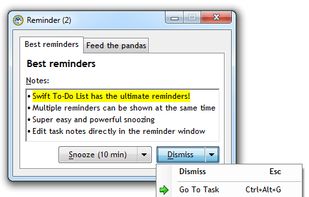
Swift To-Do List - all your tasks and notes in one place. The number one task organizer for Windows. Light-weight and easy to use, yet powerful.
 CzechiaEU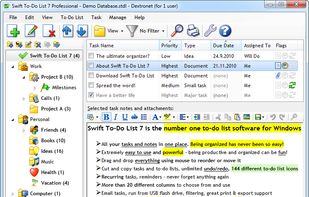


P3X OneNote Linux is, actually, an independent browser window for the online OneNote. You can use this program without having to clutter your browser. The main functions are:
 HungaryEU


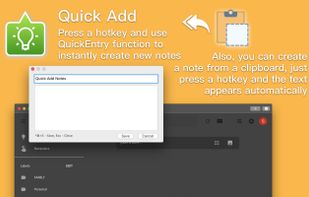
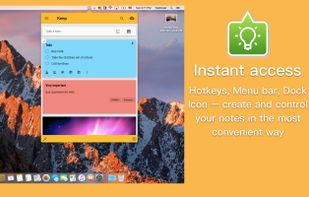
«Miya Notes for Google Keep» is the easiest and the most convenient way to access Google Keep Notes on your Mac.
 Ukraine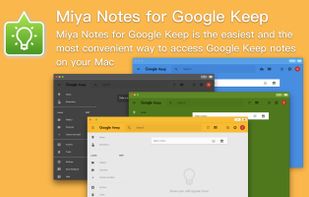



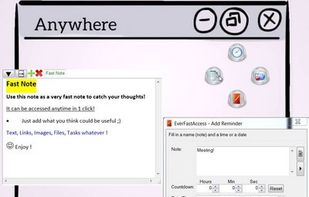
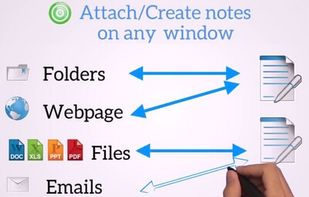
Boost your productivity. Take notes, set reminders and save contents and links, all in 1 swipe of the mouse. Attach notes automatically to any window.




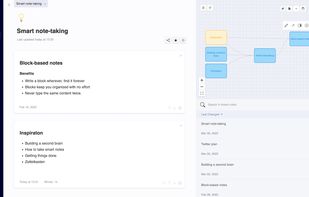
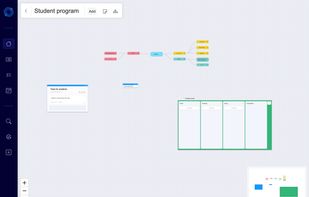
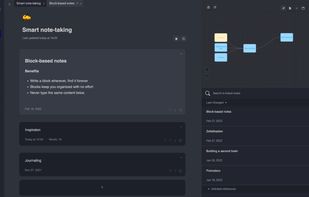


A beautiful, uncluttered all-in-one tool. Write, plan, take notes, capture ideas and get organized.





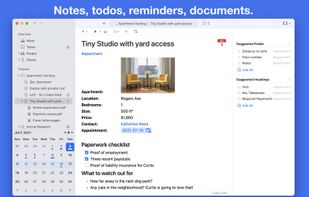
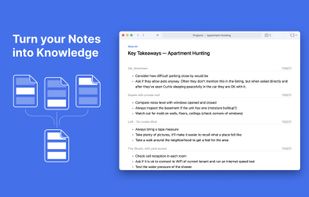
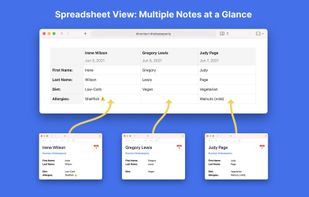
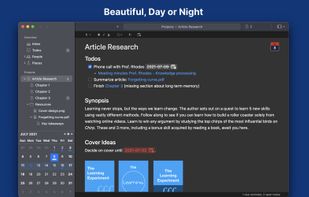
Noteship is a personal information manager that combines notes, todos, and reminders and is based on simple files and folders.