


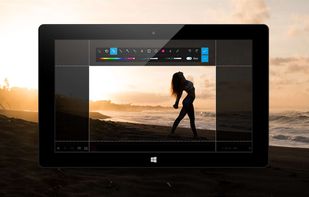
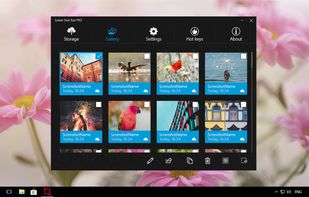
This is the handiest way to screen capture, edit selected areas on the screenshots, and sharing with others.
Cost / License
- Paid
- Proprietary
Application type
Platforms
- Windows



+5
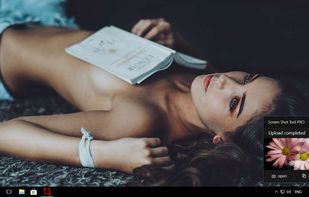


Apps similar to TinyTake include ShareX, which is free and open source. Other options are Greenshot, SimpleScreenRecorder, Snipping Tool and PicPick. You're spoiled for choice with Screenshot Capture Tools like TinyTake: we list more than 100 alternatives for Windows, Mac, Linux, the web and iPhone.
This is the handiest way to screen capture, edit selected areas on the screenshots, and sharing with others.

Hippo Video is an online video platform to create explainer videos, educational videos, how-tos, training videos, customer testimonials, video assignments, video tutorials, host videos and a video marketing platform.


Vov Screen Recorder is handy tool to record the computer screen, i.e., record the ongoing activities on the screen. Using Vov Screen Recorder, you can record your screen to create a how-to video to demonstrate working of a program, compile a products demo video for some client...
 Türkiye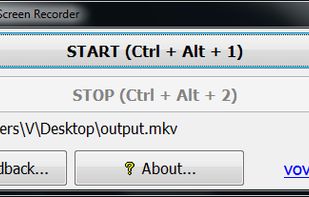


Captures high-quality video from your PC with smooth recording up to 50 frames per second, unique Background Mode for uninterrupted capture when videos are hidden, customizable settings, and compatibility with streaming sources and scheduled sessions.
 United States


321Soft Screen Video Recorder is designed to record your computer screen (full screen or a fixed area) into AVI video file for further purposes like editing, burning DVD, making slide show movie, etc.


Demo Builder is a powerful Flash-based screencasting tool that allows you to create eye-catching and professionally-looking interactive presentations that do not require any programming skills.
 Japan
Japan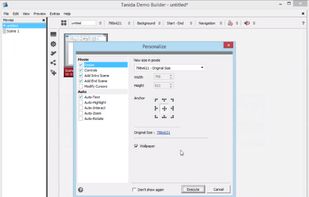


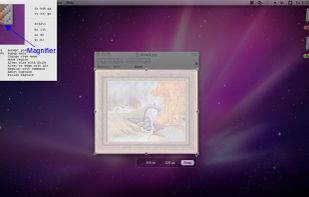
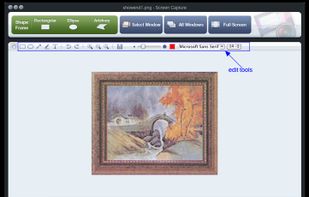
Onde Screen Capture for Mac is currently the most professional and powerful screen grabbing utility running on Mac OS, by which you can easily capture any part on your Mac desktop such as rectangular or ellipse region, freehand region, full screen, active window or all windows...
United States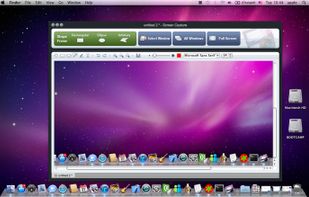


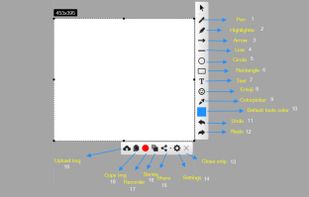
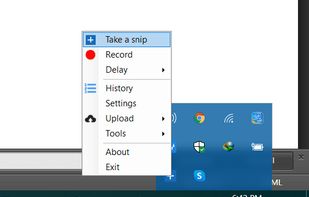
With Free Snipping Tool, not just you create snips, you can save your snips on major backup services like Imgur, Google Drive and Dropbox. Not just this you can also upload them via FTP or simple WebRequest.


Zebra Screen Recorder captures your PC desktop activity into standard MPEG or AVI video files. It records everything you see on the computer screen, including the entire desktop, windows, menus, cursors - even video with sound.
 Ukraine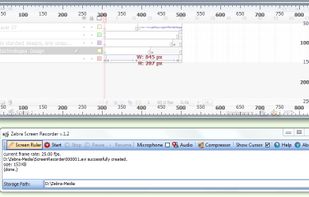


TPUCapture is an easy to use screenshot utility with a small memory footprint that resides in the system tray.
United States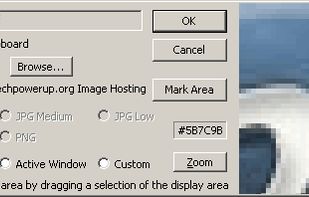


GNOME Screenshot is a utility used in the GNOME desktop environment for taking screenshots. It was part of the GNOME Utilities (gnome-utils) package, but was split into its own package for the 3.3.1 version in 2011.
United States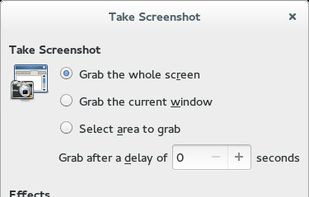


This is just a screen-capture toy, nothing more. If you don't know how to take screenshots with the system functions, use this tool :-).
 Serbia


 China
China


