WebShot allows you to take screenshots of web pages and save them as full sized images or thumbnails. Screenshots images can be output in the JPG, GIF, PNG, or BMP formats.
Cost / License
- Freemium
- Proprietary
Platforms
- Windows
 United States


Apps similar to TinyTake include ShareX, which is free and open source. Other options are Greenshot, SimpleScreenRecorder, Snipping Tool and PicPick. You're spoiled for choice with Screenshot Capture Tools like TinyTake: we list more than 100 alternatives for Windows, Mac, Linux, the web and iPhone.
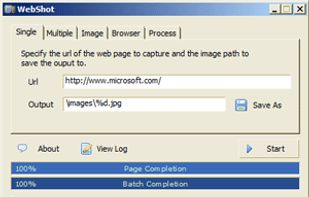
WebShot allows you to take screenshots of web pages and save them as full sized images or thumbnails. Screenshots images can be output in the JPG, GIF, PNG, or BMP formats.
United States
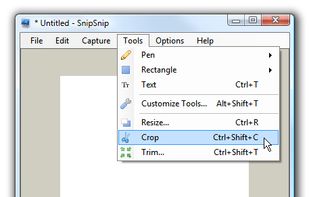
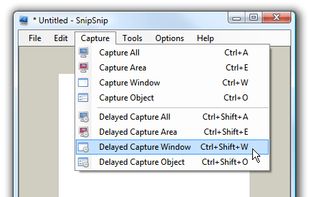
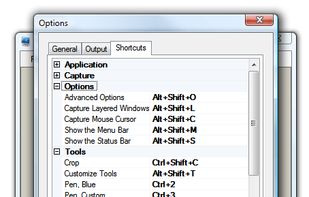
SnipSnip is a screen capture utility, designed for easy capture of some or all of your screen(s). It also allows you to do simple tasks like resizing, cropping and drawing on the capture.


FlashDemo Screen Recorder captures all screen activity from your Windows Desktop in real time and publishes as a Flash movie. Perfect for creating online tutorial, training & support videos, E-Learning material.
 China
China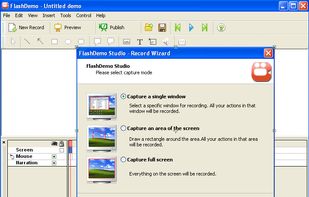


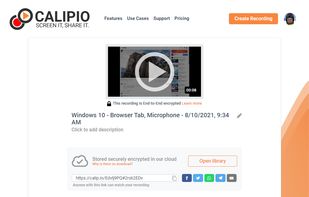
Free Online Screen Recorder - Record your screen and webcam. No download required. Protected by end-to-end encryption. Free to use on Windows, Mac, Linux, iOS, Android.
 Germany
 EU
EU


The all-in-one screen capture production suite. Easily capture on-screen action to a movie from start to finish. It’s the best of both worlds: the power of MediaEdit and ScreenRecord. It includes everything you need to create your presentation.
United States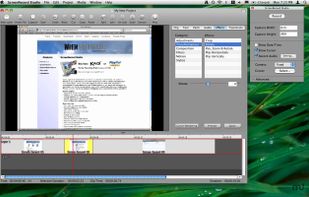


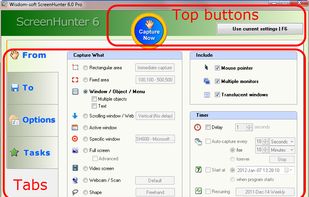
ScreenHunter is an award-winning screen capture solution to capture your screen, print and edit.


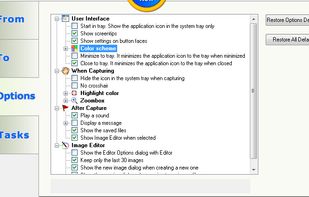


Camtica is Screen Recording Software. It enables you to create professional screen recordings, presentations, tutorials and more. You can record any desktop activity with voice, webcam and animated mouse clicks.


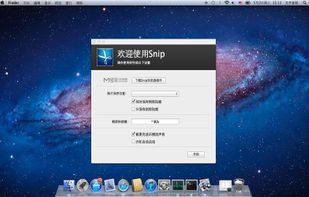
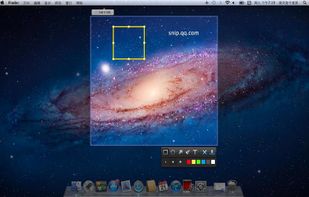
Snip is a screen-capture application that can capture the active window or custom areas. Drag to zoom in/out the screen shot; add labels, texts and handwriting contents of your choice and save it to your device or the clipboard.
China


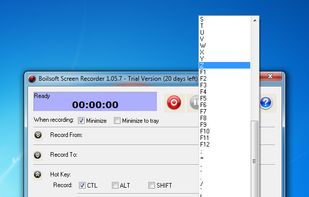
Boilsoft Screen Recorder is a screen-recording software helps to capture screen activities and record video to avi, wmv from microphone, line-in, or speakers for screen sharing.
China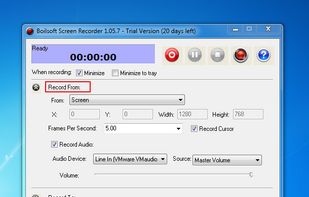
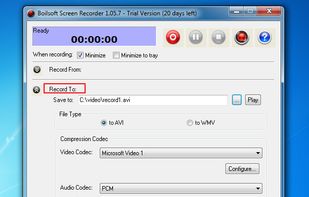


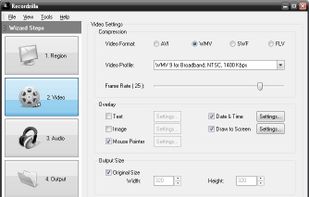
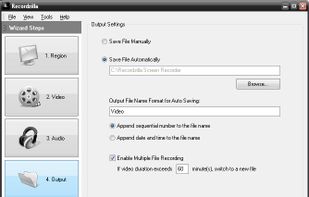
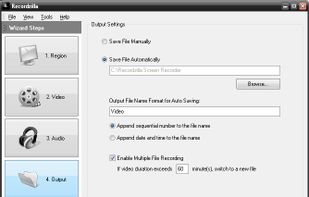
Recordzilla is a screen recorder software that lets you capture video, audio and pictures of anything you see on your computer screen and save it as video AVI, WMV, Flash SWF, or Flash FLV.
 Malaysia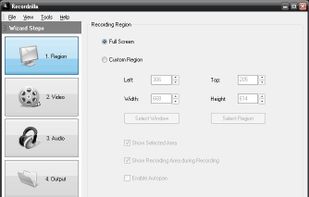


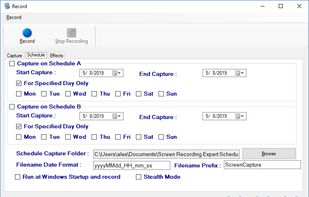
Screen Recorder Expert - Screen recorder with audio and many effects - Screen recorder windows supported - Screen capture on schedule - Cut video, image editing.
 GreeceEU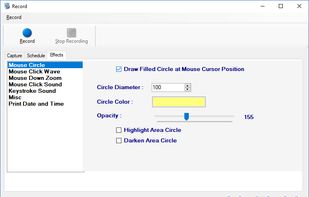



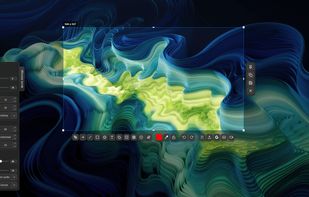
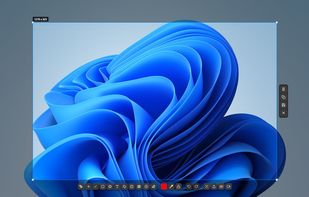
Fast, lightweight screenshot and screen recording tool for Windows and Linux with annotations, OCR, uploads, pinned captures, GIF and MP4 recording.
 Türkiye