


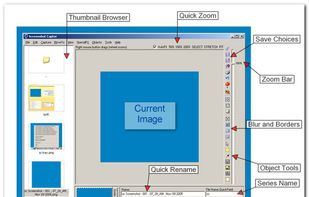
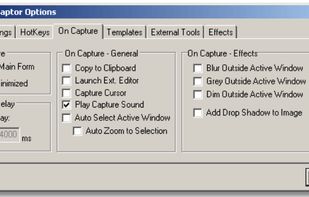
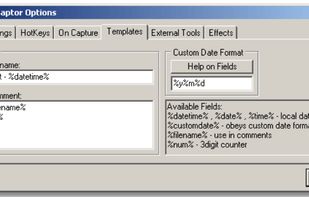
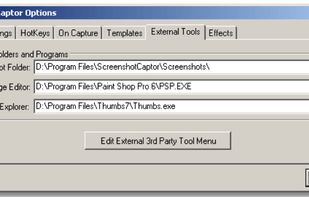
Screenshot Captor is a program for taking screenshots on your computer. Its different from other screenshot utilis in several notable ways:
Cost / License
- Free Personal
- Proprietary
Application type
Platforms
- Windows
 United States



+7


Apps similar to TinyTake include ShareX, which is free and open source. Other options are Greenshot, SimpleScreenRecorder, Snipping Tool and PicPick. You're spoiled for choice with Screenshot Capture Tools like TinyTake: we list more than 100 alternatives for Windows, Mac, Linux, the web and iPhone.
Screenshot Captor is a program for taking screenshots on your computer. Its different from other screenshot utilis in several notable ways:
United States
VSDC Free Screen Recorder is an easy-to-use lightweight screen recorder software that lets you capture your PC screen and save it in the MP4 format. It lets you capture the entire desktop screen, a selected area or even a videogame window of any resolution.
United States
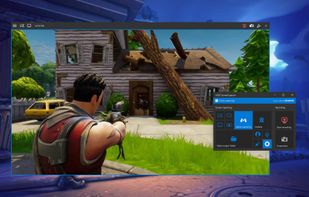


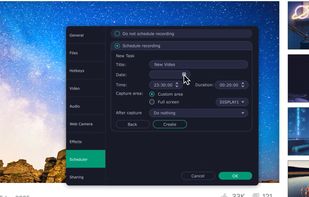
Versatile screen recording and live streaming tool, broadcasting to over 30 platforms. Enhances streams with stickers, templates, and images. Supports lectures and games, offers scheduled recording and operates as a virtual camera for meetings.
 China
China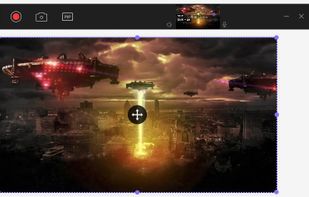


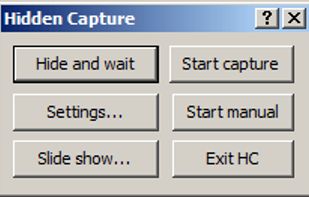
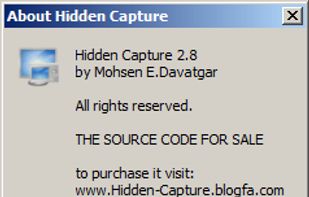
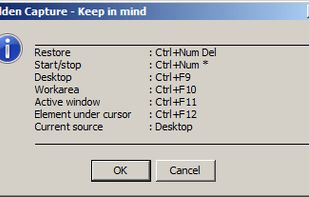
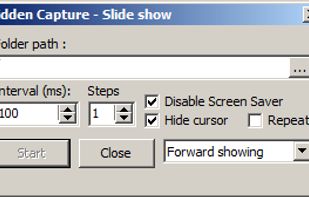
Grab screenshots in a stealth mode, and start the capturing process at a user-defined time with the help of this simple to use and efficient software tool.


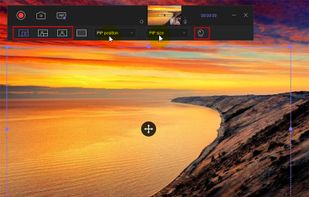
Record full screen or customized areas with webcam options. Annotate in real time, highlight cursor actions, and record both system and voiceover audio. Ideal for creating instructional videos, webinars, and presentations. Free for personal use, compatible with PCs.
 Cyprus
 EU
EU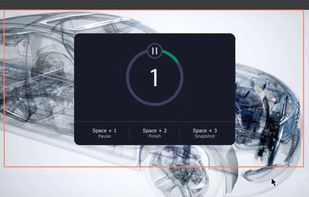
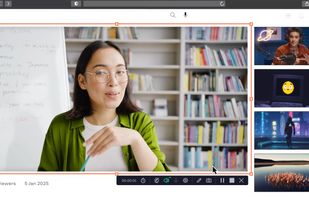


ScreenApp is a fast online screen recording and transcription tool, enhancing productivity for online meetings, webinars, and virtual training.
 United Kingdom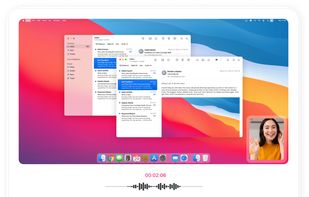
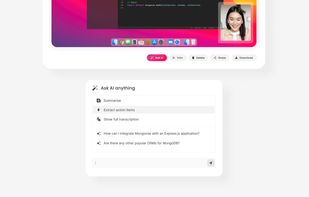
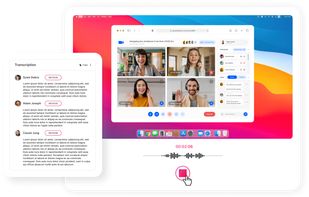


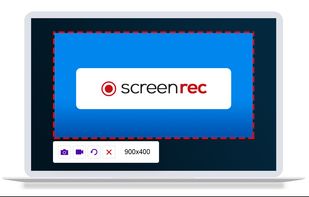
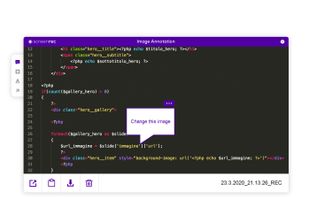
ScreenRec is a free screen recorder for Windows, Linux, and Mac with webcam, microphone, and system audio capture. Record without a watermark or time limit, store videos in free cloud storage, and share instantly with private links.
 BulgariaEU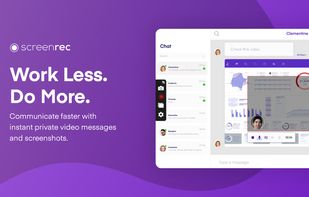
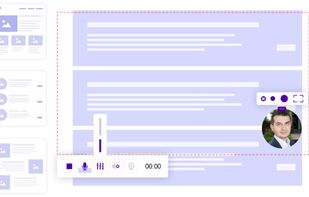


Screencast Capture Lite is a tool to continuously capture the desktop screen, storing this information in video files. The application supports recording from the primary screen, from a chosen window or from a fixed region.
 Brazil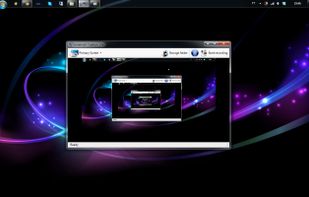


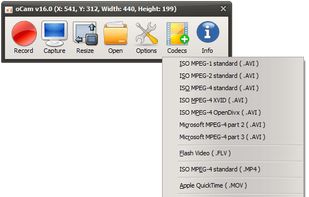
oCam is a video recording program that can record video to be played on the monitor via your PC.
 South Korea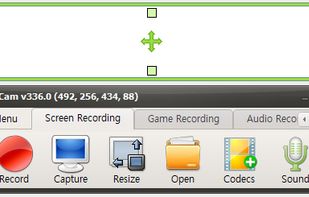


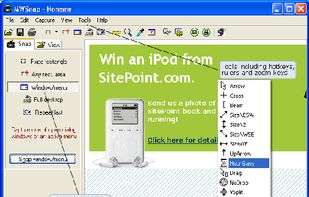
MWSnap is a small yet powerful Windows program for snapping (capturing) images from selected parts of the screen.
 PolandEU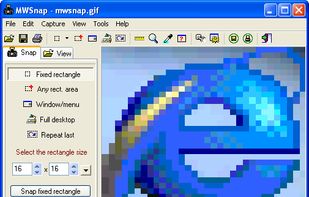


Hotshots is a screenshot tool with some editing features. It is particularly suitable for writing documentation (as used in the following chapters) but you can use it to highlight some details on a map image or what ever you want.


