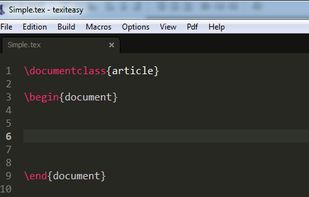
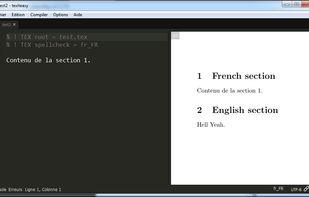
TexitEasy is a free, cross-platform and open-source latex editor. TexitEasy has all the features a modern editor can have.
Platforms
- Mac
- Windows
- Linux




T


TexitEasy is a free, cross-platform and open-source latex editor. TexitEasy has all the features a modern editor can have.

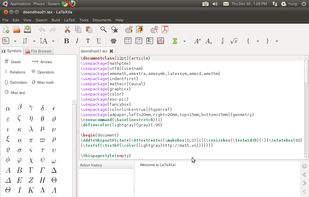
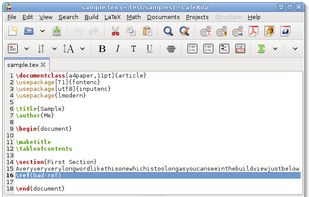
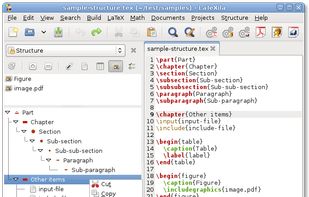
LaTeXila is an Integrated LaTeX Environment for the GNOME Desktop, written in Vala and covered by the GPL 3 license. Here is a summary of the functionalities:


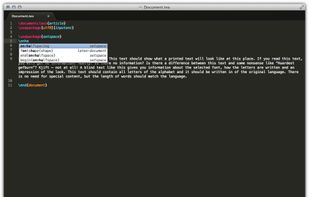
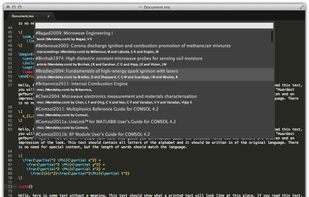
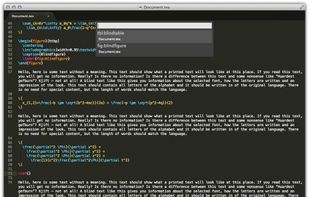
LaTeXing is plugin for the popular and fast text editor Sublime Text . The plugin supports many features to write your LaTeX files without leaving the text editor or using the mouse.
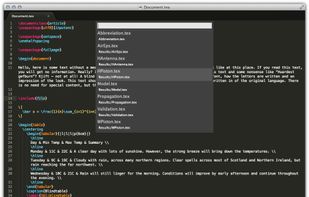


Write and publish scientific documents in LaTeX directly in your browser or by using the mobile app VerbTeX available on Android, iOS and Windows. Manage your projects, upload existing or create new documents, images and styling files.


BaKoMa TeX system for Scientific Publishing. One of its main features is instant preview: The document is typeset as you write, providing true WYSIWYG experience not usually found in LaTeX editors.
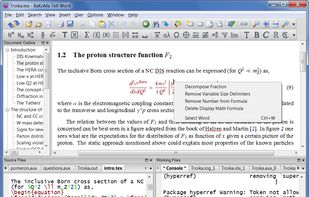
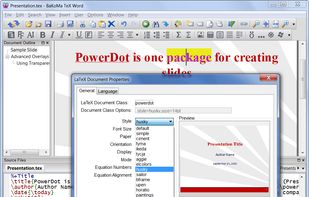


TeXPortal is an application to typeset TeX documents, targeting mainly at academic researchers.


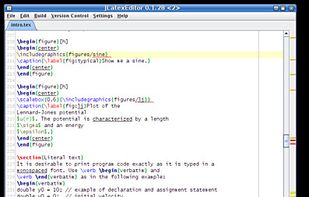
JLatexEditor is a cross-platform open source LaTeX editor. It creates a unique development environment for a user by integrating many tools needed to write LaTeX documents, and is highly configurable.
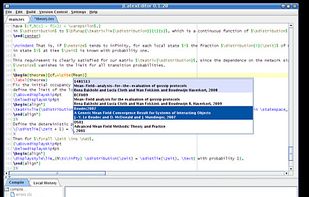


Inlage (Intelligent LaTex Generator) is a shareware LaTeX Integrated development environment that allows the user input LaTeX by using Windows 7's Math Input Panel. The shareware version does not allow saving or compiling after 5 minutes of testing.

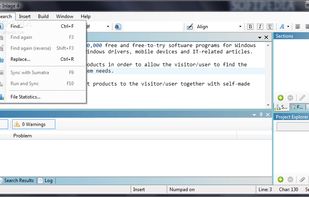



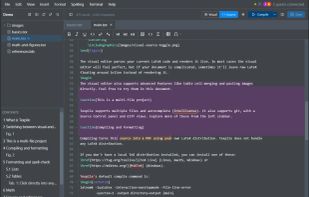
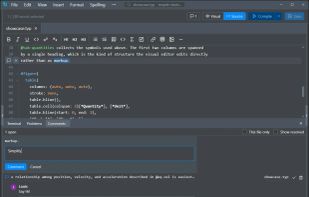
Texpile is a local, offline editor for LaTeX, Typst, and Markdown. It supports visual editing in the spirit of LyX, source editing with full IntelliSense, git support with a side-by-side diff view, and end-to-end encrypted real-time collaboration.
 United States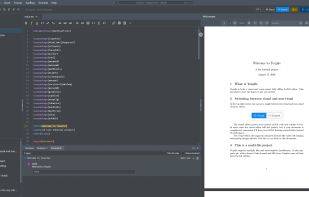
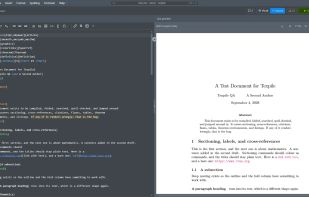

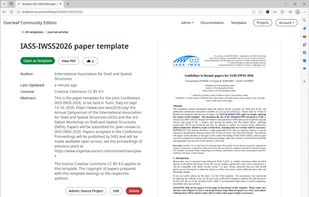
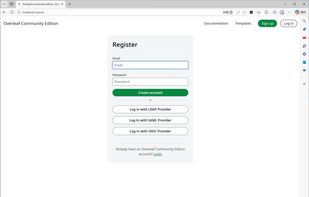
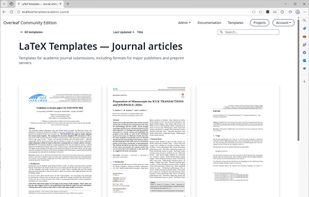
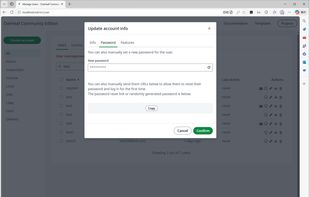
A web-based collaborative LaTeX editor, extended from Overleaf, formerly Ayaka-notes Overleaf Pro Edition.
 Japan
Japan