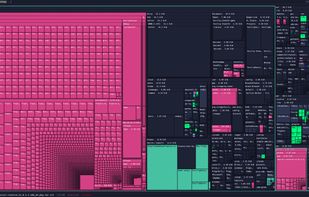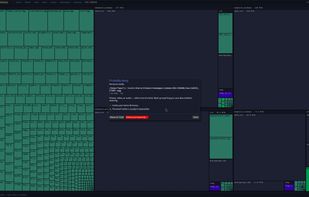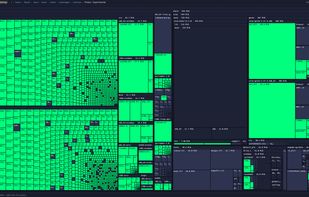
Duc is a collection of tools for inspecting and visualizing disk usage.
Duc scales quite well, it has been tested on systems with more than 500 million files and several petabytes of storage.


TDP x-Ray is described as '"TDP x-Ray is a visual tool intended for disk space administration. Displaying a clear graph showing the disk occupation, in which it is apparent immediately which files and folders occupy the most space' and is a disk usage analyzer in the system & hardware category. There are more than 25 alternatives to TDP x-Ray for a variety of platforms, including Windows, Mac, Linux, BSD and Flathub apps. The best TDP x-Ray alternative is WinDirStat, which is both free and Open Source. Other great apps like TDP x-Ray are WizTree, Baobab Disk Usage Analyzer, Filelight and GrandPerspective.
Duc is a collection of tools for inspecting and visualizing disk usage.
Duc scales quite well, it has been tested on systems with more than 500 million files and several petabytes of storage.


Inspect your disk and find the files that occupy the most space or that haven’t been modified in a long time.


dua (-> Disk Usage Analyzer) is a tool to conveniently learn about the usage of disk space of a given directory. It's parallel by default and will max out your SSD, providing relevant information as fast as possible.


GdMap is a tool which allows to visualize disk space. Ever wondered why your hard disk is full or what directory and files take up most of the space? With GdMap these questions can be answered quickly. To display directory structures cushion treemaps are used which visualize a...

MeinPlatz "My-Place" offers an easy and fast way to scan the hard disk for lost disk space. With analysis on a percentage basis and grouping by folders, file types, size or date. It has also a nice print and export function.


FolderSizes provides an engaging, interactive disk space analysis experience that you must try yourself to truly appreciate. More than just a series of diverse reports, FolderSizes allows you to visualize your disk space usage from multiple perspectives, like SequoiaView.


Create a visual representation of the amount of space each file is taking on your hard drive. It creates a "squarified treemap" that makes it easy to see where all your space is going.


This free-for-personal-use software utility analyses storage disk usage, and then presents the gathered information in graphical format(s) viz. a directory tree, or a pie chart.