Platforms
- Mac
- Windows
- Linux
- Self-Hosted
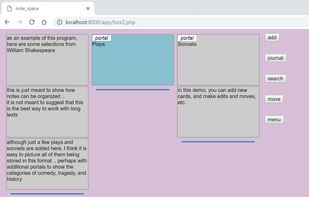




Take notes, share them, learn and work faster. MonoCorpus helps teams keep track of code and notes during the development of software and machine learning algorithms.

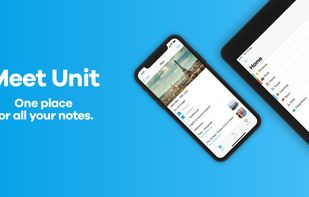
Unit is a modern note-taking app that provides a completely new experience of creating, organizing and managing all your notes.


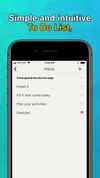
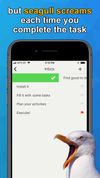
Check out my to-do list. Unlike many task managers, this list is simple, intuitive, and offers various sorting options. Plus, a seagull squawks each time you complete a task.
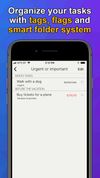


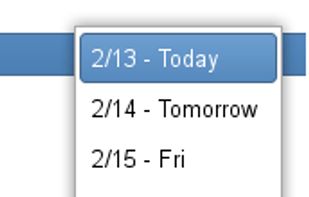
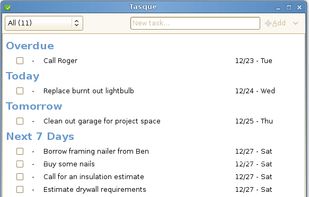
Tasque is a simple task management app (TODO list). The main window has the ability to complete a task, change the priority, change the name, and change the due date without additional property dialogs.
 United States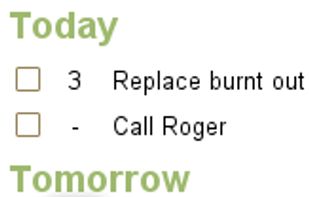



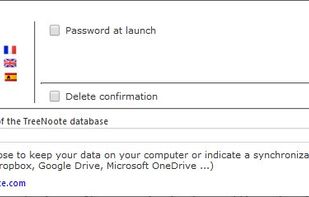
TreeNoote is a brand new note-taking program, free, secure and available in a portable version.
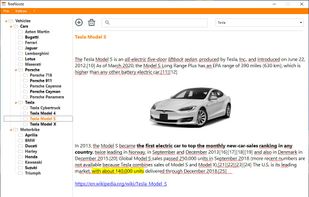
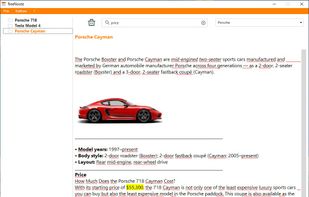
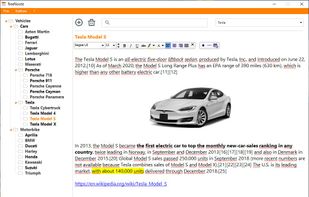

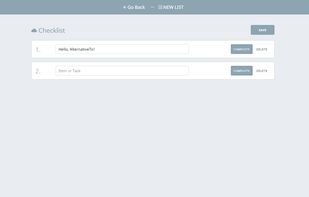
"SimpleNotes" lets you create, edit and organize all your notes anytime, anywhere. Easy switching between Desktop and Mobile. You can share your notes with everyone you want. The Website is free to use and a Desktop and Mobile APP is also available.

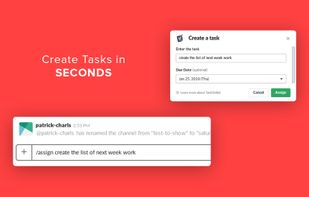
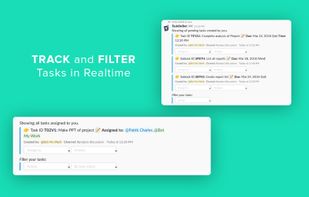
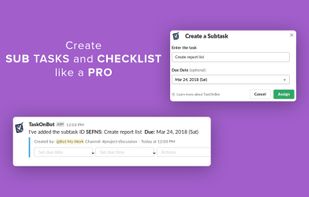
TaskOnBot is a Project and Task Management Bot within Slack. No need to leave your conversation to manage your team work. Tasks can be created inside the Slack Channel when the conversation is going on.
 India
India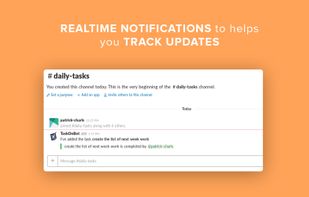

 United States




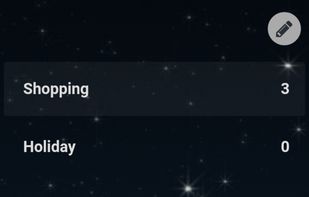
Online TODO list. As a web app it works great on a mobile phone or tablet once you add it to your homescreen. Minimal, open source, fully hosted, with the option for self-hosting.
 Australia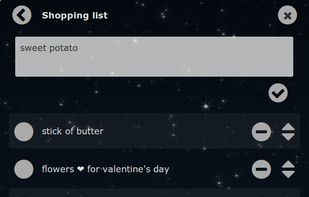


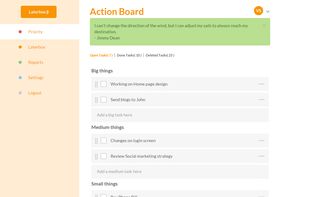
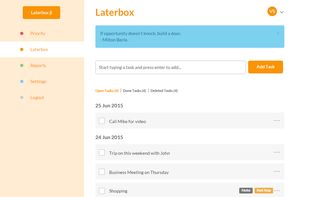
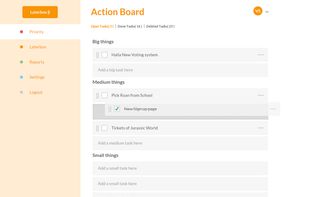
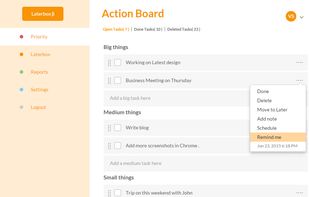
To-do list maker. Make your Priority to-do list. Put your random thoughts in Laterbox. At the end of the day check how many important works you have done.