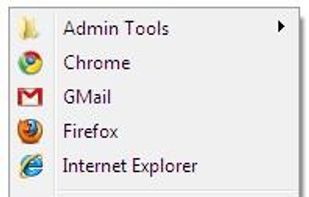
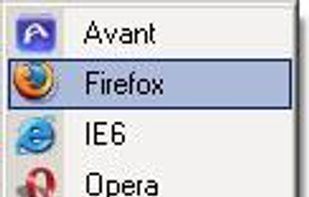
menuApp is an application which allows you to configure menus and use them to launch your favourite programs, music files, documents, websites, etc.
Cost / License
- Free
- Proprietary
Since
- Since 2014



+4


TaskbarDock has been discontinued. Similar apps include Windhawk, which is free and open source. Other options are RocketDock, 7+ Taskbar Tweaker, TranslucentTB and TaskbarX. There's no shortage of Application Launchers like TaskbarDock, with more than 25 alternatives for Windows and Mac.
menuApp is an application which allows you to configure menus and use them to launch your favourite programs, music files, documents, websites, etc.

Taskix is a free utility destined for those who keep many open windows at the same time. It allows you to reorder taskbar tabs with drag-and-drop, scroll through tabs with the mouse wheel, close tabs with middle-click, and more.
 Germany
 EU


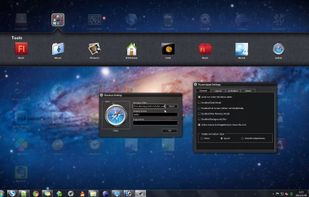
XLaunchpad gives you instant access to all your shortcuts. Arrange apps in XLaunchpad any way you like by dragging icons to different locations or by grouping apps in folders. Simply drag one icon over another to create a folder.
 China



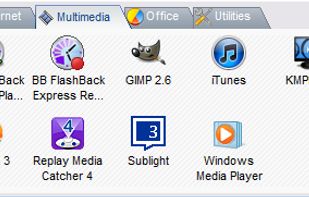

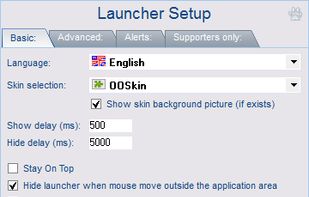


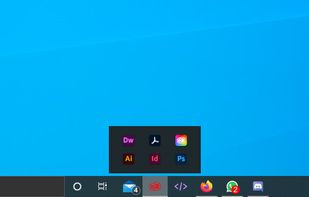
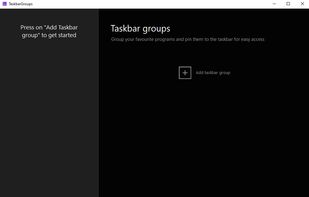
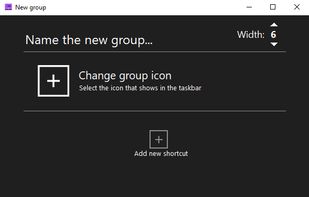


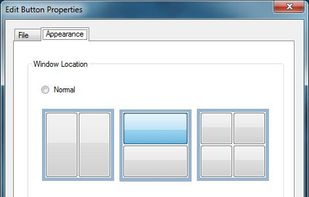
A simple application launcher. It is very fast and easy to use. It is unlike your common dock or menu launcher. It introduces several different features such as QWERTY based launching, tab group navigation using numbers, custom window placement for programs, and the ability to...
 Philippines



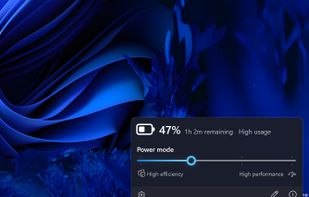
Upgrade system flyouts with Fluent design for detailed battery information, including percentage, time, full and real capacity, charge rate, and voltage, developed by FireCubeStudios.


LaunchBar is a small Windows freeware program that mimics the behavior of the dockable QuickLaunch toolbar that was available in all Windows versions before Windows 7.
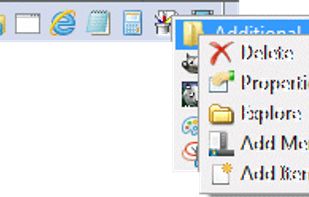


Flashtray - Our system tray application launcher and macro tool makes you work more efficiently by automating a lot of repetitive keyboard tasks by using custom macros and hotkeys.


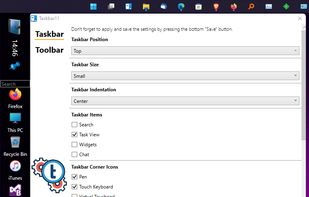
Taskbar11 customizes the look of the Windows 11 taskbar, which doesn't have any options by default. The taskbar can be set to the top or bottom (default) of the screen, it also allows for setting various icon sizes.


[Last update was released on 05 Oct 2007, but you can download it from Softpedia.com on http://www.softpedia.com/get/Desktop-Enhancements/Other-Desktop-Enhancements/LaunchTab.shtml ]



As for Taskbar++ with the software which operates on WindowsNT/2000/XP/2003, as for Taskbar++ it is the software which can replace the position of the button of the task bar freely.