


Google Chrome extension to keep all the tabs you have open in a set so that you can open them all again later, even on another device.
Cost / License
- Free
- Open Source
Application type
Platforms
- Mac
- Windows
- Linux
- Google Chrome
 Germany
 EU
EU
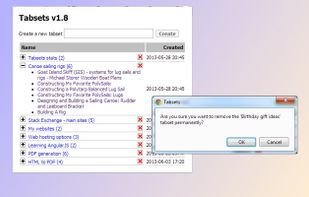


Tabs Outliner is described as 'Next Generation Session, Windows, Tabs Manager and a TooManyTabs Solution That Really Works' and is a popular Tab Manager in the office & productivity category. There are more than 50 alternatives to Tabs Outliner for a variety of platforms, including Google Chrome, Mac, Mozilla Firefox, Windows and Linux apps. The best Tabs Outliner alternative is OneTab, which is free. Other great apps like Tabs Outliner are Tab Session Manager, Sidebery, Tree Style Tab and Session Buddy.
Google Chrome extension to keep all the tabs you have open in a set so that you can open them all again later, even on another device.
GermanyEU
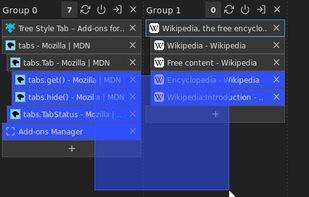
Provides tab groups / panorama functionality using the tab hide api. Manage tab groups in a compact, tiled groups view.



Visual Tabs is a Firefox add-on, which enables to show tabs as thumbnails in sidebar. Key features are...
 Japan
Japan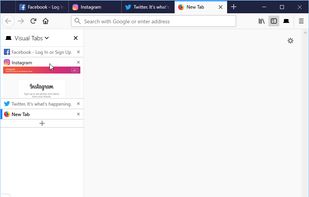
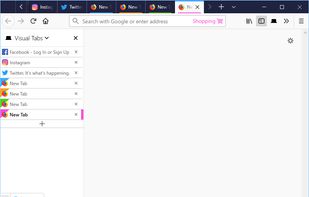
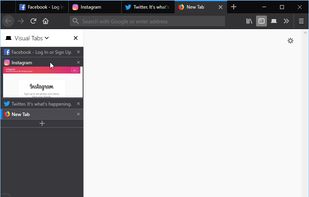
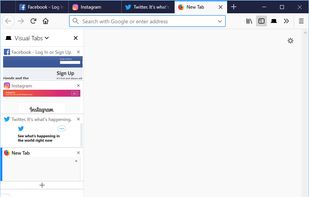

This Firefox add-on arranges tabs in a vertical rather than horizontal fashion.
Hide and display manually the tab sidebar with a hotkey (Ctrl+Shift+V) or by clicking on the VTR icon.
Vertical Tabs Reloaded is a fork of Vertical Tabs , inspire.




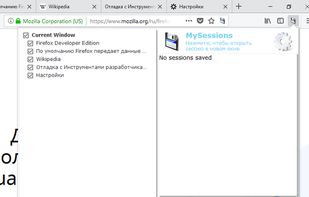
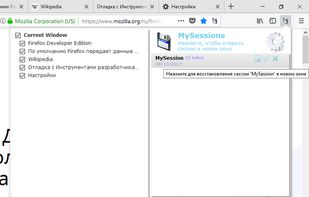
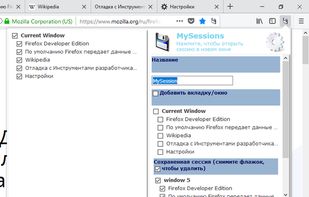
MySessions is a simple session manager. You can quickly save your current browser state and reload it whenever necessary.



Kurator, lets you curate links into special folders, that you can pin to your browser tabs. The program scrapes information off the page and lets you add and modify description, author, publisher and content tags. Instant access to your info!.
 United States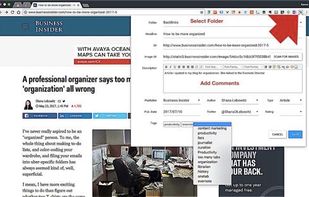


Mark is a minimalist tab manager that organizes tabs as you browse. With Mark, tabs are automatically grouped by domain and sorted alphabetically so you can easily find them later.


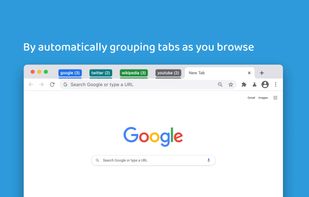


Tab Groups are an easy way to organize a lot of tabs. You can visually group related tabs, switch between groups, and quickly search through all of your tabs to switch to a specific one.
 PortugalEU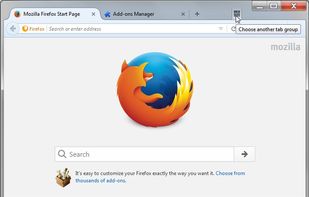
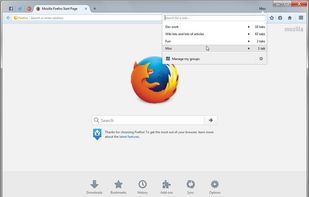
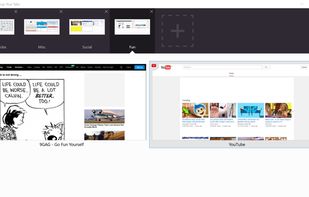
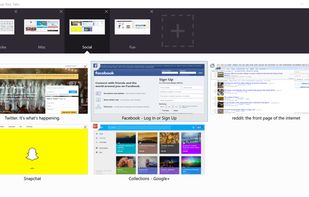


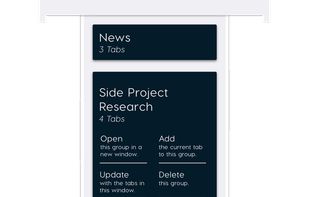
Open Tabs is a Google Chrome extension that lets you create groups of tabs, save them, and reopen them later. It is thoughtfully built for all we that fill our browser with dozens of tabs for weeks at a time, slowing down our computer.



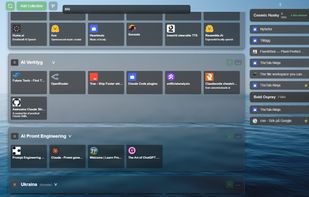
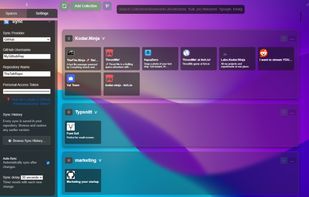
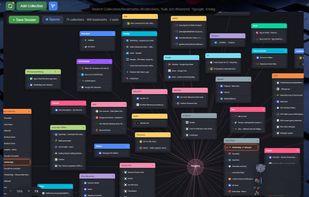
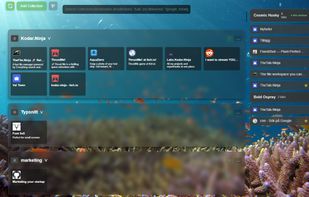
TheTab.Ninja is an open-source browser extension that turns the new tab page into a customizable launchpad for bookmarks and open tabs, organized into collections and workspaces, with private sync through your own GitHub repository or Google Drive.


Always open new tabs to the right of the current one(which is not the same as setting browser.tabs.insertRelatedAfterCurrent to true). You can however get the default behaviour by:


 New Zealand