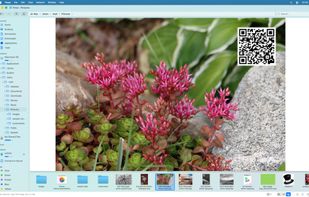
Explorer Tabs enables you to manage your explorer windows with the ease of Chrome style tabs. Get started today with a free download!
Cost / License
- Free
- Proprietary
Platforms
- Windows


E


Apps similar to Tablacus Explorer include Double Commander, which is free and open source. Other options are Files, Total Commander, FreeCommander and OneCommander. You're spoiled for choice with File Managers like Tablacus Explorer: we list more than 50 alternatives for Windows, Mac, Linux, iPhone and iPad.
Explorer Tabs enables you to manage your explorer windows with the ease of Chrome style tabs. Get started today with a free download!

Efficient macOS file manager with native SwiftUI offers familiar Windows-style cut and paste, tabs, multi-panel browsing, deep sidebar navigation, Quick Look, file previews, conflict handling, external drive support, advanced search, and multi-language localization.
 Germany
 EU
EU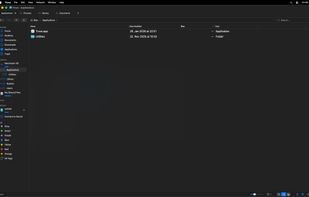

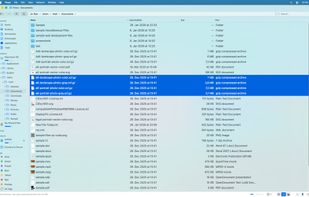


Windows File Manager lives again and runs on all currently supported version of Windows, including Windows 10.
 United States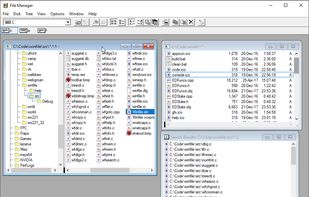


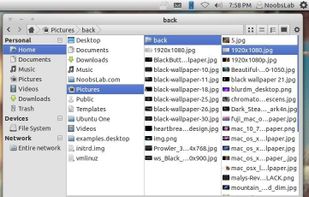
Marlin is a new GTK3-based file manager for Linux, pretty slick and fast.
Unlike most other file managers Marlin has included the so called "Miller columns" view.
Features


 FranceEU
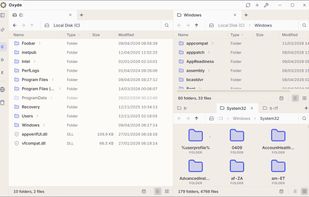
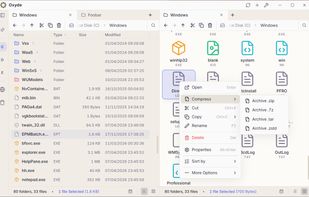
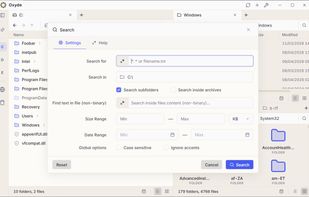


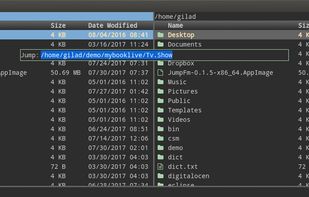
JumpFm is a minimalistic dual panel file manager (currently released only for Windows, Mac, and Linux) that lets you navigate your file system very efficiently.


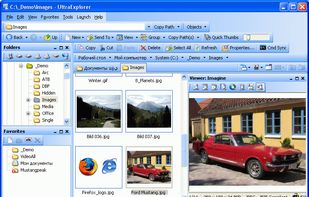
UltraExplorer is a Windows Explorer replacement that will change the way you think about file management. Other Explorer replacement applications duplicate the same old paradigm introduced by Microsoft in Windows 95.


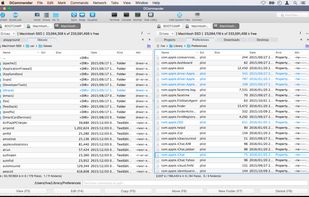
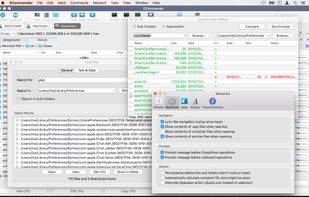
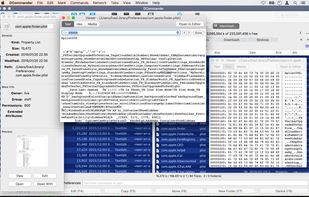
DCommander is a two-pane file manager that gives you full control over your computer's filesystem.
 AustriaEU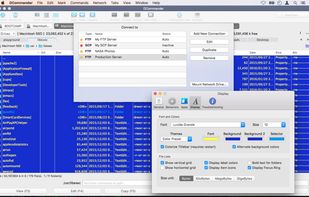


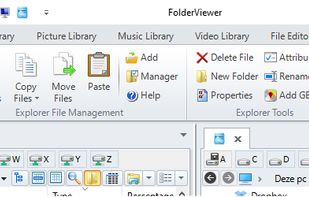
A very advanced File Manager/Explorer, with Rename and Batch Copy Software tools, flexible Libraries to manage thousands of documents. FolderViewer is the Whole in One of Windows.


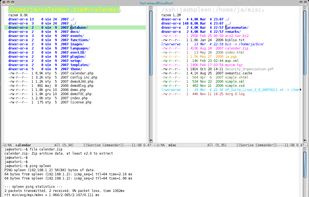
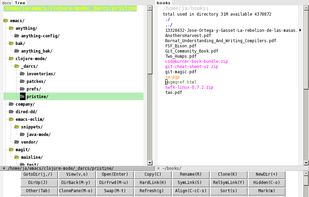
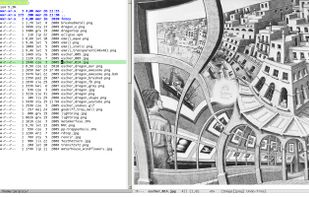
Double-pane file manager extension for Emacs integrating dired mode, keyboard navigation, customizable keybindings, orthodox manager features, archive browsing, directory comparison, bookmarks, extensibility, and asynchronous operations across multiple platforms.



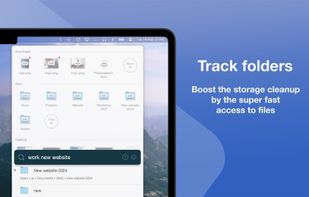
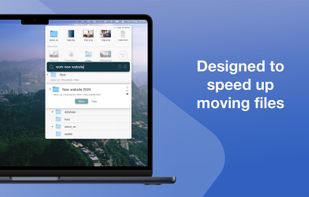
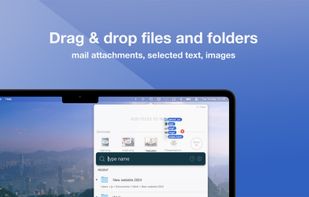
Introducing Fover, a fresh approach to file management on your macOS device. With Fover, moving files and folders becomes a breeze, taking just three simple steps: drag and drop files into the app, specify the destination folder, and click the move button.



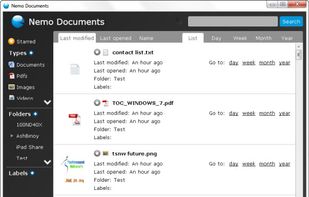
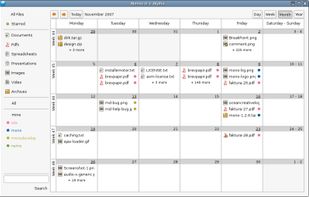
An intuitive file manager for Windows and Linux (Alpha version) that displays your files in a calendar-like time view.