


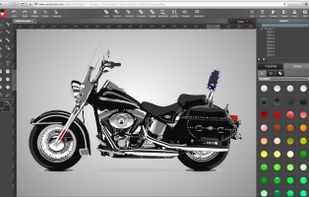
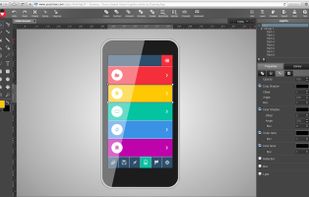
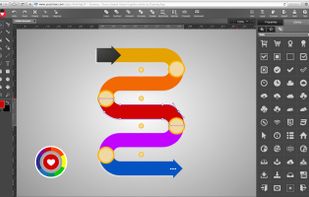
Create stunning vector graphic design with YouiDraw drawing, logo maker and painter. It’s like Adobe Illustrator but it works on HTML5 canvas.
Cost / License
- Freemium
- Proprietary
Application type
Platforms
- Online
 United Kingdom



+2


Apps similar to Super Vectorizer Pro include GIMP, which is free and open source. Other options are Inkscape, Graphite, Adobe Illustrator and Sketch. You're spoiled for choice with Vector Graphic Apps like Super Vectorizer Pro: we list more than 50 alternatives for Windows, the web, Mac, Linux and iPad.
Create stunning vector graphic design with YouiDraw drawing, logo maker and painter. It’s like Adobe Illustrator but it works on HTML5 canvas.
United Kingdom
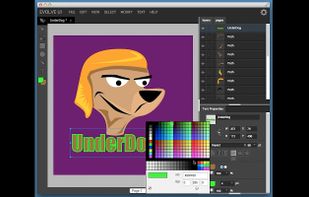
EvolveUI is tailored for user experience designers, information architects, interaction designers, and web developers. Prototype, Design, and Export to the Web!.
 United States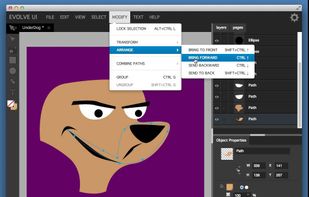


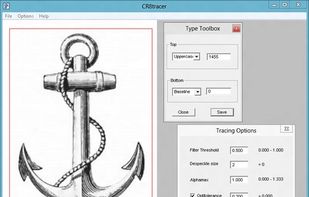
Convert bitmap images into monochrome vector formats. CR8tracer is a free, open-source GUI for Peter Selinger's 'Potrace' distributed under the GNU General Public License.


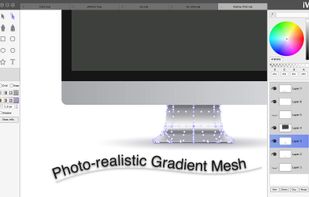
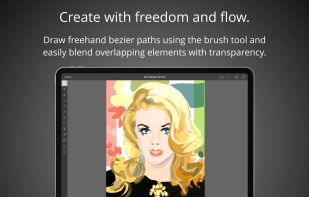
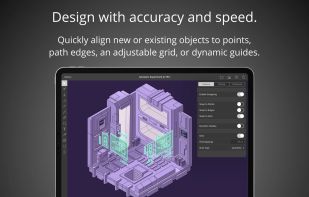
iVinci is a new starting point in vector design industry. It's just incredibly easy, and incredibly fast, for both beginners and experts.
Notable features: -Use SVG as native file format. You can use files created by iVinci directly in may other Apps. -Powerful Bezier path e.
 China
China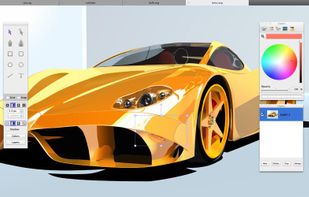


LineTracer is a tool for converting scanned hand-drawn sketches to vector format. It exports to EPS, which means the output can be used by about any program. It is primarily meant for helping illustrators and animators. The application is GUI based and runs on Windows.


All the features of other vector editing applications such as Adobe Illustrator or Inkscape, in a free, easy to use, powerful application.


The aim of the AutoTrace project is the development of a freely available application with a functionality similar to CorelTrace or Adobe Streamline.
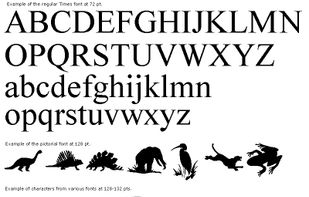


KVEC is a tool which can vectorize images using several graphic formats: WMF Windows Metafile, Enhanced Metafile, AutoCad DXF, HPGL, ART, Postscript, Adobe Illustrator AI, SVG/SVGZ (Scalable Vector Graphics), SWF, DST, HTML.


WinTopo is a high quality software application for converting TIF, JPG, PNG, GIF, BMP files and scanned images into useful vector files suitable for CAD, GIS and CNC applications.
United Kingdom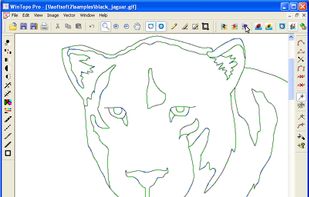




 Germany
 EU
EU


