Cost / License
- Freemium
- Proprietary
Application type
Platforms
- Online

S


Apps similar to SubCreator include Subtitle Edit, which is free and open source. Other options are Aegisub, GeekLink, VidCap and Amara. There's no shortage of Subtitle Editors like SubCreator, with more than 25 alternatives for Windows, Linux, the web, Mac and iPad.

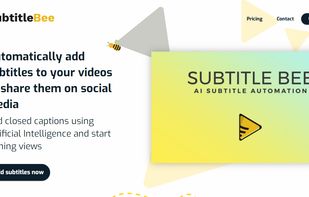
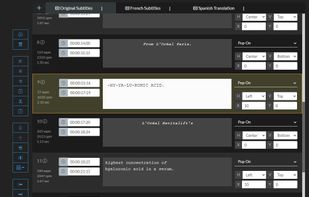
Subtitlebee is a video subtitling tool that automatically generates subtitles in a jiffy. The accuracy rate is almost perfect, plus it allows users to customize font styles, colors, background, change subtitle position, and a lot more.



YouTube's built-in subtitle editor doesn't support styling of any kind. If you want formatting such as bold, italic and coloring, you need to upload a subtitle file instead. The site accepts a number of file formats such as RealText, WebVTT and TTML, but all of these...
 Germany
 EU
EU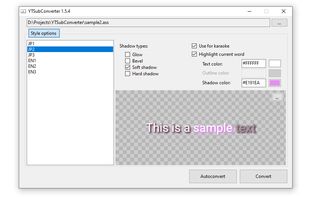
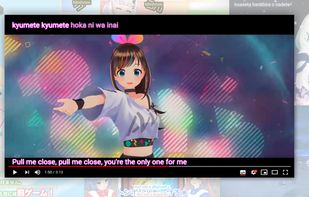


CaptionMaker and MacCaption allow you to easily author, edit, create subtitles, and encode and repurpose video captions for television, web and mobile delivery


Closed Caption Creator is a high-end subtitle editor that makes it easy to create closed captioning, subtitles, audio descriptions, and transcripts.
 United States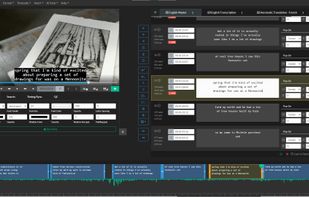
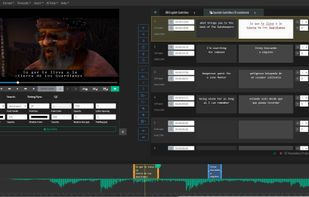
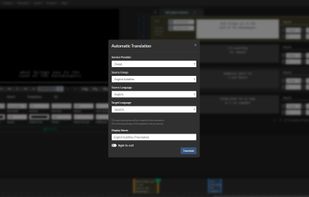


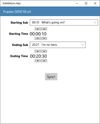
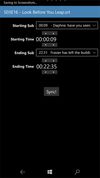
With SubtitleSync you can easly synchronize your subtitles in your mobile phone or PC. Application supports several different encodings.


Empowering subtitle creators with next-generation editing tools designed for the modern world of content creation.
 Hong Kong SAR China