


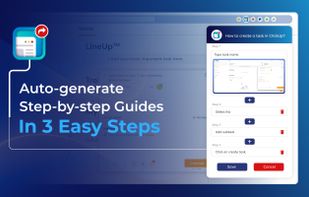
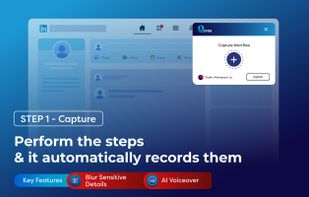
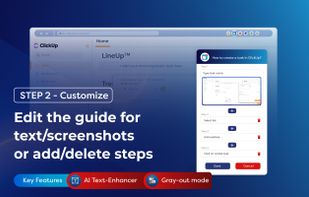
Save hours daily by instantly auto-generating & sharing step-by-step guides in screenshots and video, ensuring everyone masters any process quickly & easily.
 India



+2



Apps similar to StepForge include Mimik, which is free and open source. Other options are MagicHow, Folge, Trupeer.ai and Guidde. Screen Recorders like StepForge are a crowded field, with more than 25 alternatives for the web, Windows, Mac, iPhone and iPad.
Save hours daily by instantly auto-generating & sharing step-by-step guides in screenshots and video, ensuring everyone masters any process quickly & easily.
India
Turn any screen recording into context-aware, step-by-step guides, tutorials, manuals, and SOPs, automatically capture screenshots, translate content, and export in multiple formats.
 Latvia
 EU




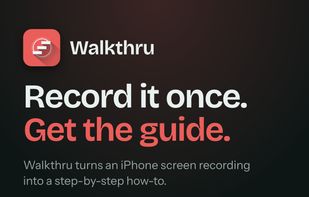
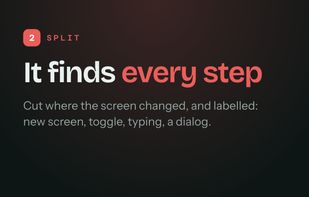
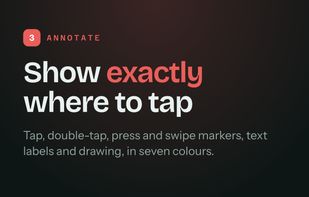
Turn iPhone or iPad recordings and ordered screenshots into editable step-by-step guides. Add gesture markers, labels, captions, and redactions, then export PDFs, videos, images, or Markdown locally without an account or uploads.
 Myanmar (Burma)



No time for YouTube videos? Get a step-by-step tutorial of any video to follow along. Pure transcript. Powered by AI.


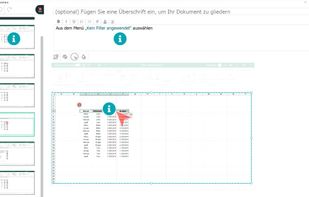
FlowShare will help you get your documentation done in just a few hours instead of days or weeks. It works with any type of software on Windows, and can be used to distribute guides quickly allowing employees to train on complex tasks and processes.



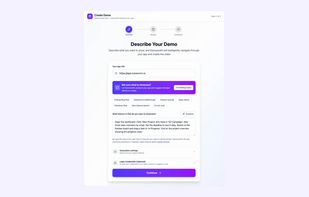
Cloud-based AI agent that follows a product flow from a URL, records the browser interaction, and creates an edited video with narration, captions, zooms, and branding. Each run can also produce a clickable walkthrough and Markdown, HTML, text, or PDF documentation.
 Canada
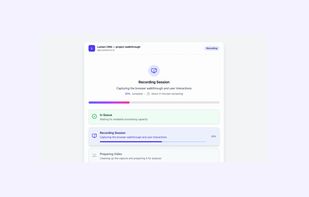
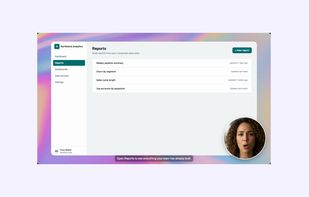
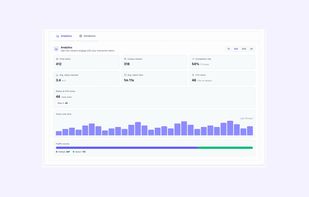


Turn software interactions into instant docs. Capture workflows, compile, and generate comprehensive how-to's and support docs automatically. A built-in AI Agent understands every click, field, and button—making your entire workflow experience and documents discoverable.


Streamlines step-by-step guide creation, enhances organizational information flow, and ensures documentation remains current and efficient, boosting scalability.



Transforms browser workflows into polished video guides with AI narration, smart zooms, captions, and highlights. No screen recording—just use the Chrome extension, click through your process, and instantly share guides via link, embed, or MP4. Privacy built in.
 LithuaniaEU
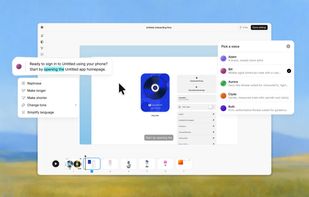
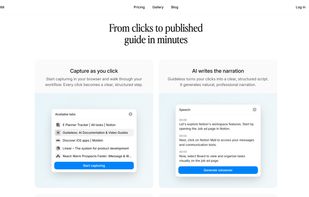
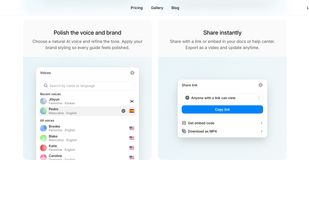


Converts silent screen recordings into comprehensive tutorial videos by analyzing actions frame-by-frame, generating step-by-step instructional scripts, and adding realistic AI voiceover, eliminating the need for scripting, editing, or re-recording.
India



Write SOPs while you work. Press a shortcut to save a step, and Notavi turns what you did into a numbered procedure with screenshots. Same template every time, files kept on your own machine.
 United States
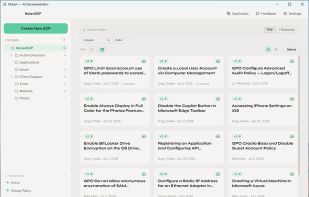
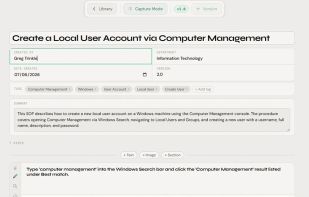
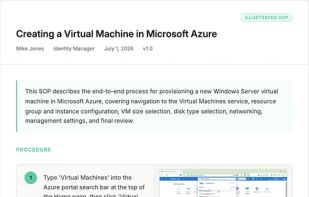


Trails makes it simple for anyone to build a step-by-step guide. No copying and pasting screenshots - just record your process and out comes a beautiful guide in just 3 simple steps:
United States





