Stats AlternativesOnly apps categorised as Network Monitors

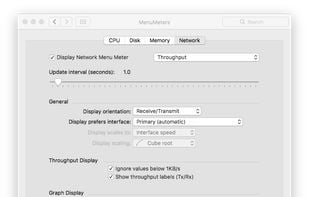
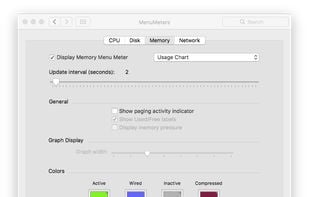
The best Network Monitor alternative to Stats is Atmonitor, which is free. If that doesn't suit you, our users have ranked more than 50 alternatives to Stats and 11 are Network Monitors so hopefully you can find a suitable replacement. Other interesting Network Monitor alternatives to Stats are Activity Monitor, MenuMeters for El Capitan, MenuBar Stats and Opsview Monitor Mobile.

filter to find the best alternatives

Stats alternatives are mainly Network Monitors, but if you're looking for System Information Utilities or Process Monitoring Tools you can filter on that. Other popular filters include Mac. These are just examples - use the filter bar below to find more specific alternatives to Stats.
Copy a direct link to this comment to your clipboard
Stats alternatives page was last updated

Alternatives list

  1. Atmonitor icon
     21 likes
    Copy a direct link to this comment to your clipboard

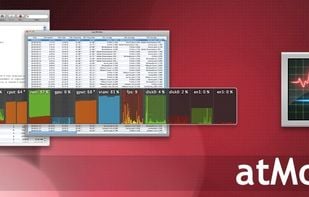
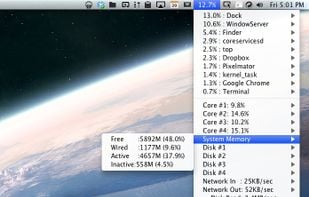
    Mac OS X System Monitor and Process Explorer Tool atMonitor is the most advanced monitoring tool for Mac OS X that displays system activity in real-time. It is designed to allow quick assessment of computers state and it is powerful enough to make it a core utility in anyones sys.

    Cost / License

    • Free
    • Proprietary

    Alerts

    • Discontinued

    Platforms

    • Mac
     
  2. Copy a direct link to this comment to your clipboard

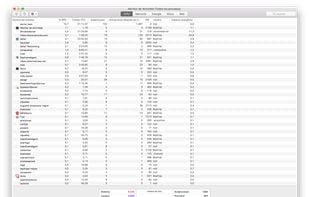
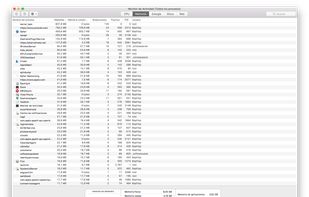
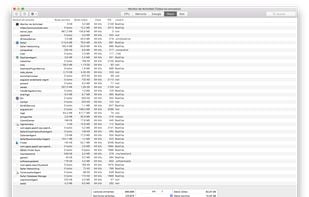
    Activity Monitor displays information about all the processes running on your Mac, including CPU, disk, memory, and network usage. You can see exactly how your computer’s resources are being used via a searchable table, helpful graphs, or even directly in the Dock icon.

    22 Activity Monitor alternatives

    Cost / License

    • Free
    • Proprietary

    Platforms

    • Mac
     
  3. Copy a direct link to this comment to your clipboard

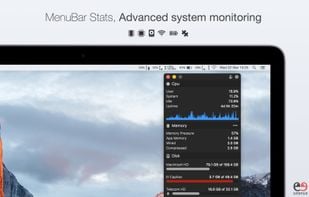
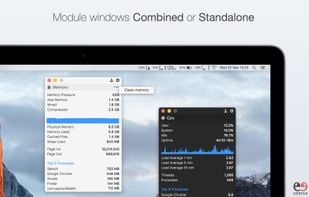
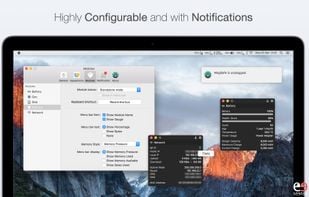
    MenuBar Stats 2 has been reinvented. Completely re-written from the ground up. MenuBar Stats 2 is composed of modules (CPU, Disk, Network,...). Each module can be seen in your menu bar. Each module can be combined in 1 window, or in a separated window.

    Cost / License

    • Pay once
    • Proprietary

    Platforms

    • Mac
     
  4. Copy a direct link to this comment to your clipboard

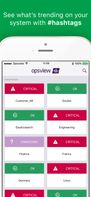
    Opsview Monitor Mobile allows you to monitor what's important, anywhere, anytime. You can manage the health of your physical, virtual and cloud based systems all from the comfort of your mobile. Get the free app and make monitoring easy again.

    Cost / License

    • Free
    • Proprietary

    Application type

    Platforms

    • Android
    • iPhone
    • Android Tablet
    • iPad
     
    • Opsview Monitor Mobile is the most popular Android, iPad & Android Tablet alternative to Stats.

    • Opsview Monitor Mobile is Free and ProprietaryStats is Free and Open Source
  5. Loading icon
     Like
    Copy a direct link to this comment to your clipboard

    Your iPad and iPhone show you when apps are using your network. So why can't your Mac? Sure, there's always the Network section in Activity Monitor, but that's far from ideal. At best you can group by All Processes, Hierarchically, sort by Rcvd Bytes, and check the...

    Cost / License

    Application type

    Platforms

    • Mac
     
  6. MiniUsage icon
     6 likes
    Copy a direct link to this comment to your clipboard

    MiniUsage displays various data like CPU usage, amount of network flow, battery status and process names which uses much CPU time in a menubar. It takes little space and can display various data, so it's suitable for notebook.

    Cost / License

    • Free
    • Proprietary

    Application type

    Alerts

    • Discontinued

    Platforms

    • Mac
     
  7. XRG icon
     8 likes
    Copy a direct link to this comment to your clipboard

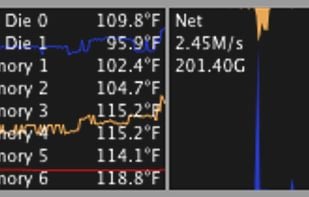
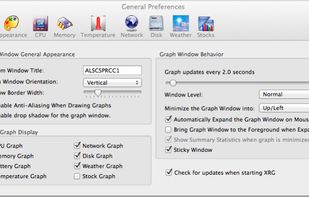
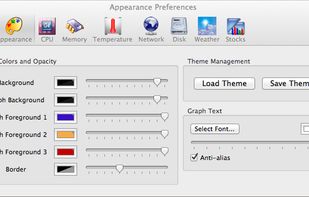
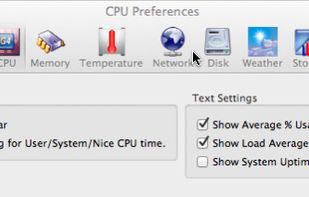
    XRG is an open source system monitor for Mac OS X. XRG allows you to monitor CPU activity, memory usage, battery status, machine temperature, network activity, disk I/O, current weather, and stock market data.

    Cost / License

    • Free
    • Open Source

    Platforms

    • Mac
     
  8. Copy a direct link to this comment to your clipboard

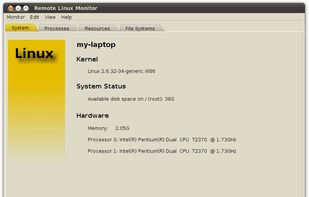
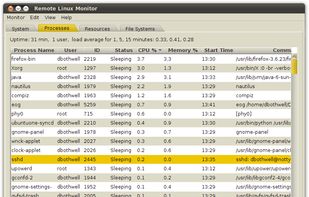
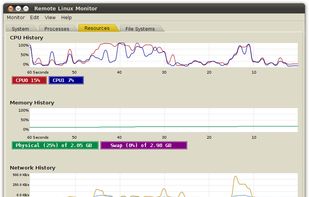
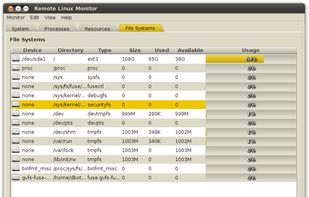
    The Remote Linux Monitor's graphical user interface is similar to and inspired by Gnome's System Monitor. All connections are made using a secure shell and there is no agent software to install on the remote server.

    Cost / License

    • Free
    • Open Source

    Platforms

    • Mac
    • Windows
    • Linux
    • BSD
     
  9.  2 likes
    Copy a direct link to this comment to your clipboard

    The Bubbling Load Monitor (or "Bubblemon" for short) is a system CPU and memory load monitor. It displays something that looks like a vial containing water. The water level indicates how much memory is in use.

    Cost / License

    • Free
    • Open Source

    Application type

    Platforms

    • Linux
     
11 of 11 Stats alternatives