


Cost / License
- Paid
- Proprietary
Application type
Platforms
- Windows


Apps similar to SPX Instant Screen Capture include ShareX, which is free and open source. Other options are Greenshot, Snipping Tool, PicPick and FastStone Capture. Screenshot Capture Tools like SPX Instant Screen Capture are a crowded field, with more than 100 alternatives for Windows, Mac, the web, Linux and Android.

informUp screen capture is a free screen capture software for you to easily take screenshots.


PrintKey-Pro is a screen capture program that can capture the screen or any part of it with the press of the Print Screen key (or any other key you configure).


A macOS app for capturing, annotating and sharing screenshots. Quickly add comments, highlight what matters or blur any sensitive content. Upload screenshots to Google Drive or Dropbox. Copy screenshots to the clipboard and paste them directly into Slack, Skype, Jira, Trello and...


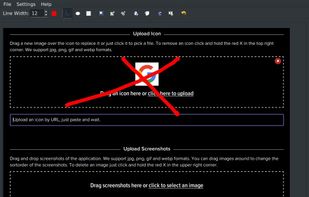
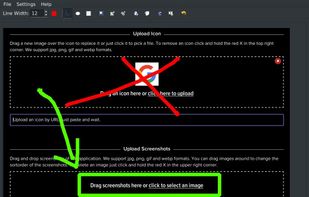


Hippo Video is an online video platform to create explainer videos, educational videos, how-tos, training videos, customer testimonials, video assignments, video tutorials, host videos and a video marketing platform.


This is the handiest way to screen capture, edit selected areas on the screenshots, and sharing with others.
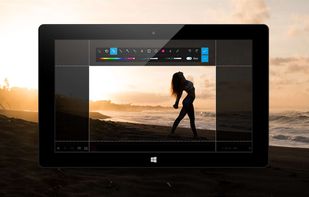
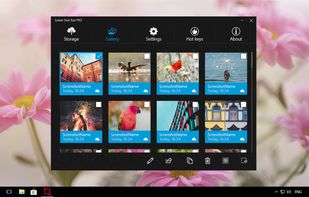




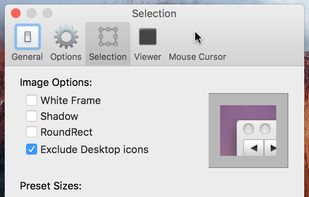
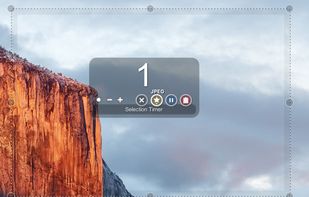
Small and free screenshot app for Mac that offers custom area and resolution presets, and much more.



Vov Screen Recorder is handy tool to record the computer screen, i.e., record the ongoing activities on the screen. Using Vov Screen Recorder, you can record your screen to create a how-to video to demonstrate working of a program, compile a products demo video for some client...
 Türkiye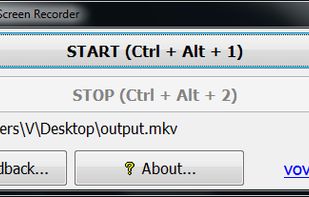


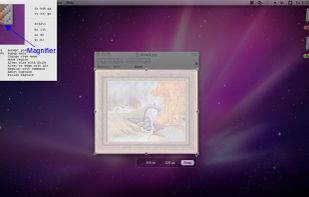
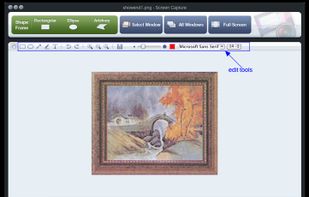
Onde Screen Capture for Mac is currently the most professional and powerful screen grabbing utility running on Mac OS, by which you can easily capture any part on your Mac desktop such as rectangular or ellipse region, freehand region, full screen, active window or all windows...
 United States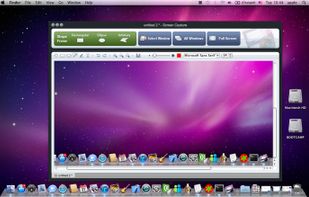


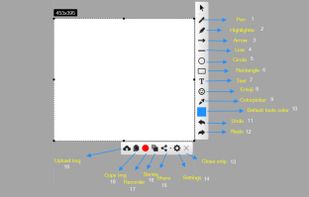
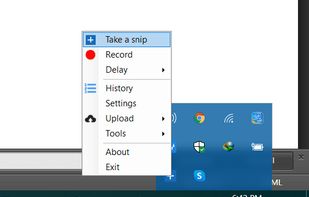
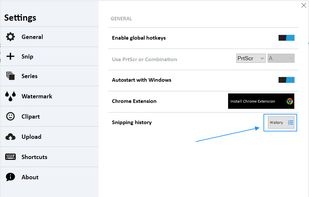
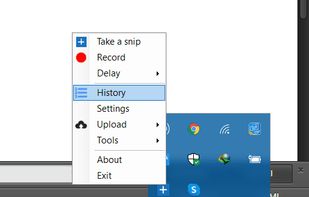
With Free Snipping Tool, not just you create snips, you can save your snips on major backup services like Imgur, Google Drive and Dropbox. Not just this you can also upload them via FTP or simple WebRequest.


 Russia


