Split screen and organize windows on Mac with keyboard shortcuts, drag-and-drop zones, and professional layouts. Better than native Split View. Multi-monitor support.
Cost / License
- Paid
- Proprietary
Application type
Platforms
- Mac
 Poland
 EU
EU


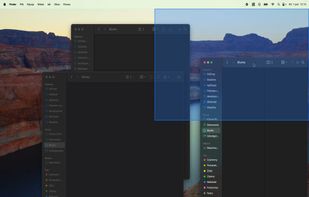

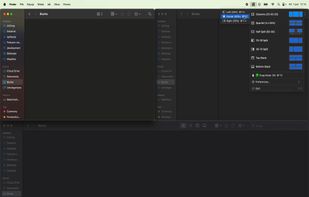


Apps similar to Spencer for Mac include Rectangle, which is open source with a free version. Other options are Loop - Window Management, Moom, yabai and Snap It!. You're spoiled for choice with Window Managers like Spencer for Mac: we list more than 25 alternatives for Mac, Linux and Windows.
Split screen and organize windows on Mac with keyboard shortcuts, drag-and-drop zones, and professional layouts. Better than native Split View. Multi-monitor support.
PolandEU
Display Maid allows you to save and restore window locations based on your display configuration or user created profiles.
 United States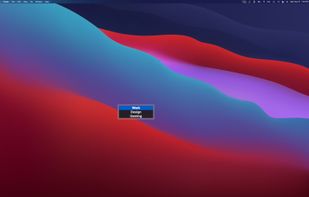
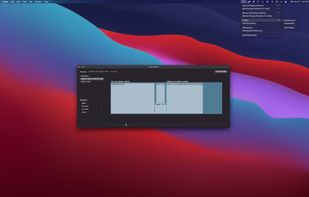


Transform your macOS Dock with Spring! This powerful yet easy-to-use app lets you create personalized shortcuts for any Mac app by selecting custom icons. With Spring, you can easily customize your Dock to match your style.


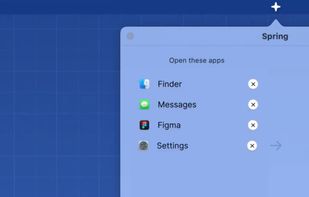
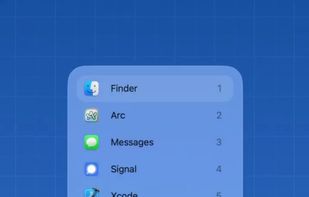


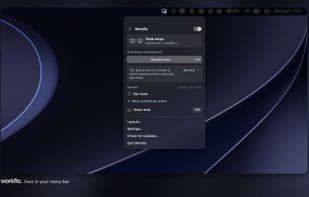
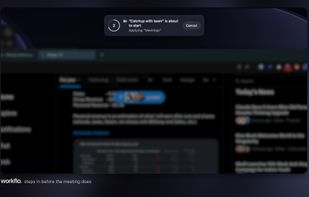
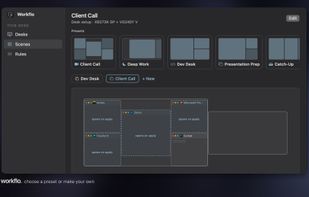
Workflo automatically arranges the windows on your Mac: it opens the apps you need, moves and resizes every window the way you set it, and clears the rest, before a call, before a focus block, and every time you dock or undock.
 India
India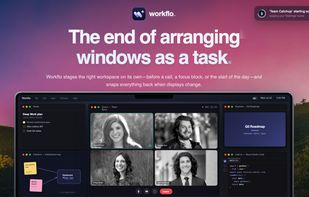


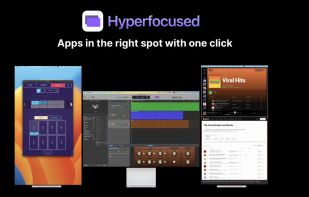


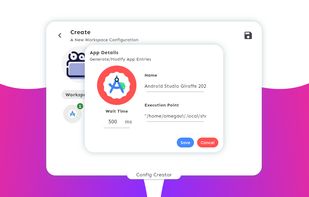
App Fleet is a workspace management tool written entirely for the Linux Desktops, designed and finely tested on GNOME. It offers creation of workspace configurations that can later be launched using a startup workspace launcher.



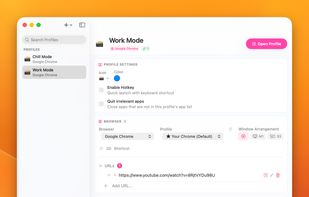
One macOS hotkey to switch entire project contexts: browser profiles (10 browsers), apps, window layouts, terminal env vars, and Spaces - all restored instantly. Native, unsandboxed, with iCloud sync.
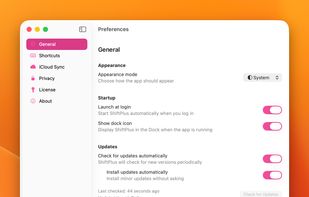
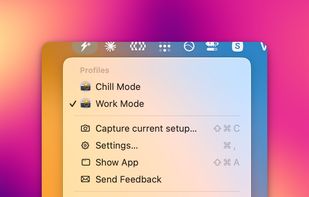


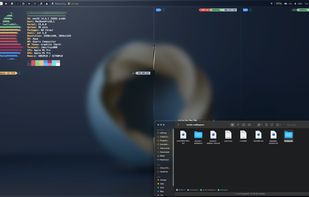
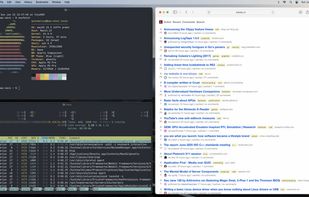
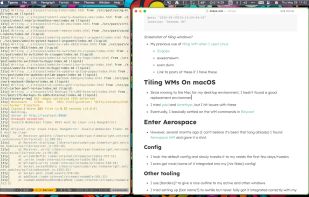


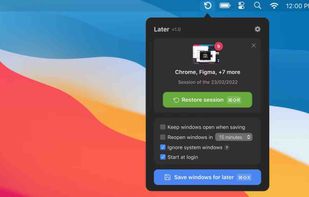
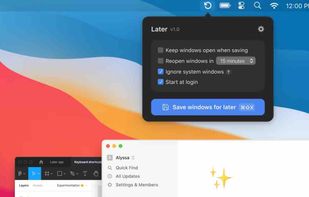


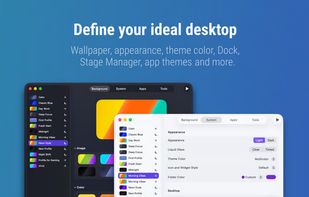
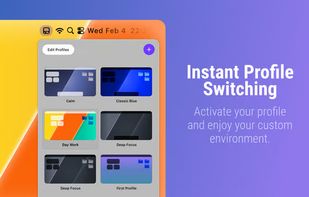
Do you want a minimalist setup for deep work and a vibrant vibe for creative sessions? Why manually toggle system settings and app themes every time? Desktop Composer combines your entire macOS aesthetic into one-click profiles, finally allowing your environment to keep up with...
PolandEU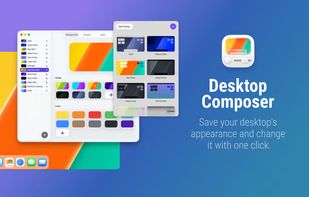


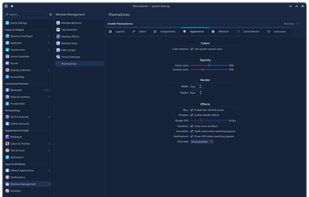
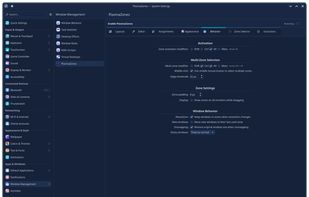
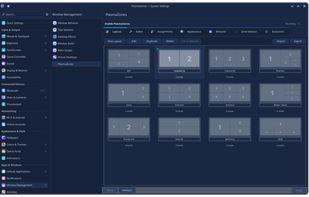
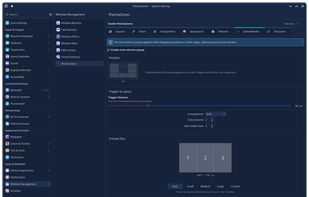
Window management tool enabling creation of custom zones, drag-and-snap, keyboard shortcuts, automated window assignments, layout editor with templates, GPU overlays, multi-monitor layouts, virtual desktop and activity support, plus KCM integration for easy configuration.
United States