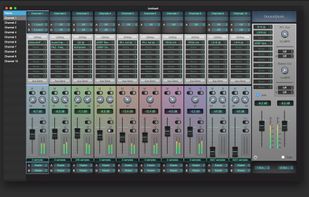
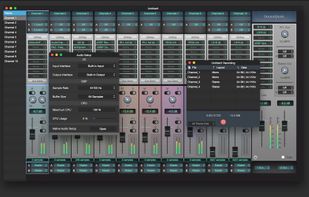
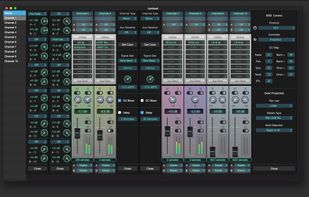
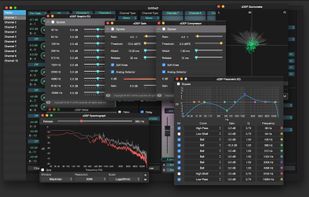
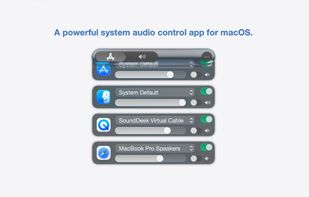
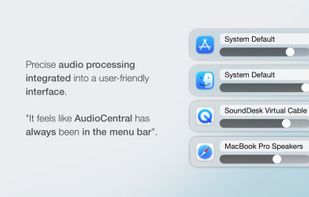
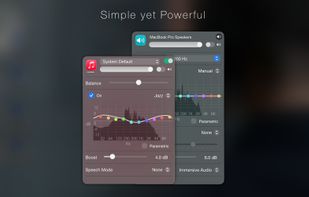
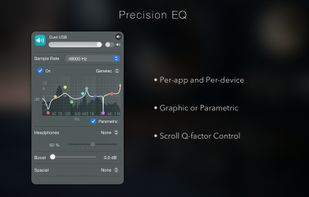
SoundDesk is the easiest way to turn your macOS into a professional mixing desk.
Cost / License
- Paid
- Proprietary
Application typeApplication types
Platforms
- Mac



+1


Apps similar to Sound Control include EarTrumpet, which is free and open source. Other options are FineTune, BetterAudio, Volume2 and Sonexis. You're spoiled for choice with Volume Control Tools like Sound Control: we list more than 25 alternatives for Mac, Windows, Linux, iPhone and self-hosting.
SoundDesk is the easiest way to turn your macOS into a professional mixing desk.

Soundish adds a per-application volume mixer to macOS, which has no built-in equivalent. Each running app gets its own volume slider, mute toggle, and output device selector in a menu bar panel.
 United Kingdom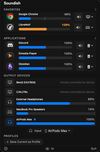
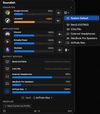
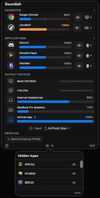

Free, open-source menu bar app for macOS: per-app volume faders, one-click audio output switching, and Bluetooth headphone control.
 Poland
 EU
EU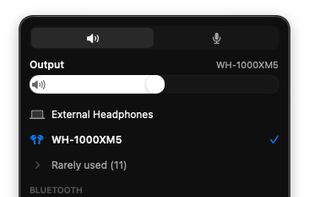




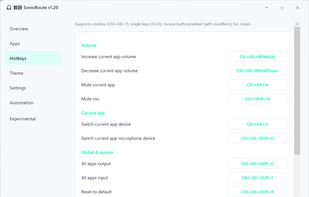
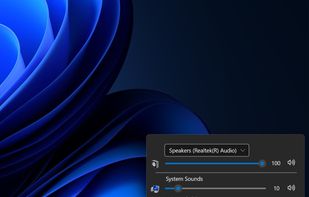
Volume mixer that allows you to set up global hotkeys to control your Windows audio system.


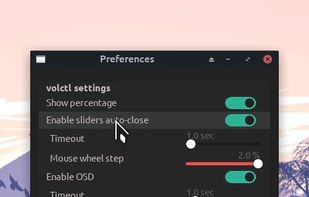
Volctl - Volume Control per application from System Tray for Linux
Volctl is a free and opensource app for Linux writen in python and gtk+ and that can be used to control volume per application and for enabled pulseaudio outputs from the system tray.
 United States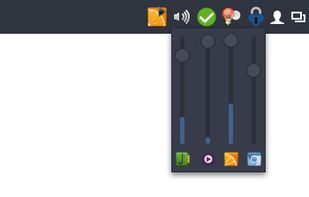
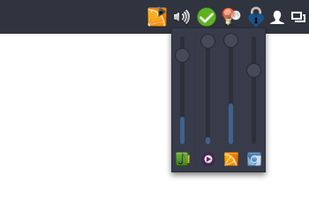


Audio Sliders is a audio control panel that is much smaller than and yet far more feature-rich than the standard Windows version. Features include... basics adjustment of volume/bass/treble levels; preset storage of different audio levels for different tasks; customizable global...
 Australia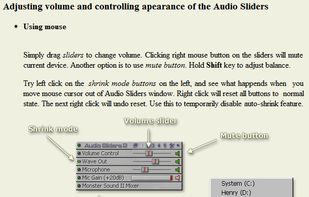





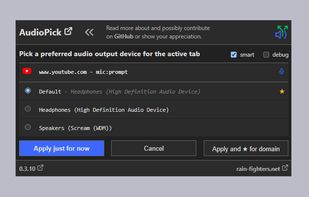
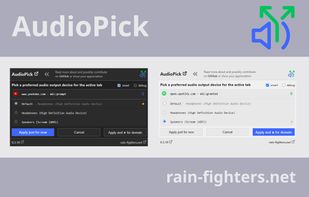
Pick a preferred audio output device for HTML5 audio and video elements like SoundSource or Sound Control but for chrome based browser.


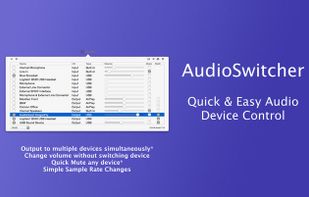
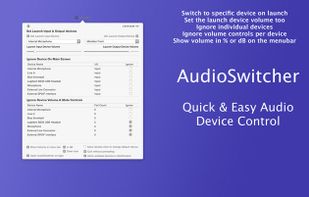
Simple, always ready menubar app that allows you to switch quickly between available input and output devices*


Volume Scroll lets you control your main volume by hovering with your mouse cursor over the top menubar and scrolling up or down to change your volume.


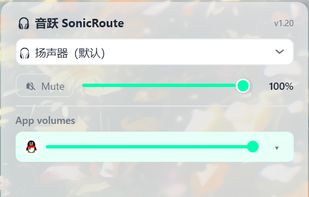
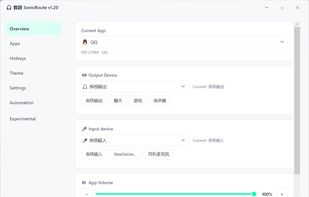
SonicRoute is a free, open-source audio control utility for Windows 10 and Windows 11. It runs in the system tray and provides quick access to the volume, mute state, and input and output devices of individual applications.