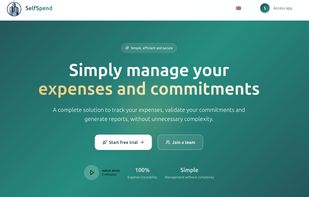
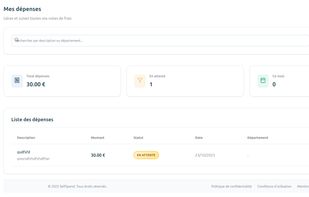
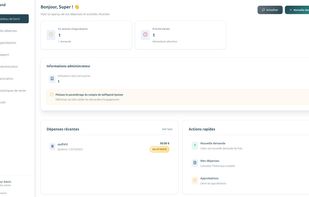
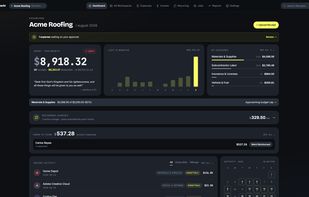
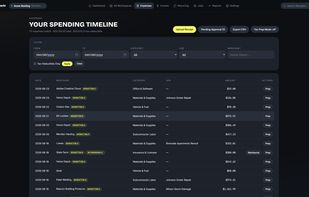
Selfspend is a simple but powerful solution for expense validation, tracking, and reporting for small businesses, with simple, cheap all-in-one pricing point.
Cost / License
- Paid
- Proprietary
Platforms
- Online




Sites and apps similar to Sorted Receipts include Shoeboxed, which has a free version. Other options are Docyt, Fyle, Smart Receipts and cc:Monet. Bookkeeping Tools like Sorted Receipts are a crowded field, with more than 25 alternatives for iPhone, Android, iPad, Mac and Windows.
Selfspend is a simple but powerful solution for expense validation, tracking, and reporting for small businesses, with simple, cheap all-in-one pricing point.

Receipts hub is a web application that allows you to upload a pic of a receipt and have it instantly itemized. Snap a pic of any receipt and categorize and tag each item on the receipt.


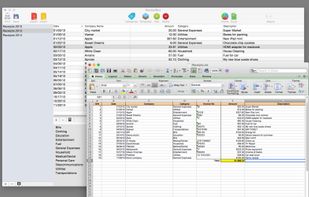
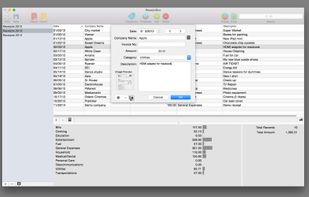
ReceiptBox is a very easy-to-use application designed to help you keep track of your receipts.
 Greece
 EU
EU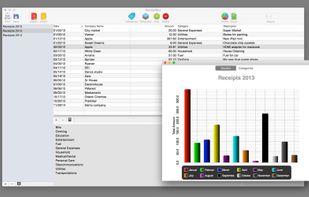



Automatically collect all your invoices in one place. Clerko scans inboxes, gathers files from chat apps, and keeps your documents organized.
 PolandEU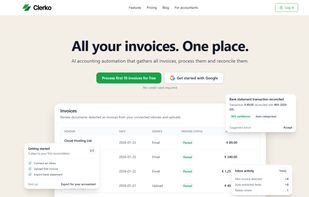


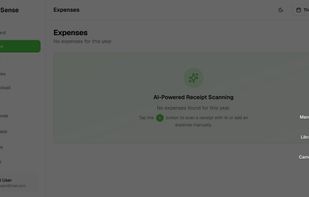
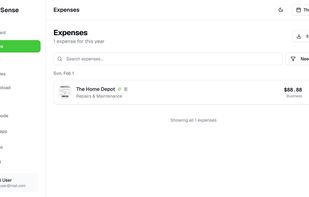
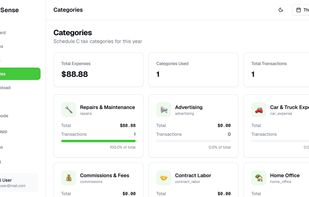
An AI-powered receipt scanner and expense tracker built for freelancers and 1099 workers. It auto-categorizes every expense to the correct IRS Schedule C line number and exports tax-ready reports.
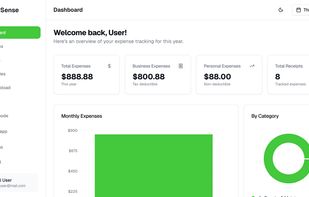


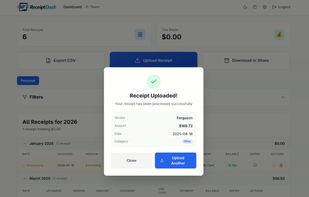
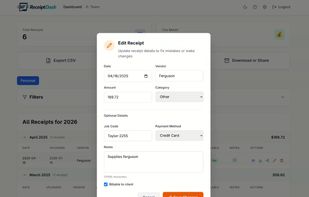
Receipt scanner for contractors. Upload a photo, get the date, vendor, and amount pulled automatically. Export to CSV for billing and accountants.
 AustriaEU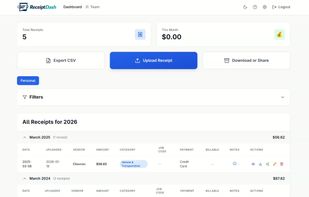


Clerk.AI signs into your banks, then hunts the matching receipts in Gmail and your billing portals, so your accountant gets one clean folder. On your Mac.
 FinlandEU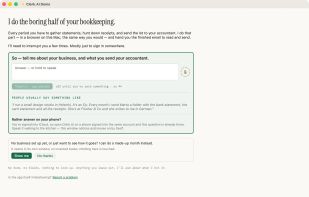
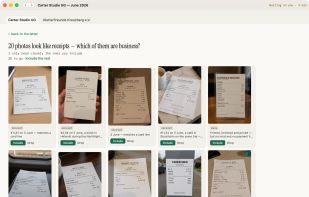
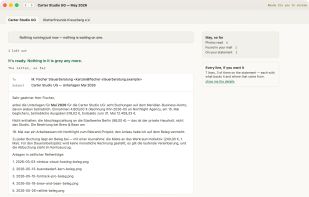
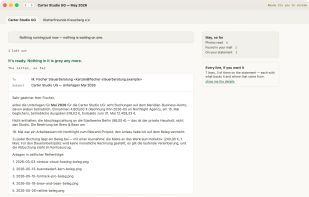


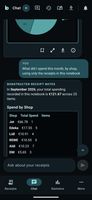
Scan paper receipts, e-receipts, photos, PDFs, or forwarded invoices into a searchable notebook that preserves originals and extracts shops, dates, amounts, and line items. Ask spending questions, build shopping lists, compare prices, get recipe ideas, split receipts, and share notebooks without bank access.
 GermanyEU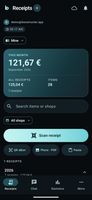
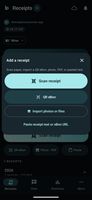


MoniTrackr tracks expenses from receipt photos. Snap the receipt and the details (merchant, total, date, category) are filled in for you, with the photo kept on the expense for tax records.
 United States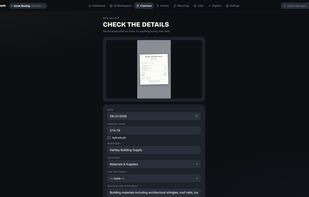
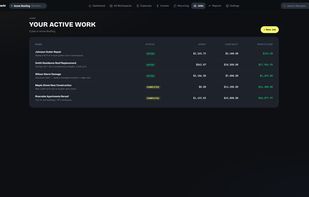


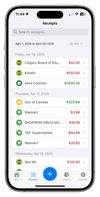
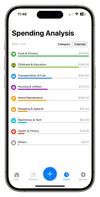
ReceiptIQ AI scans paper receipts with the iPhone camera and records every line item: items, prices, store, date and category, not just the total. Text recognition runs on the device, and the parsed receipt is categorized automatically.
 Canada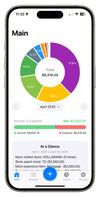


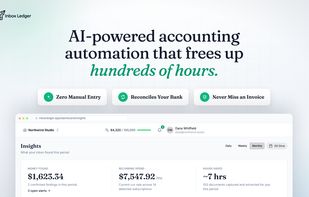
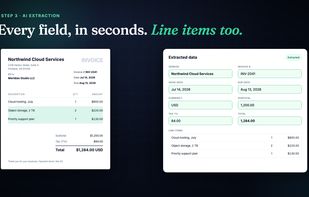
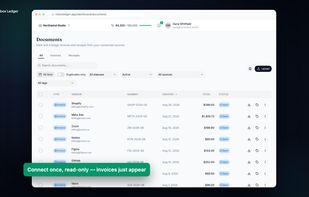
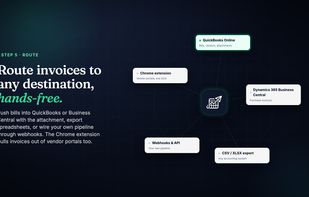
Every inbox tool stops at capture and leaves you a folder of PDFs. Inbox Ledger reconciles against your bank statement and flags duplicate payments and silent vendor price hikes, so the deal usually pays for itself.