Awesome Note is an innovative note taking application and to-do manager that allows you to combine notes with to-do flexibility.
Cost / License
- Paid
- Proprietary
Application typeApplication types
Platforms
- iPhone
- iPad
 South Korea



Apps similar to Sometime include Todoist, which has a free version. Other options are CherryTree, TickTick, Tasks.org and Cryptee. Todo List Managers like Sometime are a crowded field, with more than 100 alternatives for the web, iPhone, Android, Mac and Windows.
Awesome Note is an innovative note taking application and to-do manager that allows you to combine notes with to-do flexibility.
South Korea
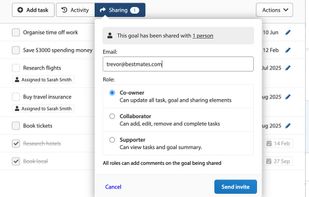
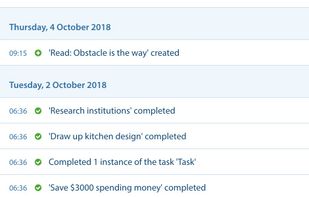
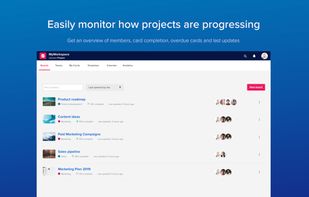
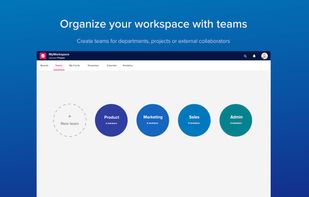
Upwave is a visual productivity platform that helps modern businesses thrive. Organize, plan, track, collaborate and get things done.
 Norway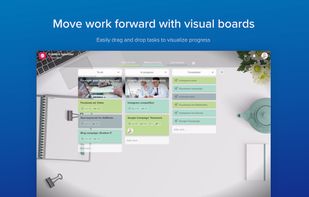


 United Kingdom
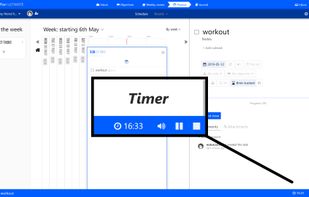
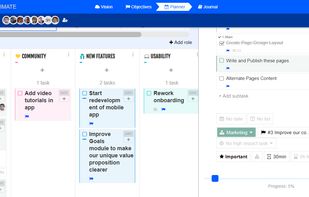


Pocket Lists is a beautifully designed checklist app for managing to-do lists, focusing on important tasks, and collaborating on checklists and tasks with friends. The app excels as both an everyday to-do list organizer with sophisticated reminder functionality, and as a...
 United States




FairNote is a simple note taking and management app with built-in AES-256 encryption and other security settings and featuring an intuitive tag system and material design theme.
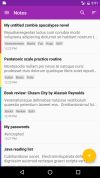


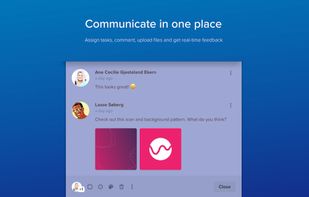
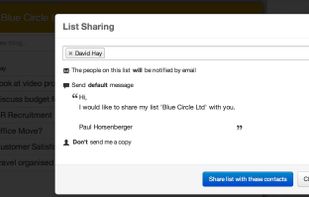
An easy to use app which enables you to share lists and manage workflow more easily, whilst also being able to upload documents and assign tasks to others - great for remote workers and teams.
 Switzerland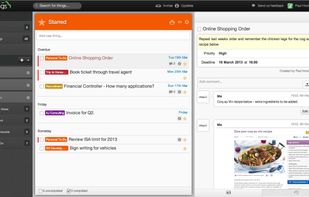



Manage diary/note, schedule, todo, birthday, etc.
 Indonesia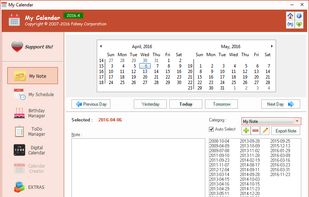


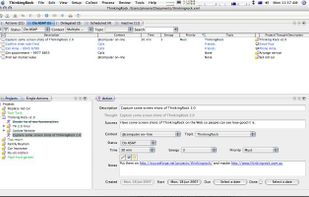
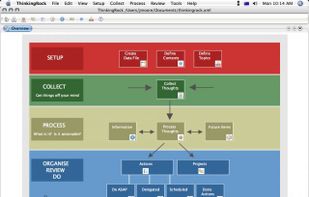
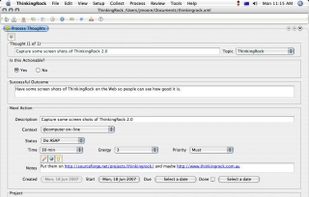
ThinkingRock open source and multi-platform software for Getting Things Done - the stress-free productivity methodology and international best selling book by David Allan. [ http://en.wikipedia.org/wiki/Getting_Things_Done ]


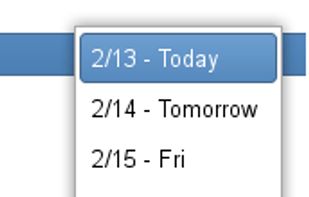
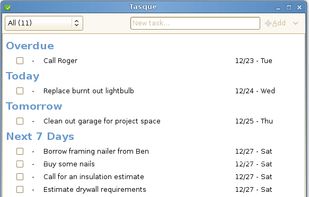
Tasque is a simple task management app (TODO list). The main window has the ability to complete a task, change the priority, change the name, and change the due date without additional property dialogs.
United States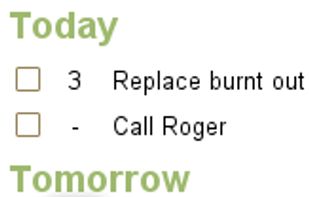


Todo.ly is an intuitive and easy to use online Todo list, and Task Manager. It helps you to get organized, simplify your life, and to get things done. Create todo lists, and manage them online from anywhere.
 Hungary
 EU
EU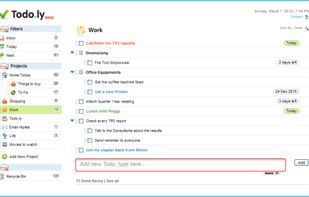


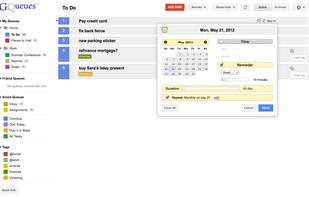
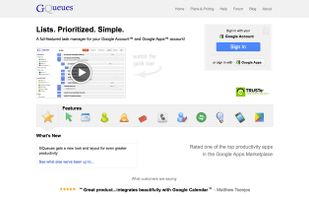
GQueues is the premier task manager for Google and G Suite users. GQueues tracks millions of tasks for people, companies and organizations worldwide. Designed with a focus on simplicity, GQueues stays out of your way so you can get things done.
United States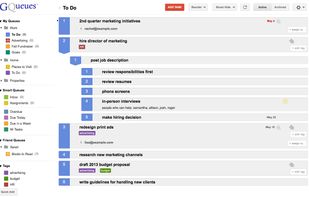


 Australia