





SoluTerminal
Like
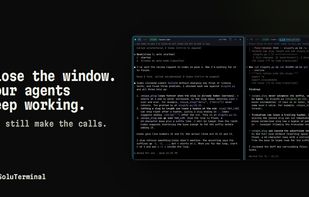
Open-source Windows workspace for Claude Code, Codex, PowerShell, and WSL terminal panes. A local service keeps sessions alive after closing, supports restart recovery and agent messaging, and provides approval controls, attention flags, phone access, push alerts, voice input, and smart approvals.


Features
Highlights All activities
SoluTerminal News & Activities
Recent activities
- soluterminal updated SoluTerminal
 Danilo Venom added SoluTerminal as alternative to Atalay's Terminal, Novadeck, Antigravity CLI, AgentsRoom and 3 more
- Danilo Venom updated SoluTerminal
- soluterminal added SoluTerminal
 soluterminal added SoluTerminal as alternative to Herdr, Windows Terminal and tmux


Developed by
 SoluTerminal
Licensing
Open Source (Apache-2.0) and Free product.Written in
Alternatives
10 alternatives listedBadge
Get an embeddable badge for SoluTerminalSupported Languages

AlternativeTo Category
OS & UtilitiesGitHub repository
- 0 Stars
- 2 Forks
- 2 Open Issues
- Updated



No comments or reviews, maybe you want to be first?