
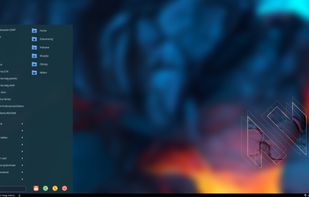
This code provides the MenuStart plugin to nwg-panel. It also may be used standalone, however, with a little help from command line arguments.
Cost / License
- Free
- Open Source (MIT)
Application type
Platforms
- Linux
 Poland
 EU
EU

N


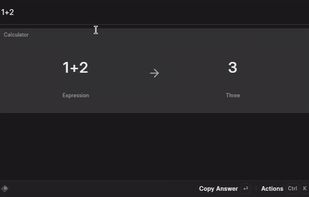
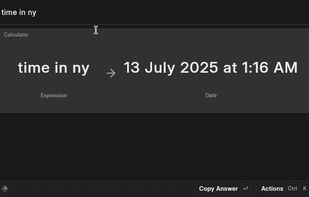
Apps similar to SOL include Microsoft PowerToys, which is free and open source. Other options are Vicinae, espanso, Flow Launcher and Raycast. You're spoiled for choice with Application Launchers like SOL: we list more than 50 alternatives for Mac, Linux, Windows, Android and iPhone.
This code provides the MenuStart plugin to nwg-panel. It also may be used standalone, however, with a little help from command line arguments.
PolandEU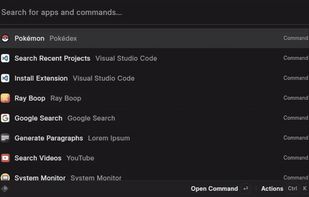

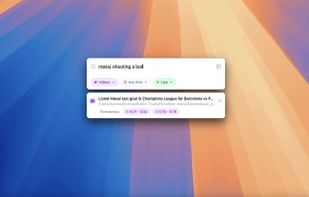
Fenn is a powerful, AI-driven desktop search engine for macOS that makes your files instantly searchable—including videos, audio, PDFs, Word documents, Excel sheets, and images. Just type or upload an image to find exactly where any object, person, or concept appears.


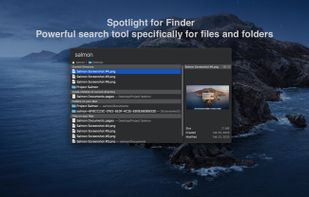
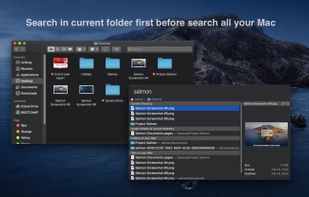
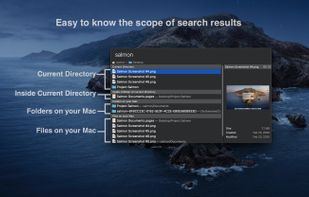
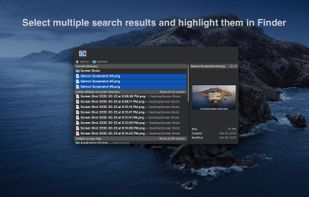
Salmon - Spotlight for Finder. Powerful search tool for files and folders with support for multiple selection. Powerful @modifiers to filter and sort.


Zazu is a new open source productivity app, that allows developers to be in the drivers seat. Unlike other solutions, there is no built-in integrations, so every plugin has the full scope of what Zazu has to offer.
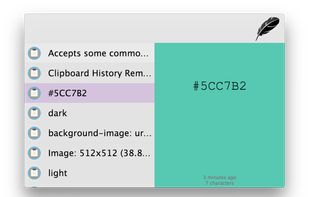
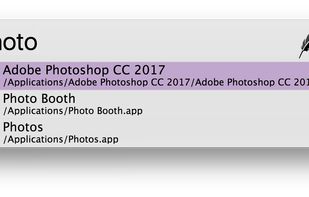


Productivity tool that allows to launch everything (e.g. switch the next song, connect Bluetooth device, set a timer, etc.) so you can stay focused on your current task.
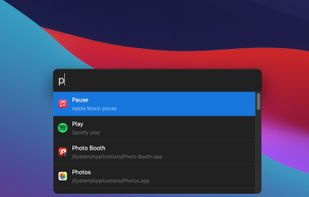

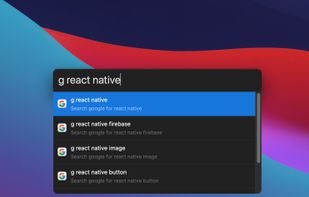
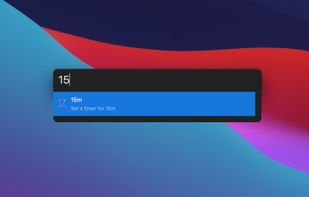


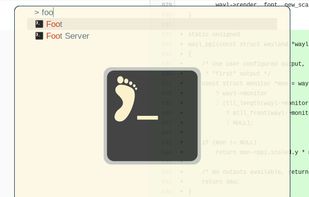
Application launcher for wlroots based Wayland compositors, similar to rofi's drun mode.

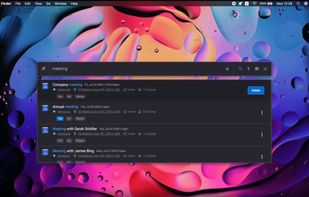
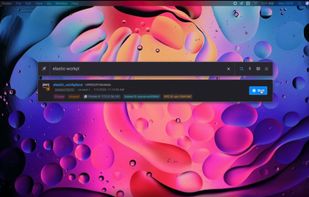
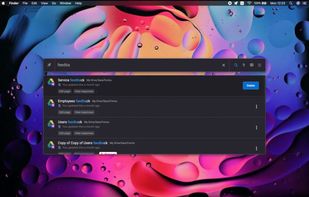
Your productivity level just sprouted wings. Find what you need easily, across your cloud services from one place. Formerly known as ChaseApp.


 Switzerland



Flashlight gives you control over Spotlight. There are tons of options for customization so you can do things how you want to. Flashlight is designed to make enhancing Spotlight easy and enhance it's usefulness on macOS 10.9 and up.
 United States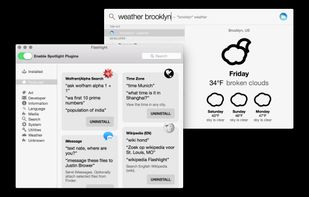


Catapult allows you to easily launch apps, open files and do basic calculations with a keyboard-driven user interface. Custom plugins and themes can be loaded dynamically.
 FinlandEU


