


Cost / License
- Free
- Open Source (MIT)
Application type
Platforms
- Online
- Self-Hosted
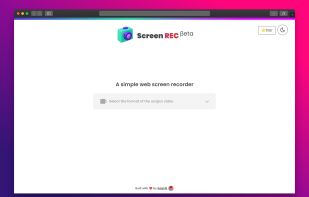


Apps similar to Sniptool include ShareX, which is free and open source. Other options are Greenshot, Flameshot, Snipping Tool and PicPick. There's no shortage of Screenshot Capture Tools like Sniptool, with more than 25 alternatives for Windows, Mac, the web, Linux and self-hosting.

Captures the contents of the screen with a single keystroke. The captured screen can then be sent to the printer, or saved to disk as a file in 6 different graphics file formats. 15 languages.
 United States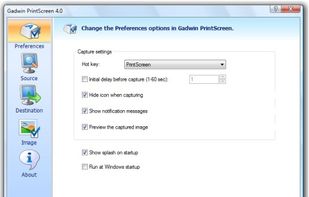


Gemoo's Website Screenshot Screenshot Tool lets you capture high-quality PNG, JPEG or PDF screenshots of entire webpages. You can also use our Bulk Website Screenshot feature to capture multiple screenshots at once, displayed as a slide view and easily shareable via copy...
United States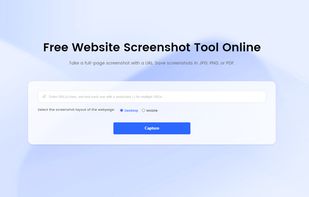


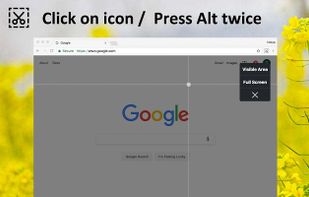
Capture the web page, either part of it or full page. Edit your screenshots in a very user-friendly interface.


Uploading images and screenshots from home page or from your dashboard. Offers a 50 MB upload limit for guests and a 100 MB upload limit for registered users. Offers 11 GB of free storage space for registered users.
United States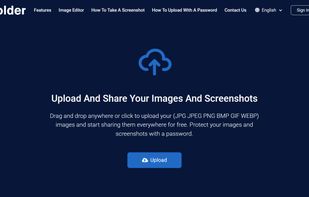


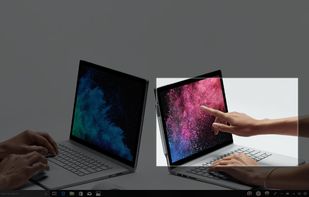
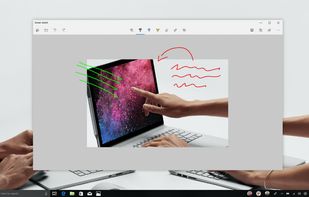
Quickly annotate screenshots, photos and other images with your pen, touch, or mouse and save, paste or share with other apps.


Movavi ScreenShot is a screenshot extension for Chrome and Firefox that lets you grab full and partial screen captures as well as save screenshots in multiple formats.
 Cyprus
 EU
EU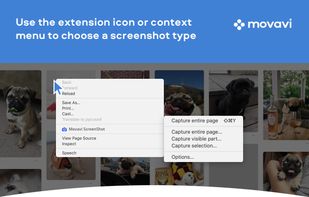




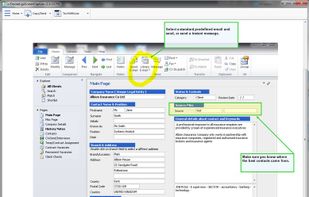
Originally intended for software developers, UX/UI designers and IT support desks, goScreenCapture is the perfect software utility for anyone who wants to create a document, build a slide presentation, check artwork, complete a project and work collaboratively.
 United Kingdom


A macOS app for capturing, annotating and sharing screenshots. Quickly add comments, highlight what matters or blur any sensitive content. Upload screenshots to Google Drive or Dropbox. Copy screenshots to the clipboard and paste them directly into Slack, Skype, Jira, Trello and...


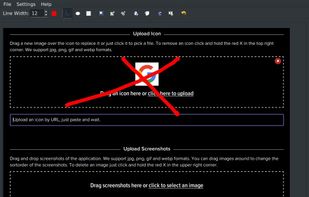
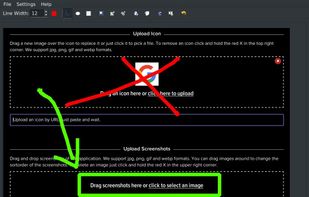


With Free Snipping Tool, not just you create snips, you can save your snips on major backup services like Imgur, Google Drive and Dropbox. Not just this you can also upload them via FTP or simple WebRequest.
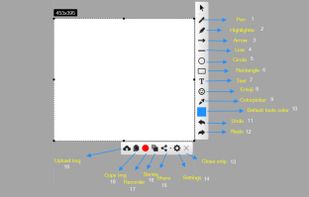
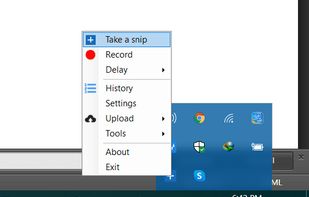
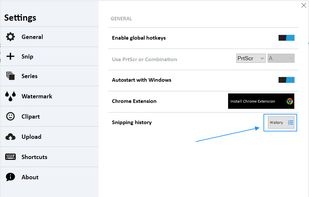


SnipZero is a convenient zero-install screenshot app that lets you take screenshots right from your web browser. No installation required. You can select any application window or browser tab as source.
 GermanyEU


 Russia


