


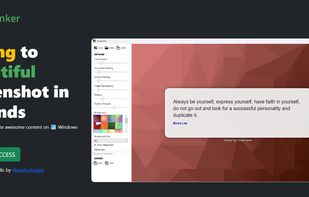
If you are using Windows, SnapInker is an easy way for beautifying your screenshots with effects such as Background Images, Shadow effects, and more.
Cost / License
- Free
- Proprietary
Application type
Platforms
- Windows
 United Kingdom


Apps similar to Snipping Tool include ShareX, which is free and open source. Other options are Flameshot, Greenshot, PicPick and Ksnip. There's no shortage of Screenshot Capture Tools like Snipping Tool, with more than 100 alternatives for Windows, Mac, Linux, the web and Android.
If you are using Windows, SnapInker is an easy way for beautifying your screenshots with effects such as Background Images, Shadow effects, and more.
United Kingdom
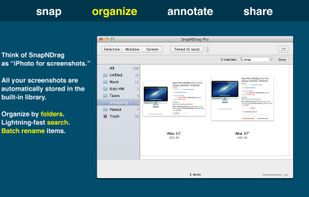
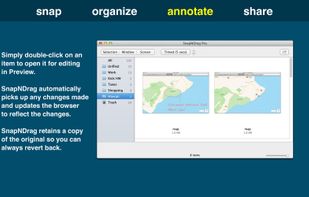
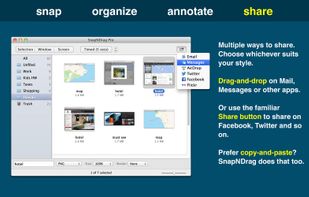
SnapNDrag makes taking screenshots super easy. Click, select and the screenshot is added to your library. SnapNDrag maintains a library of all the screenshots you have ever taken. Think of it as iPhoto for screenshots.
 United States


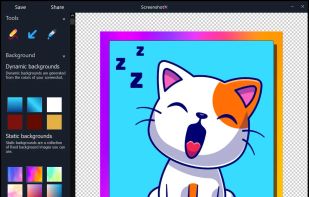
ScreenshotX is a new, lightweight app for Windows for creating beautiful screenshots. It's freeware, it doesn't come with any spyware and you can also share your screenshots without the need to register or any other nonsense.
United States


Movavi ScreenShot is a screenshot extension for Chrome and Firefox that lets you grab full and partial screen captures as well as save screenshots in multiple formats.
 Cyprus
 EU
EU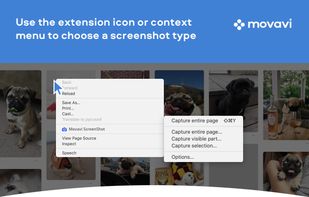

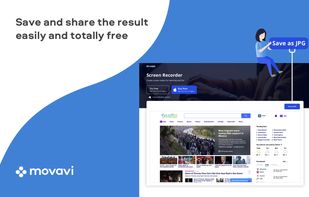


This extension is able to capture 100% of both the vertical and horizontal content appearing on any webpage on the Internet.


A macOS app for capturing, annotating and sharing screenshots. Quickly add comments, highlight what matters or blur any sensitive content. Upload screenshots to Google Drive or Dropbox. Copy screenshots to the clipboard and paste them directly into Slack, Skype, Jira, Trello and...


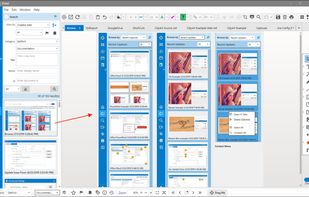
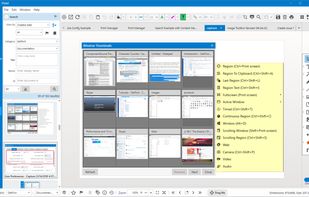
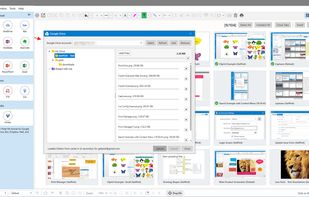
Pixtel Capture is a Windows screen capture app combining 12+ capture modes, annotation, and one-click sharing to Google Drive, OneDrive, Dropbox, Jira, and Office — all in one place. Free plan available; paid plans from $25/yr.
United States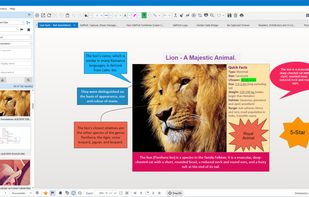


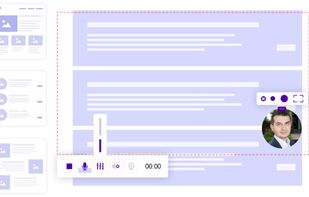
ScreenRec is a free screen recorder for Windows, Linux, and Mac with webcam, microphone, and system audio capture. Record without a watermark or time limit, store videos in free cloud storage, and share instantly with private links.
 BulgariaEU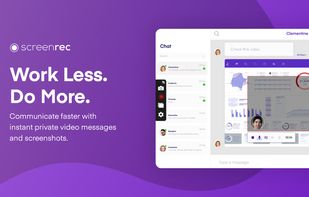
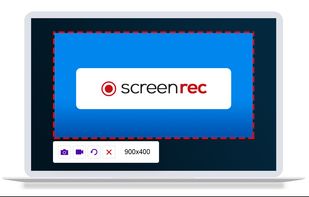
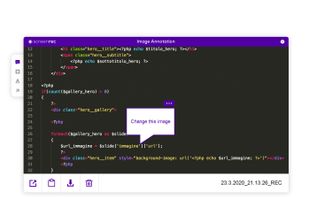


Easy Screen Capture and Annotation lets you capture and annotate any part of the screen. The main goal of the product is to speed up the capture and editing process saving you valuable time by automating repetitive tasks.
United States
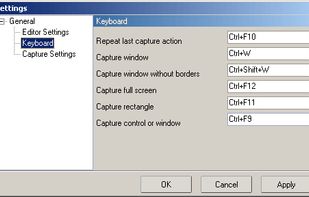


A lightweight yet powerful screen capture tool that allows you to easily capture anything on the screen including windows, objects, full screen, rectangular and freehand regions.
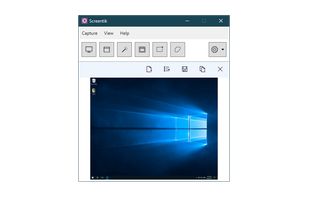


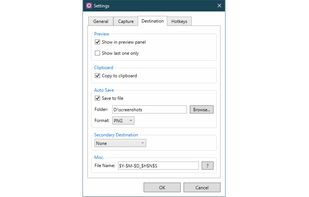


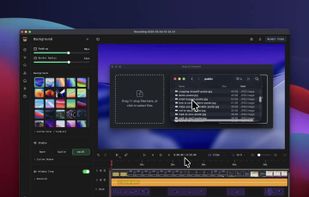
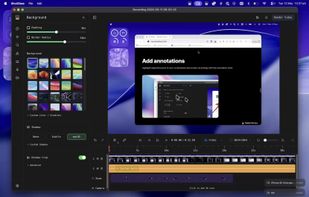
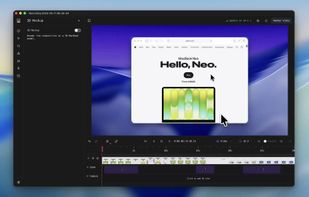
Screenshot and screen recorder app for macOS. One app instead of four. Capture multiple windows, annotate, zoom, add transitions, and drop your recording onto a 3D MacBook with a simulated lens. Everything stays local.
 Australia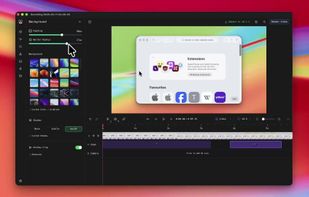


 Russia


