This is just a screen-capture toy, nothing more. If you don't know how to take screenshots with the system functions, use this tool :-).
Cost / License
- Free
- Proprietary
Application type
Platforms
- Windows
 Serbia


Apps similar to Snip By Tencent Technology include ShareX, which is free and open source. Other options are Greenshot, FastStone Capture, Snipping Tool and PicPick. There's no shortage of Screenshot Capture Tools like Snip By Tencent Technology, with more than 50 alternatives for Windows, Mac, the web, Linux and Android.
This is just a screen-capture toy, nothing more. If you don't know how to take screenshots with the system functions, use this tool :-).
Serbia
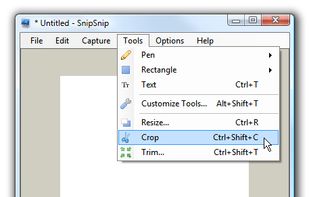
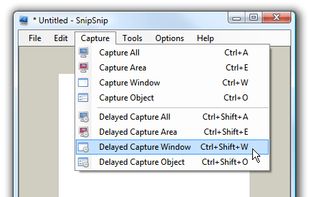
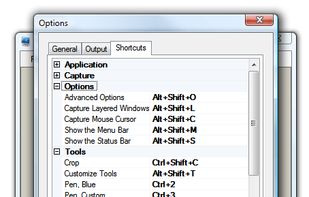
SnipSnip is a screen capture utility, designed for easy capture of some or all of your screen(s). It also allows you to do simple tasks like resizing, cropping and drawing on the capture.


Screen Grab Pro Is a freeware screen capture tool. It features One click grab of any screen for ease of use, Timer operation, Current window selection list and more. Screen Grab Pro copies a bitmap to clipboard ready for pasting in your favorite Picture Editor.


Capture is a quick-and-easy screen capture utility for Windows (and NT), which allows you to capture the entire screen, at any color depth and resolution, and save it into a Bitmap file for editing. If you are interested in only capturing one window, you can select to capture...


Bug Shooting is the perfect tool for software developers as well as testers. Bug Shooting provides you an easy way to create screen captures and attach them to items of your bug tracking or issue management system, e.g.


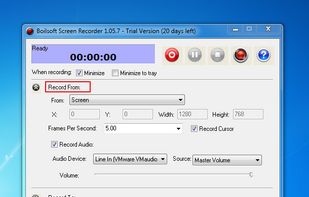
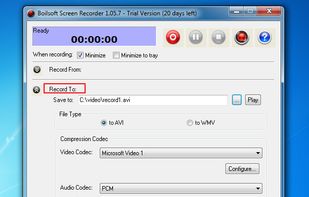
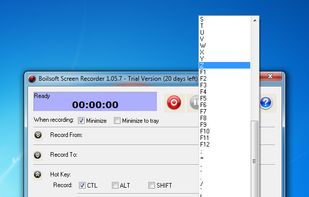
Boilsoft Screen Recorder is a screen-recording software helps to capture screen activities and record video to avi, wmv from microphone, line-in, or speakers for screen sharing.
 China
China