


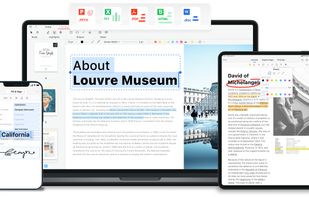
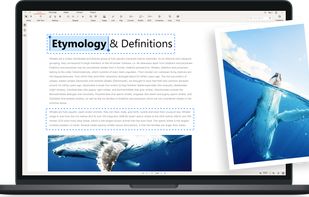
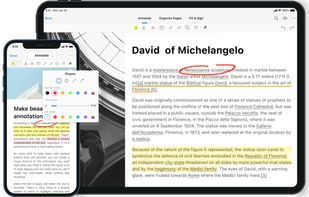
Read, edit, convert, merge, and sign PDF files across devices, for completely free and without signing up.
Cost / License
- Free
- Proprietary
Application types
 Singapore
Platforms
- Mac
- Windows
- Online
- Android
- iPhone
- Android Tablet
- iPad



+2
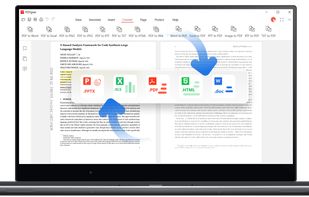


The best free alternative to Smallpdf is PDFgear. If that doesn't suit you, our users have ranked more than 100 alternatives to Smallpdf and loads of them is free so hopefully you can find a suitable replacement. Other interesting free alternatives to Smallpdf are Stirling PDF, PDF24 Creator, BentoPDF and iLovePDF.
Read, edit, convert, merge, and sign PDF files across devices, for completely free and without signing up.
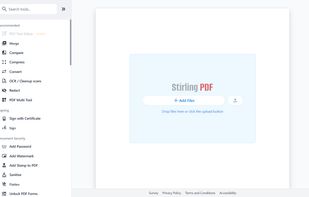
Locally hosted web application offering an interactive GUI to merge, split, reorganize, convert, compress, watermark, secure, sign, flatten, repair, extract images, detect blanks, apply OCR, set permissions, and enable file processing or API integration for PDFs.
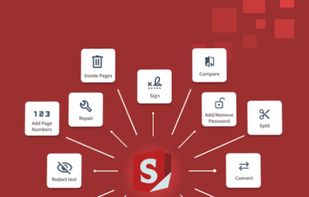
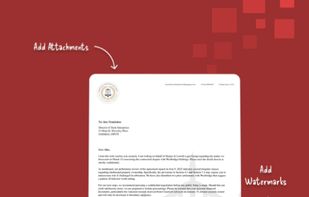
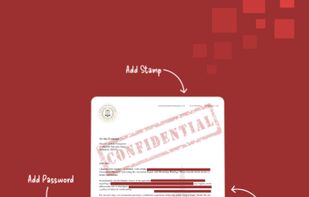

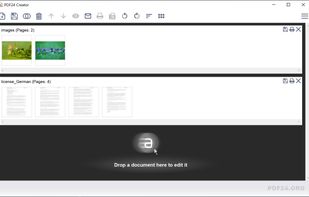
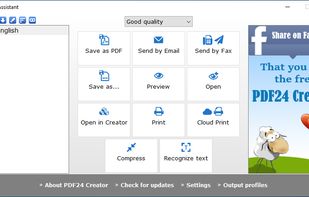
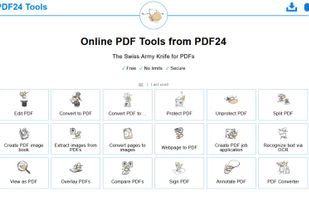
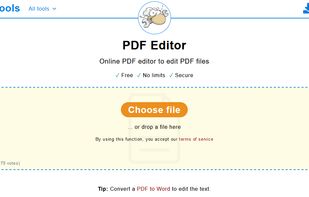
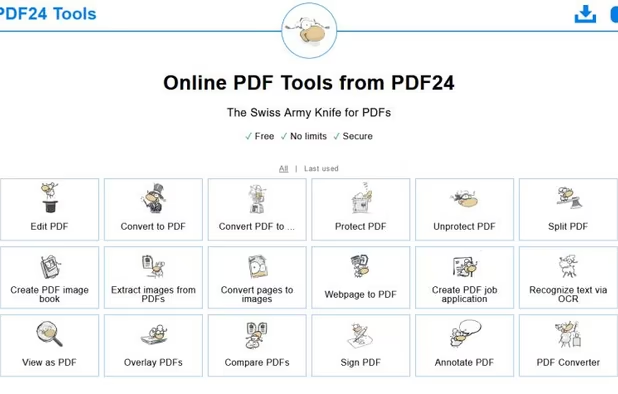
PDF24 Creator is free and feature-filled PDF creation, merging and conversion tool for Windows. Its unique feature among the free PDF printer tools is an editor, which allows to easily assemble, create and modify PDF files with Drag & Drop.



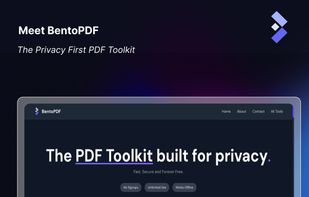
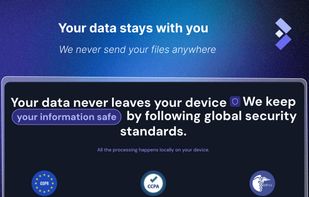
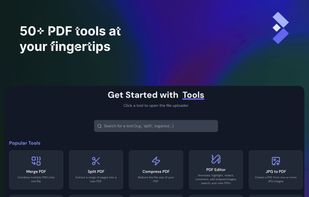
BentoPDF is a PDF Toolkit that works fully offline with no sign ups. It's fast, secure and forever free. In an era where data is a commodity, we take a different approach. All processing for BentoPDF tools happens locally in your browser.


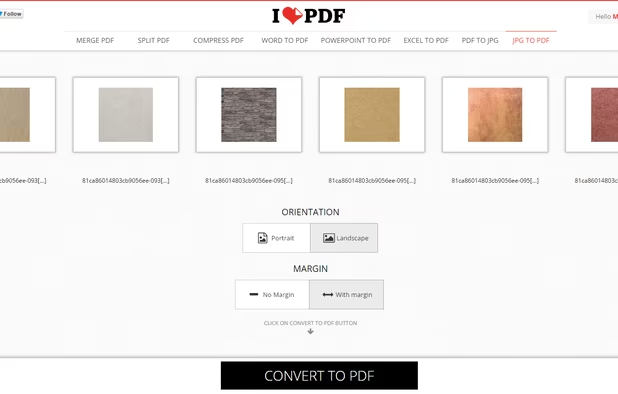
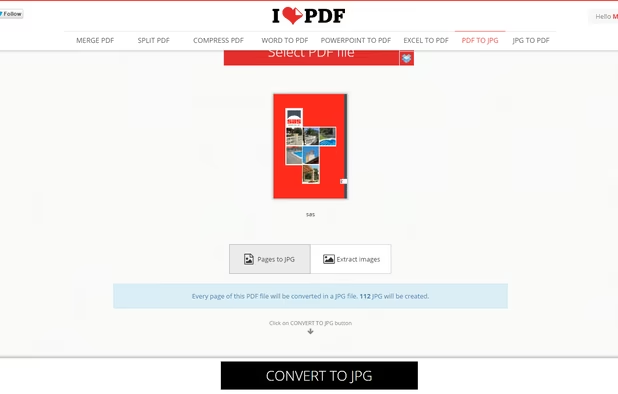
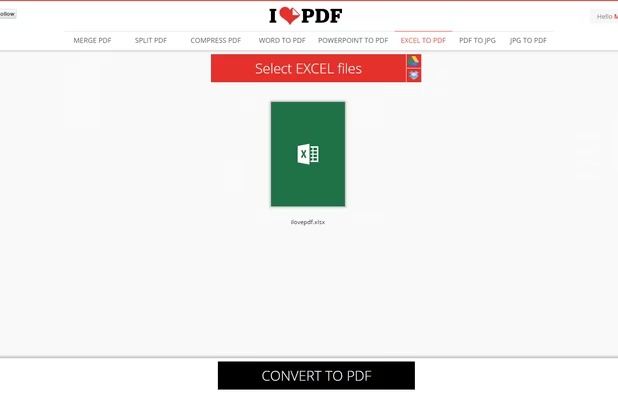
iLovePDF is an online service to work with PDF files completely free and easy to use. Merge PDF, split PDF, compress PDF, office to PDF, PDF to JPG and more!
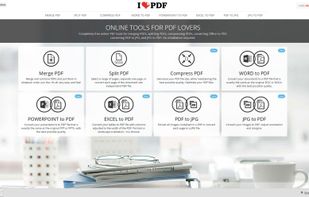
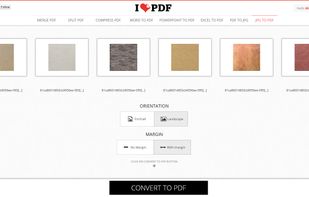
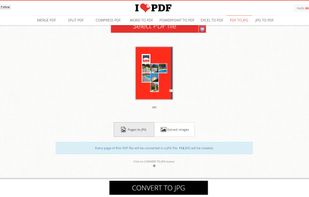
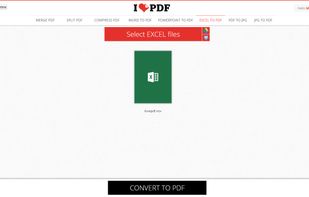

With the free version of SmallPDF you can only compress one PDF a day. With ILovePDF you can compress as many as you want.


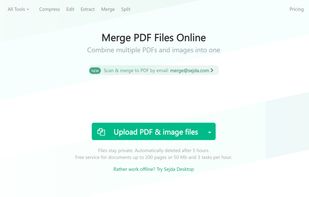
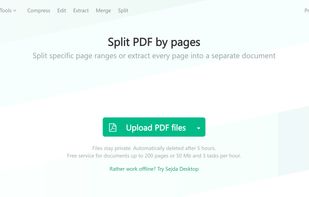
Sejda helps with your PDF tasks: edit existing text, split, merge, extract, compress, export to other formats and more.
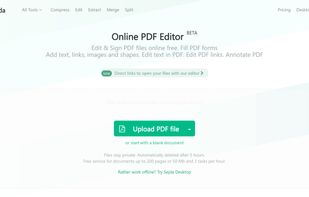


Doesnt mantain format or images.
More free tasks and easier to use




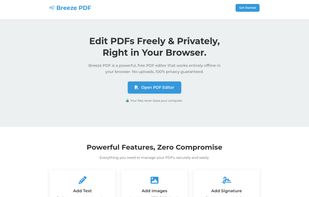
Breeze PDF is a powerful, free PDF editor that works entirely offline in your browser. No uploads, 100% privacy guaranteed.


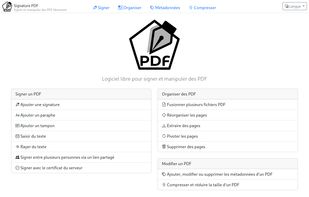
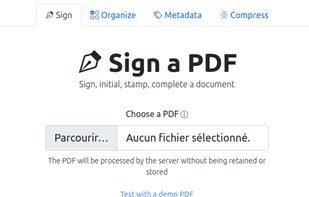
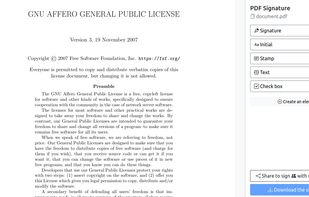
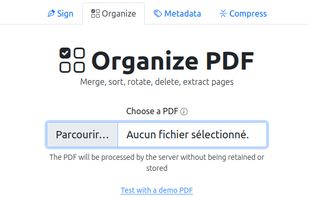
Free open-source web software for signing (alone or with others), organizing (merge, sort, rotate, delete, extract pages, ...), editing metadatas or compressing PDFs.


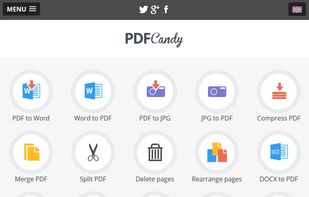
PDF Candy is an online PDF toolset of 47 services for successful processing of PDF files. The service is free for single-file operations and does not require an account. A desktop application is also offered,
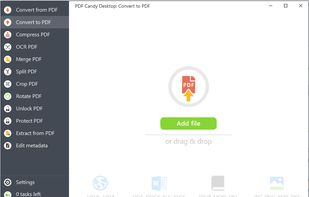
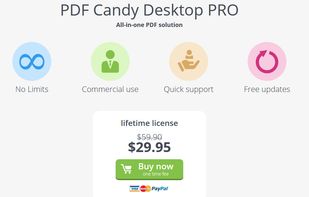

It is exactly the same. if not better! there are so many options just like smallpdf and they too have a desktop version with no limits!


Edit, annotate, and convert PDFs with OCR capabilities, AI-assisted tools for summaries and translations. It supports file protection and offers 2GB of cloud storage for secure management.
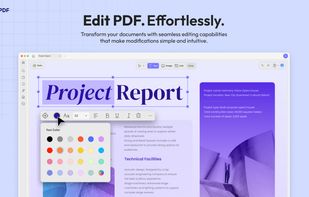
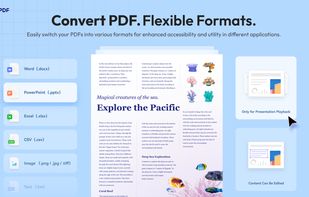
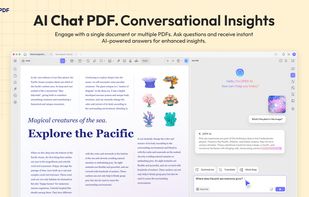
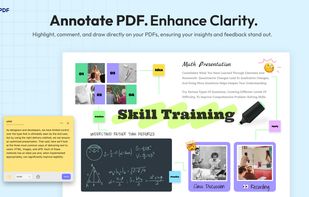


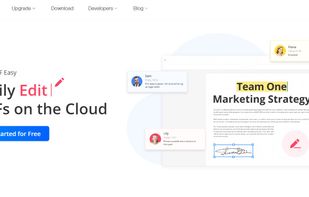
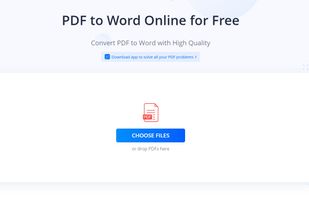
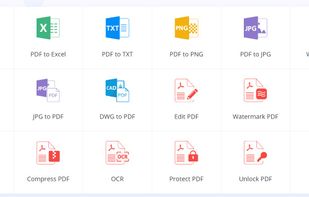
Cloud PDF toolkit provides over 20 tools for editing, conversion, OCR, merge, split, annotation, batch processing, and signatures, with free online access, cross-platform usability, no watermarks, no size limits, and options for mobile and desktop integration.


 United States


 Germany
 EU
EU


 India
India


 Spain
Spain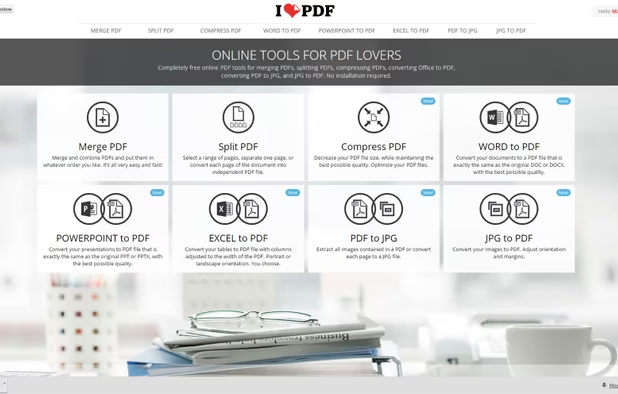


 Netherlands




 France


 Cyprus


 China
China


 Hong Kong SAR China


iLovePDF with extreme preset has better compression