

Cost / License
- Paid
- Proprietary
Application type
Platforms
- Mac
 Poland
 EU
EU



+4


Apps similar to SlideJot include Itsypad, which is free and open source. Other options are Notes, SnappyNotes, Meteorite and Tot. Note-taking Tools like SlideJot are a crowded field, with more than 25 alternatives for Mac, iPhone, iPad, Windows and the web.
PolandEU
Jot is that random piece of notes paper that lives in your Mac Menu Bar. It's also open source.
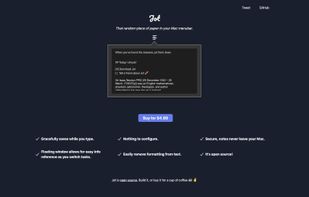
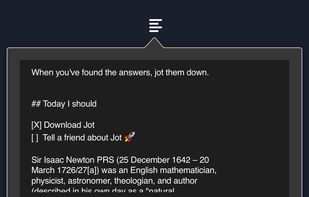


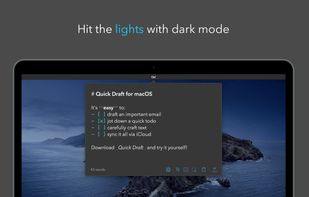
Sometimes you just need a place to jot down a quick note or draft an email or text on the fly. Write your draft and immediately copy or share to another app. When you come back, keep working or delete the note and start over.
 United States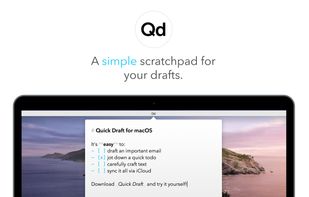



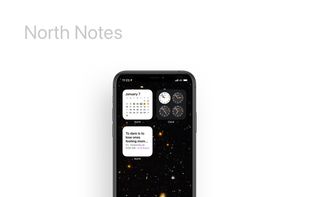
North brings you the simplest, fastest experience in saving your thoughts with context on your iPhone, iPad or Mac. Jot down, copy-paste, list out – all in one app.
United States



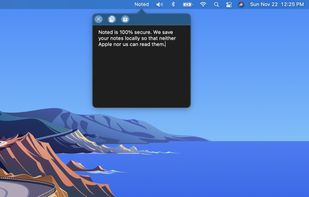
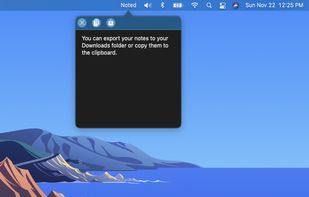


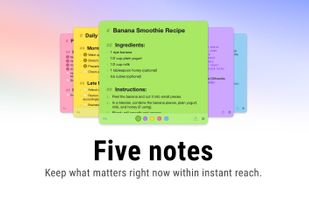
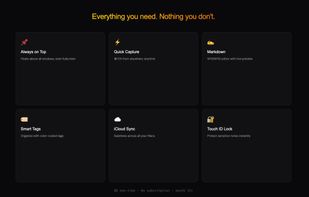
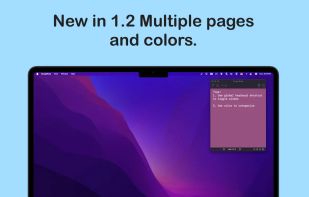
Colorful sticky notes that float above every window. Capture ideas instantly from the menu bar with a global shortcut. Markdown, widgets, iCloud sync, and Touch ID lock.
 BelgiumEU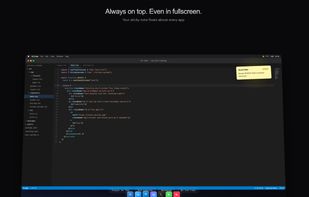



 Malaysia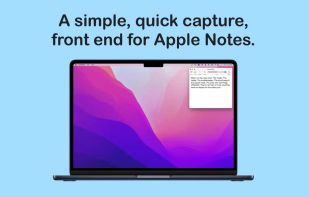


Wisp is a macOS scratchpad. Press Alt + Space anywhere and a glass panel slides in. Type. Hit Esc. It's gone — but your text stays, as plain markdown on disk.
 Pakistan


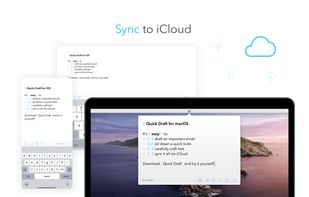
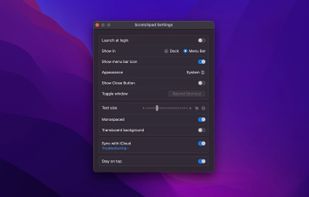
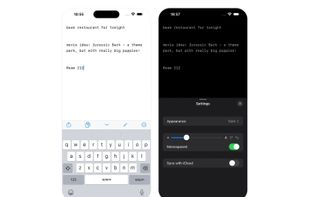
Quickly capture notes from menu bar or Dock on macOS and with one-tap access from iOS Control Center, Home, and Lock Screen. Provides a distraction-free, plain text interface, optional iCloud sync, offline use, font settings, hotkey, and privacy-focused design.
 Norway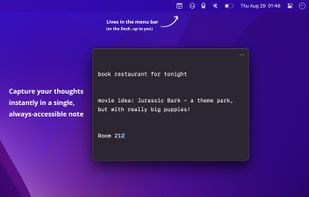



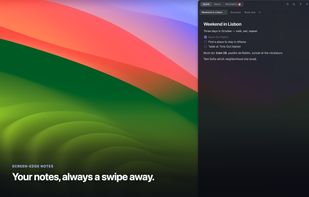
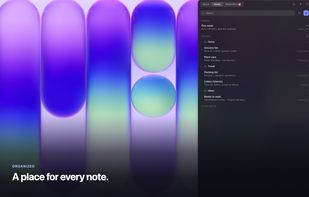
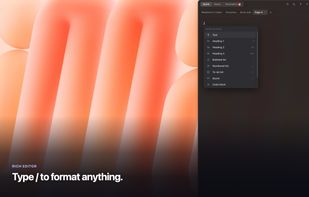
Flyout is a native macOS menu-bar app that keeps a full rich-text editor one gesture away. Nudge the right edge of your screen, or press Option+Command+N, and a note panel flies out over whatever you're doing, then slides away when you step back.



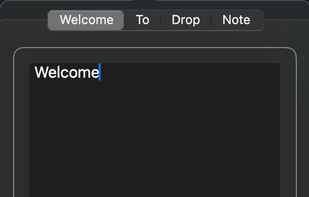
DropNote is the perfect macOS app to manage your notes. Easy to use, with a clean interface and dock integration.

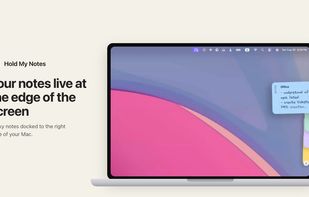
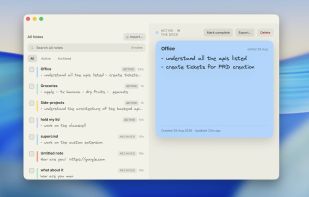
Hold My Notes keeps a deck of sticky notes on the right edge of your Mac. At rest it is a thin pill; move the pointer over and the notes fan out. Encrypted on your machine, no account, macOS 13 or later.
 India
India