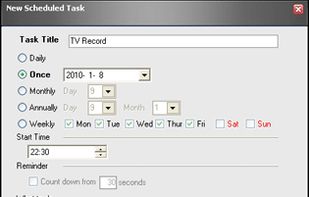
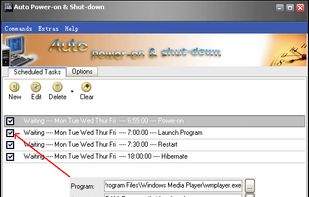
Resume from power-off state - Auto Poweron & Shutdown allows you to auto-start up your computer to work at a specified date and time, even if the system was stopped in hibernation.



+1


Apps similar to SleepTimer Ultimate include AMP WinOFF, which is free. Other options are Airytec Switch Off, Shutter Utility, Sleepr and Wise Auto Shutdown. You can choose from more than 10 Shutdown Schedulers like SleepTimer Ultimate for Windows, Mac, Linux and Android.
Resume from power-off state - Auto Poweron & Shutdown allows you to auto-start up your computer to work at a specified date and time, even if the system was stopped in hibernation.

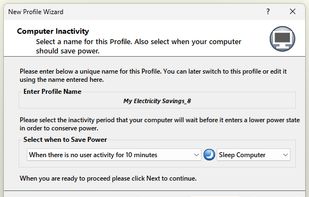
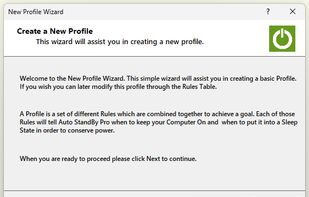
AutoStandByPro puts your Windows PC to sleep, hibernates or locks it automatically when it is idle, and keeps it awake while something important, such as a download or a media stream, is running.
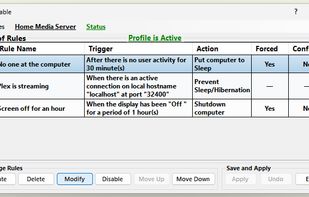
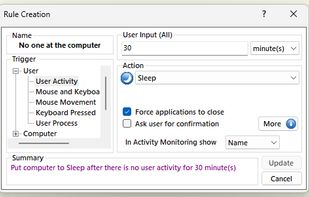


It is a utility allowing to automate shutting the system down or closing specified applications. It is also able to break a modem connection, restart or hibernate the system or even put it to standby mode.
 Poland
 EU


A Windows utility that keeps your computer asleep when it's not busy (you define "busy"); a timeline graph shows when your computer was asleep or awake over several days. Works with Win 8.1 or Win 10. More info at www.molliesoft.com/WinSleep.
 United States


Chameleon Shutdown allows you to switch off, restart, hibernate the computer and perform other operations both immediately and when certain conditions are met (specific time, delay, idle time, CPU usage, closure of a certain program).
 Russia


Qshutdown for time-based shutdown/reboot/suspend/hibernate; qprogram-starter for starting commands and programs at a certain time, logging all output.
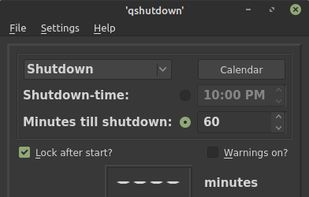
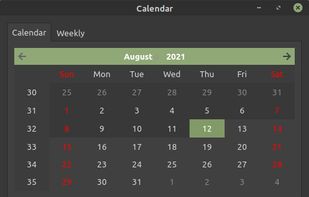
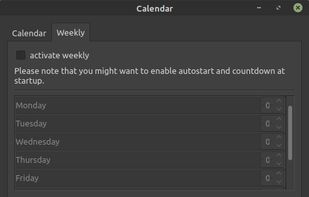
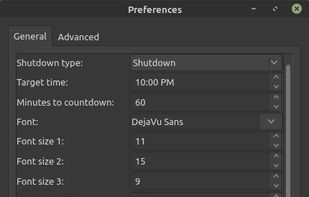


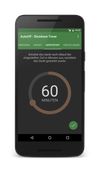
AutoOff allows you to automatically shutdown your device at a set time. You can schedule the timer either in minutes until shutdown or set the exact time of shutdown. Furthermore you can set the timer to automatically start on boot.


 Brazil




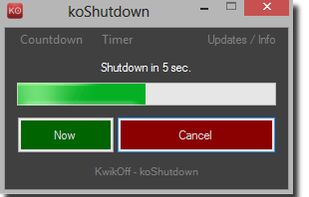
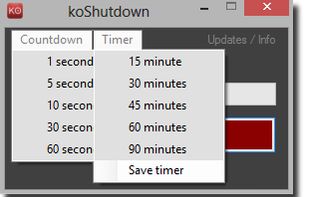
KwikOff is a free one-click tool for your PC to shutdown Windows, to reboot, or to put Windows into standby mode with just one click.