


Platforms
- Mac
- Windows
- Linux


SimpleCap has been discontinued. Similar apps include ShareX, which is free and open source. Other options are Greenshot, FastStone Capture, Snipping Tool and PicPick. You're spoiled for choice with Screenshot Capture Tools like SimpleCap: we list more than 50 alternatives for Windows, Mac, the web, Linux and Android.

Movavi ScreenShot is a screenshot extension for Chrome and Firefox that lets you grab full and partial screen captures as well as save screenshots in multiple formats.
 Cyprus
 EU
EU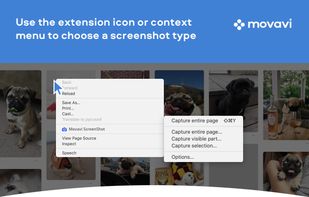




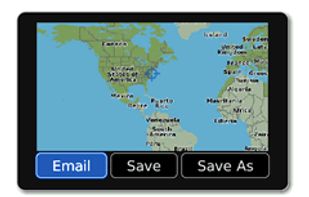
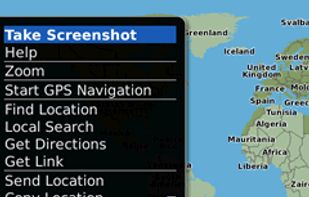
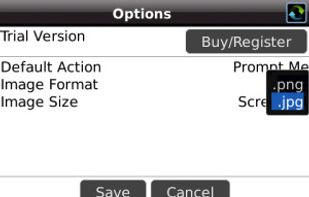
Email Screenshot app allows you to take screenshots on your BlackBerry® device then quickly and easily send screenshots to your contacts. Customisable options are provided with this app. It's user-friendly and saves high-quality Screenshots on a selectable folder on the...


7capture is free screen capture software for Windows 7, Vista and XP. 7capture automatically handles complicated transparency problems such as rounded corners and Aero semi-transparent windows backgrounds.
No matter what Windows version you are using, 7capture will do it's m.
 FranceEU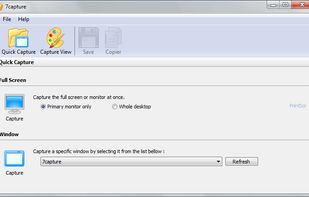


Inboard is a Mac desktop application that helps organize your images.
Perfected workflow
If you value simplicity then Inboard is for you. Most apps compete on which has the most features. We’re not one of those apps. We’re focused on perfecting a great workflow for collecting.
 LatviaEU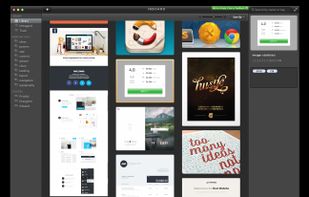


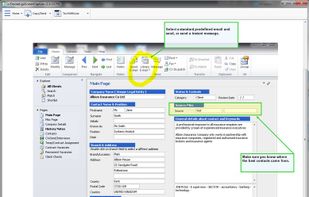
Originally intended for software developers, UX/UI designers and IT support desks, goScreenCapture is the perfect software utility for anyone who wants to create a document, build a slide presentation, check artwork, complete a project and work collaboratively.
 United Kingdom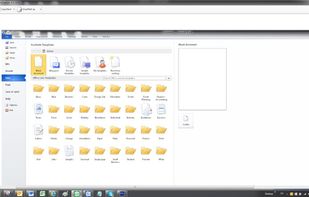


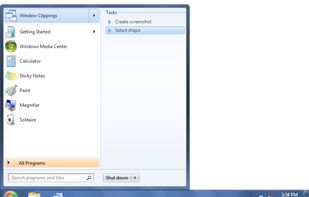
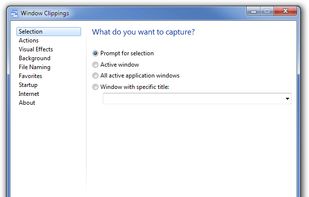
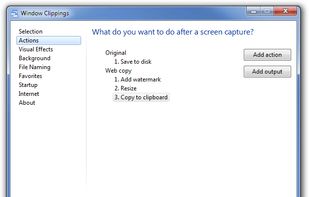
Window Clippings is screenshot app that capture the full Aero glass and shadows interface in screenshots. You can use it to capture shots of windows, menus, or even a free-form selection quickly and easily.



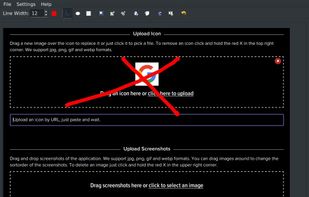
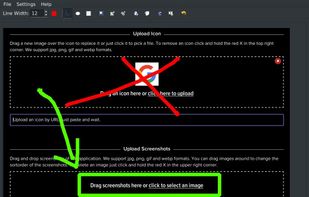


A macOS app for capturing, annotating and sharing screenshots. Quickly add comments, highlight what matters or blur any sensitive content. Upload screenshots to Google Drive or Dropbox. Copy screenshots to the clipboard and paste them directly into Slack, Skype, Jira, Trello and...


Screen capture in real time and send instantly to any destination: clipboard, file, graphic editor, studio, e-mail, web, Windows Instant Messenger, ICQ, printer/fax.


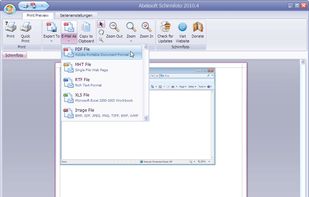
Schirmfoto is the easiest way of creating screenshots. Schirmfoto integrates itself into your Windows system by adding a new button in the title bar of each window. Clicking this icon will create a screenshot for you.
 GermanyEU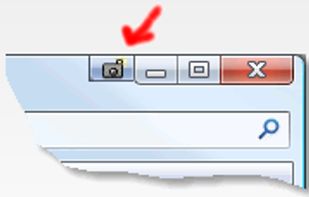


 Russia


 United States


