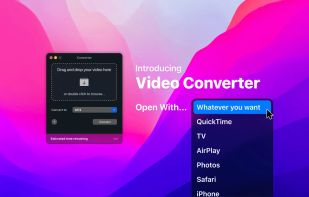
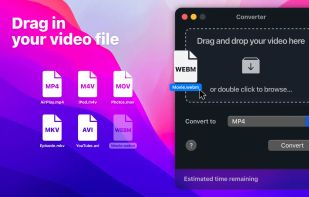
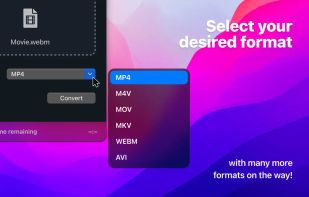
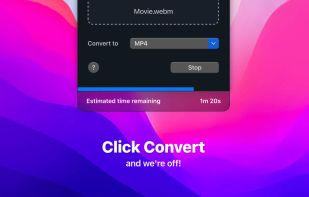
Finally, video conversion made easy. Ready any video type for AirPlay, iPhone, iPad, Apple TV, Chromecast, Xbox, PlayStation and just about anything else.
Cost / License
- Free
- Proprietary
Application type
Platforms
- Mac



+2


One of the most popular alternatives to Shutter Encoder is HandBrake, which is free and open source. Other popular alternatives are FFmpeg, LosslessCut, File Converter and MKVToolnix. Video Converters like Shutter Encoder are a crowded field, with more than 100 alternatives for Windows, Mac, Linux, the web and Android.
Finally, video conversion made easy. Ready any video type for AirPlay, iPhone, iPad, Apple TV, Chromecast, Xbox, PlayStation and just about anything else.

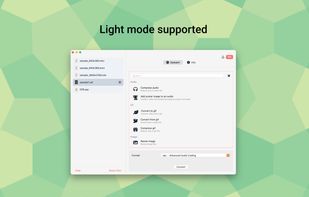
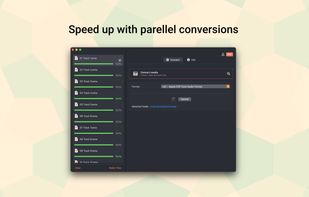
Elegant Converter is a native macOS app that helps quickly convert multiple audio and videos files to many formats.
 Vietnam
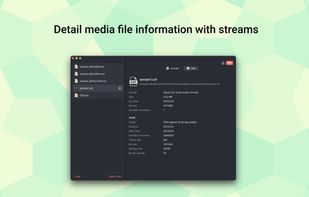


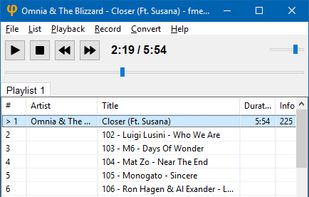
fmedia is a fast media player/recorder/converter for Windows, macOS, Linux, Android and FreeBSD.
 Russia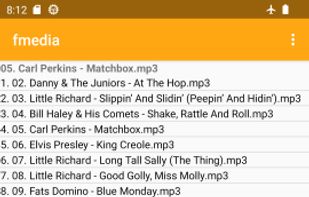


Video Converter Plus is a fast and convenient video converter that allows you to convert video and audio from a wide range of formats for playback and sharing on any device and platform. Whenever you want to convert a video or audio file, this video transcoding software will...
 United States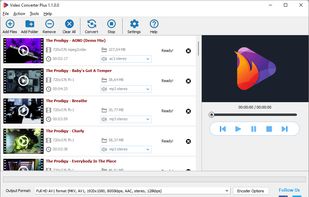


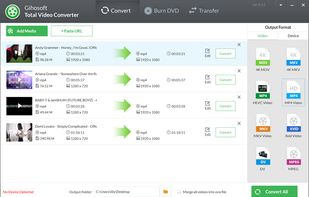
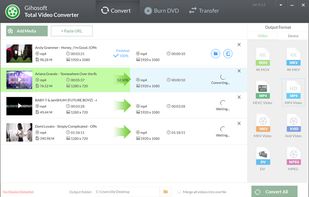
Gihosoft Total Video Converter is a extremely powerful and full-featured video converter which converts more than 1000 video and audio formats for playing on any device. Moreover, with awesome editing tools, you can easily create and edit your personalized videos.
 China
China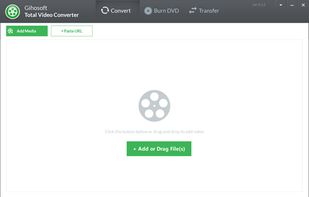


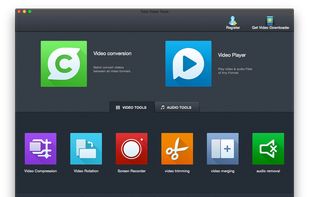
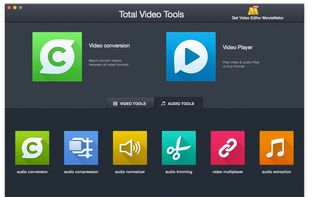
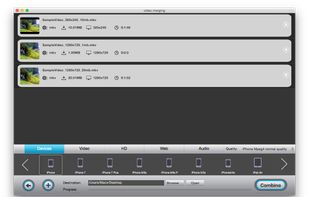
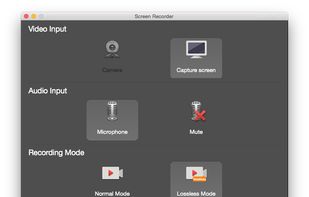
A complete set of audio & video tools to convert videos to various formats and devices, smoothly record your computer screen & voice, play movies & music of any format, and quickly edit multimedia on Mac.


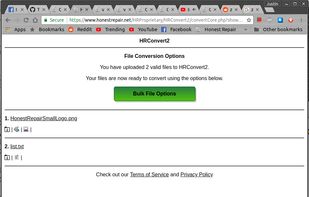
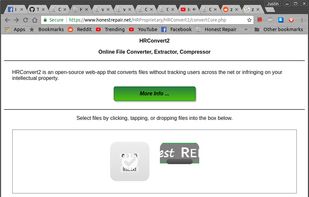
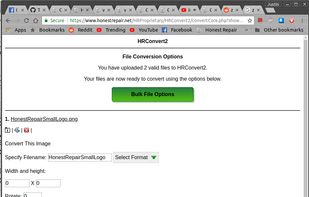
HRConvert2 is an open-source web-app that converts files without tracking users across the net or infringing on your intellectual property.


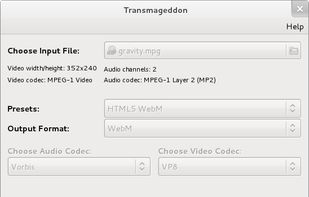
Transmageddon is a video transcoder for Linux and Unix systems built using GStreamer. It supports almost any format as its input and can generate a very large host of output files. The goal of the application was to help people to create the files they need to be able to play on...


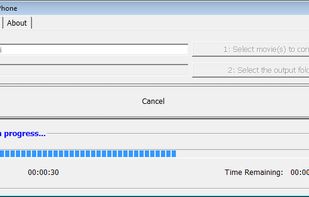
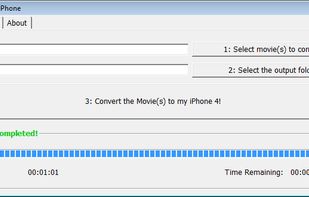
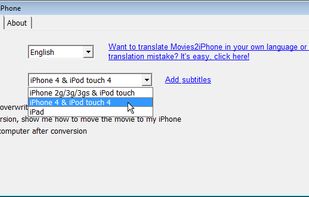
The iPhone is a wonderful device. However when it comes to play videos it turns out to be very picky.
 United Kingdom


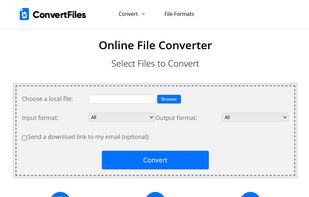
Convert your files from one file type to another without downloading any software. Convert for free almost any type of ebooks, documents, archives, spreadsheets, audio and video files to your desire file format. Convert YouTube to mp3.


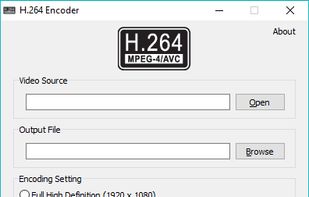


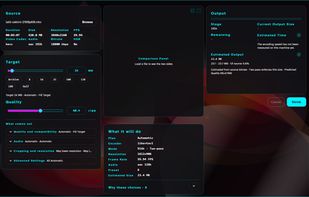
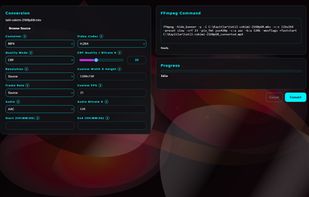
Play, convert, and shrink videos to an exact target size. Offline, adaptive calibration, VMAF-measured. .NET 8 + Avalonia + ffmpeg, Windows.
 Türkiye